Lenovo ThinkCentre M720q Tiny in a 10-inch rack
How the ThinkCentre M720q Tiny fits a 10-inch rack: the M920q chassis on B360, a PCIe 3.0 x8 slot, a rear Gigabit port and two 1U mounts.
 Mira Voss@nullroute5 min read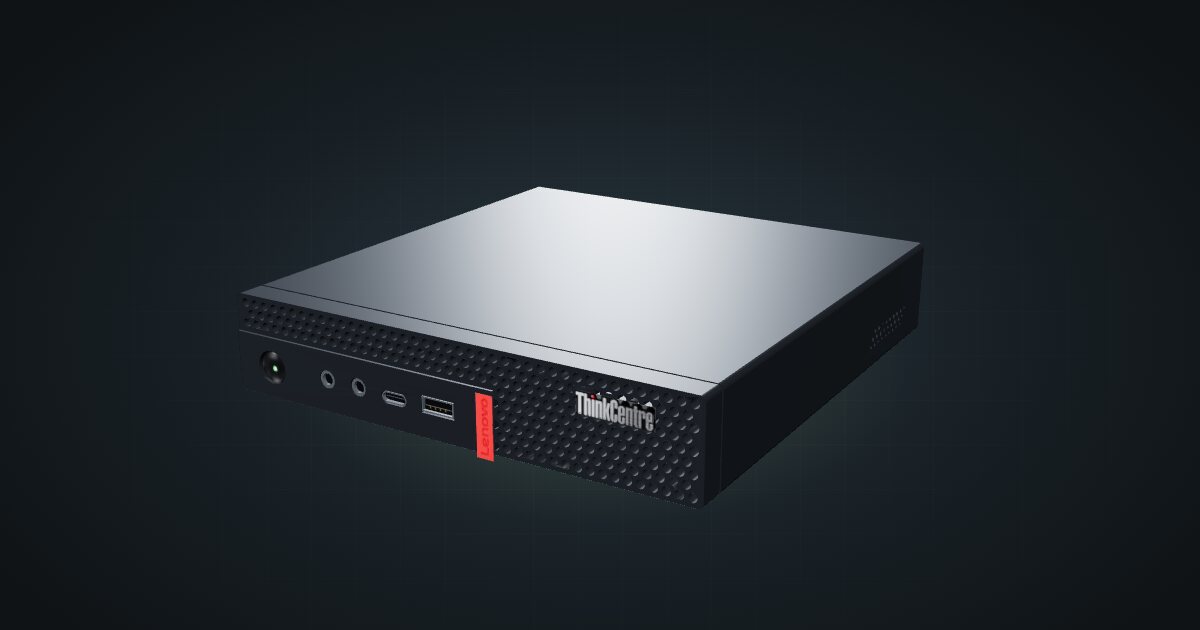
On this page
The ThinkCentre M720q Tiny is the M920q’s non-vPro sibling: the same chassis and rear connector layout, Intel’s B360 chipset, and the same low-profile PCIe slot that makes these Tinys a favourite for router builds. It suits anyone who wants an x86 node or a multi-port firewall in one unit and doesn’t need built-in remote management.
At a glance
| Processor | Celeron, Pentium Gold or 8th/9th Gen Core T-series, up to Core i9-9900T (8 cores / 16 threads); configurable |
| Memory | 2 × DDR4-2666 SO-DIMM, dual-channel, 32 GB maximum (Lenovo-tested) |
| Storage | M.2 PCIe NVMe SSD plus one 2.5-inch SATA drive; no RAID |
| Networking | One Gigabit RJ45 (Intel I219-V) at the rear; optional 4-port Intel I350-T4 card |
| Expansion | One PCIe 3.0 x8 low-profile slot, shared with the 2.5-inch drive position |
| Power | External 65 W, 90 W or 135 W adapter, depending on configuration |
| Size and weight | 179 × 183 × 34.5 mm, 1.32 kg |
Where it fits in a mini rack
The PCIe slot is what people buy an M720q for. Lenovo offered an Intel I350-T4 card for it, which adds four network ports next to the onboard one: enough for an OPNsense or pfSense box with separate WAN, LAN and spare segments. The catch is in the spec sheet. The slot and the 2.5-inch drive share the same space, so a card means you are down to the NVMe drive.
As a Proxmox or container node it lines up with the M920q: up to 8 cores / 16 threads, two SO-DIMM slots with 32 GB as the Lenovo-tested maximum, and an NVMe drive plus a 2.5-inch drive to keep the hypervisor and guest storage apart. Several identical units stack one per unit of rack height.
Non-vPro means no Intel AMT. If you want remote power control or a console on a machine you can’t reach, plan for a KVM over IP device in the rack.
What it is not: a storage server (two drives at most, no RAID), a GPU box, or anything that needs more than Gigabit from the onboard port.
How it fits a 10-inch rack
The configurator checks each placement against every rack in the catalogue:
Because the M720q shares the M920q’s chassis, both of the catalogue’s ThinkCentre mounts take it in 1U and fit all six RackMate frames: the demo mount is 188 mm deep and the M920q mount v2 is 187 mm. In the 200 mm-deep T0 and T1 that leaves little room behind the chassis for the rear power and network plugs, so the 260 mm frames are the more comfortable choice.
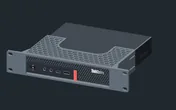
Rack height: 1U · Depth: 106.5 mm · Mounting: 3D-printed 1U carrier
Details & sources →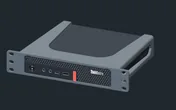
Rack height: 1U · Depth: 186.5 mm · Mounting: 3D-printed 1U carrier
Details & sources →- ThinkCentre M920q mount v2 is a community mount drawn for the M920q chassis.
- ThinkCentre demo mount comes from a parametric 10-inch mount design and works as a starting point if you want to adapt it.
Without a mount, the 10i hex shelf takes the machine flat in 1U at 187 mm deep. Standing upright it needs 5U, more than the four-unit T0 and T0 Plus have, so the upright option only works in the T1, T1 Plus, T1/2 Plus and T2.
There is also a mount drawn for this exact model outside the catalogue: the community Lenovo ThinkCentre Tiny 10" Rack Mount (M720q) on MakerWorld. It is not in the configurator yet, so plan with one of the mounts above.
Power
The catalogue plans this machine between 11 W and 135 W. The low figure is ServeTheHome’s measured idle of 11–14 W on a dual-core Pentium Gold G5400T unit at 120 V, which never drew more than 50 W in its testing. An earlier ServeTheHome review of a six-core Core i5-8400T unit reported 27 W idle and 68 W at maximum load. Treat the low figure as the low-spec reference it is, not a guarantee for faster CPUs.
The high figure is the largest documented adapter, not measured consumption. Lenovo shipped 65 W, 90 W and 135 W adapters, each 88% efficient, and its configurator listed the 135 W adapter as required with the I350-T4 card. Budget each machine at the rating of the adapter it actually has, and plan where the external bricks live: behind the mounts on the rack floor or on a power strip at the back.
Networking and cabling
The onboard port is a single Gigabit RJ45 on an Intel I219-V, with Wake-on-LAN, and it faces the rear. Patch it to a rear keystone in the same rack, and never route the cable around the side of the frame to reach the front. An I350-T4 card sits at the rear too, so its four ports also go to rear keystones.
The front panel carries a USB 3.1 Gen 1 port (always on) and a USB-C 3.1 Gen 1 port, which is handy for a boot stick when the back of the rack is hard to reach. Wi-Fi is an optional M.2 card.
The catalogue doesn’t model the I350-T4’s ports. If you fit one, plan four more switch or keystone positions before you pick the switch.
How it differs from the M920q
The M720q and M920q share the chassis, the 3D model, the mounts, the CPU ceiling, the memory and storage layout, the PCIe slot and the adapter options. The differences are in the platform:
- Chipset and management. The M720q runs on B360 and is non-vPro. Selected M920q models carry Intel vPro with AMT 12.0.
- Network controller. Intel I219-V here, I219-LM on the M920q. Both are single Gigabit ports with Wake-on-LAN.
- Wireless. The M720q’s Wi-Fi options top out at Bluetooth 4.2; the M920q also offered an Intel 9560 card with Bluetooth 5.0.
- Idle reference. 11–14 W measured on a Pentium Gold M720q, against 12–15 W on a quad-core M920q. Different CPUs, so neither number transfers.
If you need vPro, pick the M920q. If you don’t, the M720q does the same rack job.
Full specifications
Plan it
Open the ThinkCentre M720q Tiny in the catalogue to add it to a rack plan with either mount or the shelf.
The ThinkCentre M920q guide covers the vPro sibling in more detail, and the ThinkCentre M910q guide covers the older generation in the same footprint.
Sources
Related guides
Lenovo ThinkCentre M910q Tiny in a 10-inch rack
How the ThinkCentre M910q Tiny fits a 10-inch rack: 6th/7th Gen Intel on Q270, vPro on some models, no PCIe slot, a rear Gigabit port and two 1U mounts.
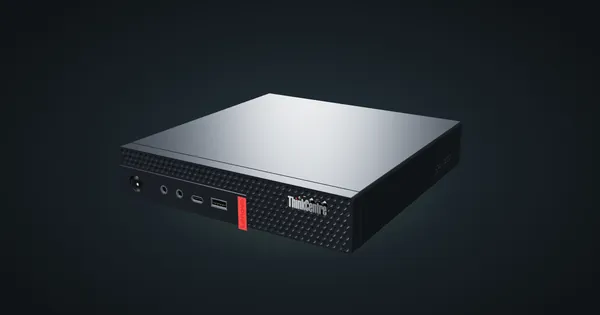
Lenovo ThinkCentre M920q / M920x in a 10-inch rack
How the ThinkCentre M920q and M920x fit a 10-inch rack: two 1U mounts, a rear Gigabit port, up to 32 GB RAM and 65 W to 135 W adapters.
HP EliteDesk 800 G6 Mini in a 10-inch rack
How the HP EliteDesk 800 G6 Mini fits a 10-inch rack: 1U on the HP mount, 10th Gen Intel, up to 64 GB RAM, two NVMe slots and 65 W to 150 W adapters.