Lenovo ThinkCentre M910q Tiny in a 10-inch rack
How the ThinkCentre M910q Tiny fits a 10-inch rack: 6th/7th Gen Intel on Q270, vPro on some models, no PCIe slot, a rear Gigabit port and two 1U mounts.
 Mira Voss@nullroute5 min read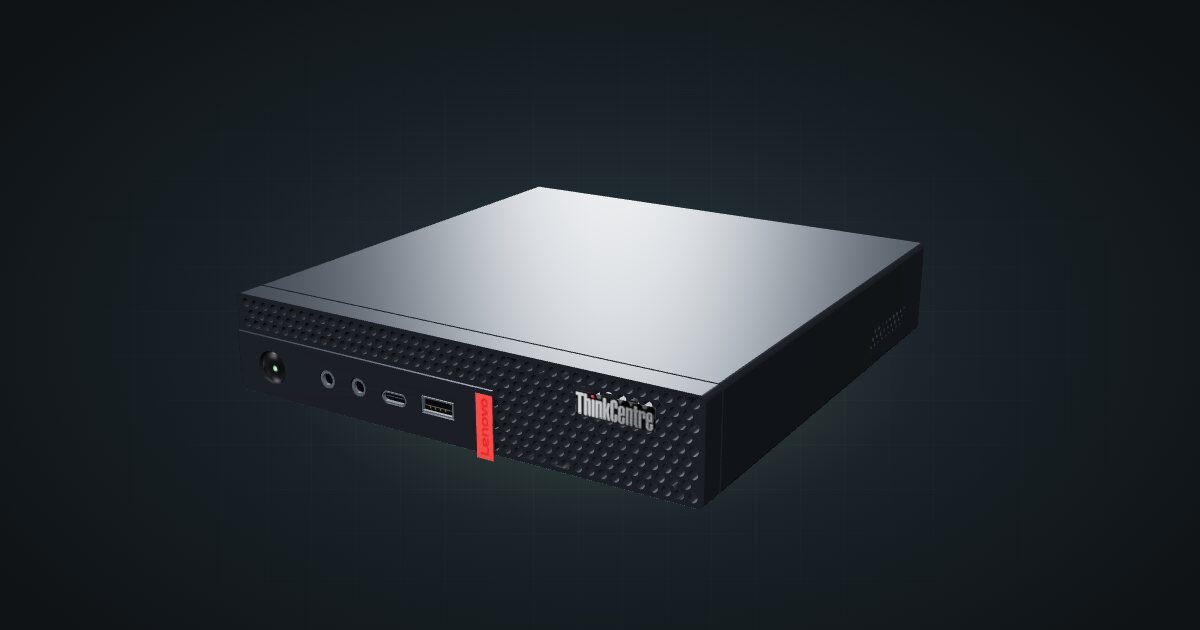
On this page
The ThinkCentre M910q Tiny is the generation before the M920q: 6th and 7th Gen Intel on a Q270 chipset, Intel vPro on selected models, and the same 179 × 183 × 34.5 mm envelope. It has no PCIe slot, so it is a compact compute node rather than a router-card host. It suits small clusters, always-on services and anyone who wants a tidy one-unit x86 box with optional remote management.
At a glance
| Processor | Celeron, Pentium or 6th/7th Gen Core T-series, up to Core i7-7700T (4 cores / 8 threads, up to 3.8 GHz); configurable |
| Memory | 2 × DDR4-2400 SO-DIMM, dual-channel, 32 GB maximum |
| Storage | M.2 PCIe 3.0 x4 NVMe SSD plus one 2.5-inch SATA drive |
| Networking | One Gigabit RJ45 (Intel I219-LM) at the rear, Wake-on-LAN |
| Management | Intel AMT 11.0; vPro on selected models |
| Power | External 65 W adapter; 90 W only with the optional I/O box |
| Size and weight | 179 × 182.9 × 34.5 mm, 1.32 kg |
Where it fits in a mini rack
For a small Proxmox, Docker or Kubernetes node, the specs are modest but sound: up to 4 cores / 8 threads, two SO-DIMM slots for up to 32 GB, and an NVMe drive plus a 2.5-inch drive so the operating system and the data can live on separate disks. Three or four identical units stack one per unit of rack height and make a practical multi-node lab.
Intel vPro with AMT 11.0 is the feature to check for. On models that have it, AMT can provide remote power control and a remote console without a separate KVM, which matters when the rack sits in a cupboard. It depends on the exact CPU and configuration, so confirm it on your unit before you count on it.
What it is not: a router build. Without a PCIe slot there is no room for a four-port network card, and the onboard port is a single Gigabit RJ45. It is not a storage server either, with two drives at most.
How it fits a 10-inch rack
The configurator checks each placement against every rack in the catalogue:
The M910q shares the M920q’s envelope and rear connector order, so both of the catalogue’s ThinkCentre mounts take it in 1U and fit all six RackMate frames: the demo mount is 188 mm deep and the M920q mount v2 is 187 mm. In the 200 mm-deep T0 and T1 that leaves little room behind the chassis for the rear power and network plugs, so the 260 mm frames are the more comfortable choice.
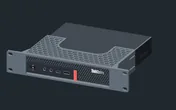
Rack height: 1U · Depth: 106.5 mm · Mounting: 3D-printed 1U carrier
Details & sources →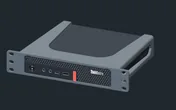
Rack height: 1U · Depth: 186.5 mm · Mounting: 3D-printed 1U carrier
Details & sources →- ThinkCentre M920q mount v2 is a community mount drawn for the M920q chassis.
- ThinkCentre demo mount comes from a parametric 10-inch mount design and works as a starting point if you want to adapt it.
Both mounts are drawn around the M920q, whose front ports differ from the M910q’s. If a mount’s faceplate has cut-outs for the front ports, check them against your machine before you print.
Without a mount, the 10i hex shelf takes the machine flat in 1U at 187 mm deep. Standing upright it needs 5U, more than the four-unit T0 and T0 Plus have, so the upright option only works in the T1, T1 Plus, T1/2 Plus and T2.
Outside the catalogue, the community 10 Inch Rack Mount for Lenovo m910q on Printables is drawn for this exact model. It is not in the configurator yet, so plan with one of the mounts above.
Power
There is no published idle or load measurement for the M910q, so the catalogue has no low figure. ServeTheHome did not review it, the current ENERGY STAR dataset no longer lists it, and the nearest measurement is from the sibling M710q, which the catalogue deliberately doesn’t borrow.
The high figure is 90 W, the largest documented adapter, and it is not measured consumption. Lenovo ships a 65 W adapter, 88% efficient, as standard; the 90 W adapter comes only with the optional I/O box. For rack planning, budget 65 W per standard machine and find a home for each external brick behind the mounts or on the rack floor.
The power plan for this machine is an allowance, not an estimate. If you need a real number for a UPS or a crowded power strip, measure your own unit at the wall.
Networking and cabling
The onboard port is a single Gigabit RJ45 on an Intel I219-LM, with Wake-on-LAN, and it faces the rear. Patch it to a rear keystone in the same rack, and never route the cable around the side of the frame to reach the front.
The front panel has two USB 3.1 Gen 1 ports, one of them always on, which is enough for a boot stick and a keyboard. The rear adds four more USB 3.1 Gen 1 ports and two DisplayPort outputs. Wi-Fi is an optional M.2 card, and in a rack you will rarely want it.
How it differs from the M920q
The M910q uses the M920q’s 3D model and mounts, but it is an older machine:
| M910q | M920q | |
|---|---|---|
| CPU ceiling | Core i7-7700T, 4 cores / 8 threads, up to 3.8 GHz | Core i9-9900T, 8 cores / 16 threads, up to 4.4 GHz |
| Memory | DDR4-2400, 32 GB max | DDR4-2666, 32 GB max (Lenovo-tested) |
| Expansion | No PCIe slot | PCIe 3.0 x8 low-profile slot, optional I350-T4 card |
| Video | Two DisplayPort plus one optional port | HDMI plus DisplayPort plus one optional port |
| Front USB | Two USB-A | USB-A plus USB-C |
| Management | AMT 11.0, vPro on selected models | AMT 12.0, vPro on selected models |
| Adapters | 65 W; 90 W with the I/O box | 65 W, 90 W or 135 W |
| Measured idle | None published | 12–15 W on a quad-core unit |
The M920q is the one to pick for router builds or more cores. The M910q does the same rack job for lighter workloads, and with vPro on the right models it still offers remote management.
Full specifications
Plan it
Open the ThinkCentre M910q Tiny in the catalogue to add it to a rack plan with either mount or the shelf.
The ThinkCentre M920q guide covers the newer machine compared above, and the ThinkCentre M720q guide covers its non-vPro sibling with the PCIe slot.
Sources
Related guides
Lenovo ThinkCentre M720q Tiny in a 10-inch rack
How the ThinkCentre M720q Tiny fits a 10-inch rack: the M920q chassis on B360, a PCIe 3.0 x8 slot, a rear Gigabit port and two 1U mounts.
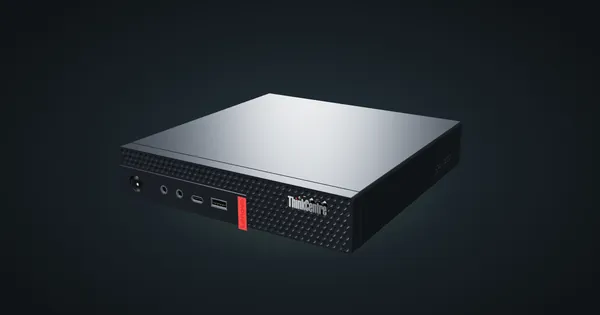
Lenovo ThinkCentre M920q / M920x in a 10-inch rack
How the ThinkCentre M920q and M920x fit a 10-inch rack: two 1U mounts, a rear Gigabit port, up to 32 GB RAM and 65 W to 135 W adapters.
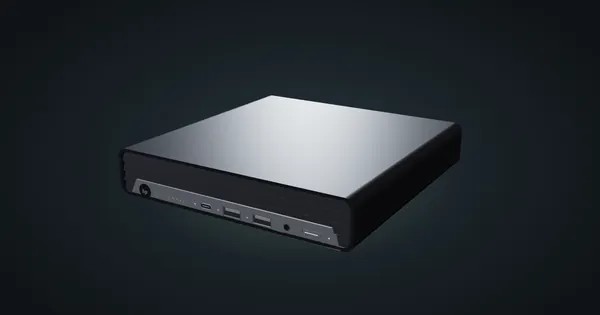
HP EliteDesk 800 G6 Mini in a 10-inch rack
How the HP EliteDesk 800 G6 Mini fits a 10-inch rack: 1U on the HP mount, 10th Gen Intel, up to 64 GB RAM, two NVMe slots and 65 W to 150 W adapters.