Lenovo ThinkCentre M920q / M920x in a 10-inch rack
How the ThinkCentre M920q and M920x fit a 10-inch rack: two 1U mounts, a rear Gigabit port, up to 32 GB RAM and 65 W to 135 W adapters.

On this page
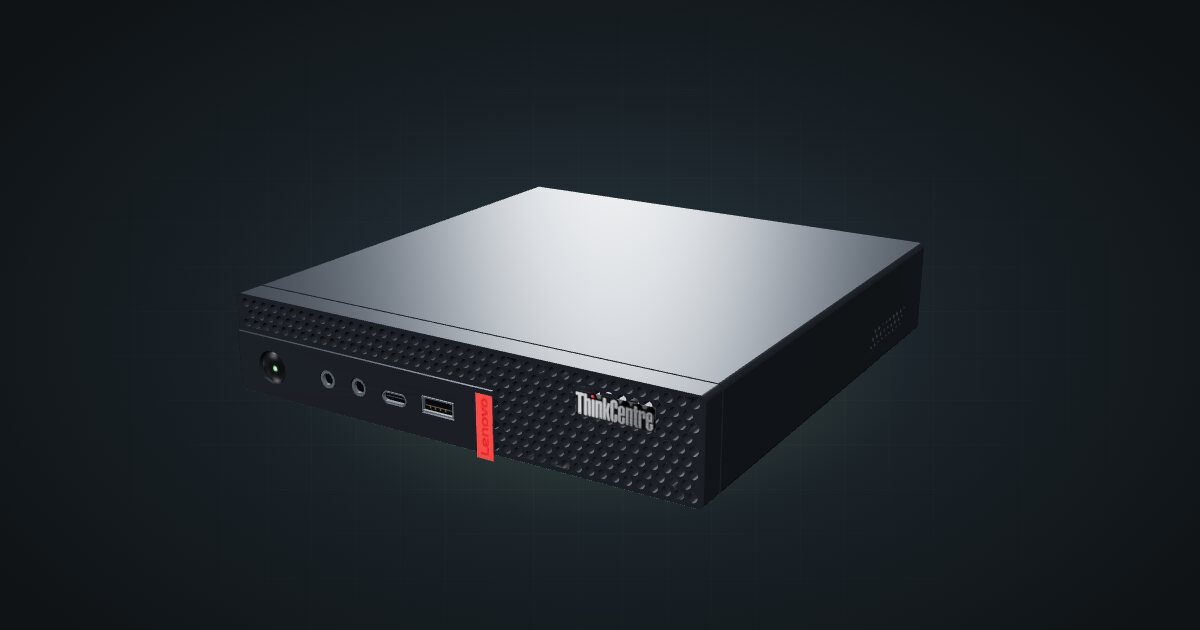
The ThinkCentre M920q is a Lenovo Tiny office PC that happens to suit a mini rack very well: an Intel T-series desktop CPU, two SO-DIMM slots, an NVMe drive and a 2.5-inch bay in a chassis that lies flat in one unit. The catalogue models it together with the M920x as a single entry, so this guide points out where the two differ. It suits anyone who wants an x86 node for virtualization, containers or a router build.
At a glance
| Processor | Celeron, Pentium Gold or 8th/9th Gen Core T-series, up to Core i9-9900T (8 cores / 16 threads); configurable |
| Memory | 2 × DDR4-2666 SO-DIMM, dual-channel, 32 GB maximum (Lenovo-tested) |
| Storage | M.2 PCIe NVMe SSD plus one 2.5-inch SATA drive; no RAID |
| Networking | One Gigabit RJ45 (Intel I219-LM) at the rear; optional 4-port Intel I350-T4 card |
| Expansion | One PCIe 3.0 x8 low-profile slot, shared with the 2.5-inch drive position |
| Power | External 65 W, 90 W or 135 W adapter, depending on configuration |
| Size | 179 × 183 × 34.5 mm, 1.32 kg |
Where it fits in a mini rack
The M920q makes sense as a Proxmox node because its specs line up with what a hypervisor needs. The CPU range runs up to 8 cores / 16 threads to hand out to VMs and containers, the two SO-DIMM slots take up to 32 GB to split between them, and the NVMe drive plus the 2.5-inch bay let the hypervisor and the guest storage live on separate disks. Three of them stack in three units, which is the usual shape of a small cluster.
The other classic job is the router or firewall. The optional Intel I350-T4 card adds four network ports next to the onboard one, enough for an OPNsense or pfSense box with separate WAN, LAN and spare segments. The catch is in the spec sheet: the PCIe slot and the 2.5-inch drive share the same space, so a card means one drive.
Selected models also carry Intel vPro with AMT 12.0, which can provide remote power control and a remote console without a separate KVM. Check your exact CPU before you count on it.
What it is not: a storage server (two drives, no RAID), a GPU box, or anything that needs more than Gigabit networking from the onboard port.
How it fits a 10-inch rack
The configurator checks each placement against every rack in the catalogue:
Both dedicated mounts hold the machine in 1U and fit all six RackMate frames: the demo mount is 188 mm deep and the M920q mount v2 is 187 mm. In the 200 mm-deep T0 and T1 that leaves little room behind the chassis for the rear power and network plugs, so the 260 mm frames are the more comfortable choice.
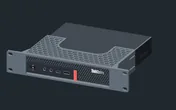
Rack height: 1U · Depth: 106.5 mm · Mounting: 3D-printed 1U carrier
Details & sources →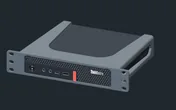
Rack height: 1U · Depth: 186.5 mm · Mounting: 3D-printed 1U carrier
Details & sources →- ThinkCentre M920q mount v2 is a community mount drawn for this machine.
- ThinkCentre demo mount comes from a parametric 10-inch mount design and works as a starting point if you want to adapt it.
Without a mount, the 10i hex shelf takes the machine flat in 1U at 187 mm deep. Standing upright it needs 5U, which is more than the four-unit T0 and T0 Plus have, so the upright option only works in the T1, T1 Plus, T1/2 Plus and T2.
Power
The catalogue plans this machine between 12 W and 135 W. The low figure is ServeTheHome’s measured idle of 12–15 W on a quad-core M920q at 120 V. It is a reference point, not a guarantee for the M920x or other configurations. The high figure is the largest documented adapter, not measured consumption.
Lenovo ships the M920q with a 65 W, 90 W or 135 W adapter depending on the CPU and options, while the M920x uses the 135 W one. Budget each machine at the rating of the adapter it actually has, and plan where the external bricks live: behind the mounts on the rack floor or on a power strip at the back. A three-node cluster means three bricks.
Networking and cabling
The onboard port is a single Gigabit RJ45 on an Intel I219-LM, with Wake-on-LAN, and it faces the rear. Patch it to a rear keystone in the same rack. Never route the cable around the side of the frame to reach a front keystone or a front-facing switch port.
The front panel carries a USB 3.1 Gen 1 port and a USB-C port, which is handy for a boot stick when the back of the rack is hard to reach. Wi-Fi is an optional M.2 card, and in a rack you will rarely want it.
The I350-T4 card is not in the catalogue’s port list, which only counts the onboard port. If you fit one, plan four more switch or keystone positions before you pick the switch.
How the M920x differs from the M920q
The M920x shares the catalogue entry, but Lenovo specifies it separately. It takes up to 3 drives, one 2.5-inch drive plus two M.2 2242/2280 SSDs, instead of the M920q’s two. It can be ordered with an AMD Radeon RX 560 4 GB GDDR5 card with four Mini DisplayPort outputs, and it always ships with the 135 W adapter.
The measured idle figure above comes from an M920q, so do not carry it over to an M920x. The mounts are drawn around the shared M920 family model; if you own an M920x, compare its dimensions with the mount before you print.
Full specifications
Plan it
Open the ThinkCentre M920q / M920x in the catalogue to add it to a rack plan with either mount or the shelf, or start from a community build that already uses it:
Comparing office minis? The HP ProDesk 600 G5 Mini guide covers HP’s machine from the same era, and the Dell OptiPlex 5000 Micro guide covers a newer 12th Gen alternative.
Sources
Related guides
Dell OptiPlex 5000 Micro in a 10-inch rack
How the Dell OptiPlex 5000 Micro fits a 10-inch rack: 12th Gen T-series CPUs, up to 64 GB RAM, an NVMe SSD and 1U flat on the hex shelf.
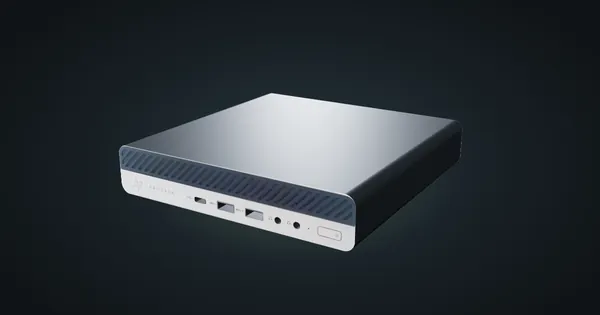
HP ProDesk 600 G5 Mini in a 10-inch rack
How the HP ProDesk 600 G5 Mini fits a 10-inch rack: 1U on the HP mount or the hex shelf, up to 64 GB RAM, two M.2 SSDs and a 65 W adapter.
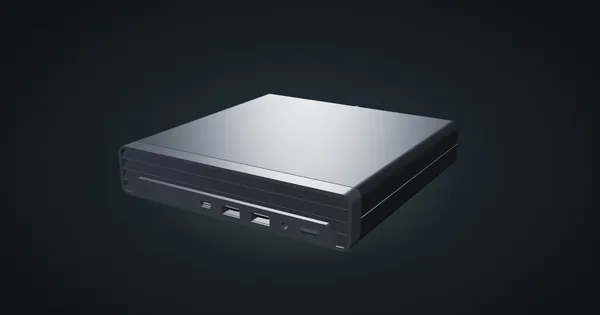
HP ProDesk 400 G6 Mini in a 10-inch rack
How the HP ProDesk 400 G6 Mini fits a 10-inch rack: 10th Gen T-series CPUs, up to 64 GB RAM, 1U on the HP mount or 2U on the hex shelf.