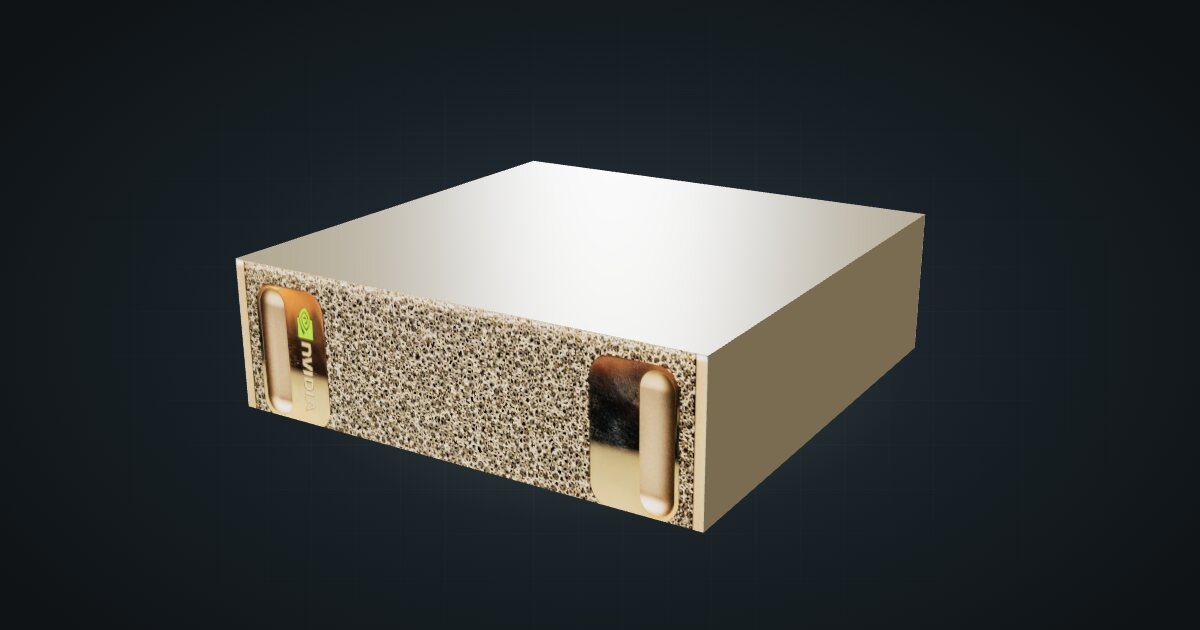
NVIDIA DGX Spark in a 10-inch rack
NVIDIA's GB10 reference box in a 10-inch rack: 128 GB unified memory, a 1.5U mount, rear 10 GbE and 200 Gbps QSFP, and a 240 W power budget.

On this page
The NVIDIA DGX Spark is the reference design for the GB10 Grace Blackwell superchip: a 20-core Arm CPU and a Blackwell GPU sharing 128 GB of unified memory. It suits homelabbers and developers who want to run, fine-tune and serve large models on their own hardware instead of renting GPU time. Six partner systems in the catalogue use the same chip; this guide covers NVIDIA’s version and points to the others at the end.
At a glance
| Superchip | NVIDIA GB10 Grace Blackwell, 20-core Arm CPU |
| GPU | Blackwell, 6,144 CUDA cores, 5th-gen Tensor cores |
| AI performance | Up to 1 PFLOP FP4 (with sparsity) |
| Memory | 128 GB unified memory |
| Storage | 1 TB or 4 TB NVMe M.2 SSD with self-encryption |
| Networking | 10 GbE RJ45, 2 × QSFP on ConnectX-7 at 200 Gbps, Wi-Fi 7 |
| Size and power | 150 × 150 × 50.5 mm, 1.2 kg, 240 W external supply |
Where it fits in a mini rack
The figure that defines the Spark is the 128 GB of unified memory. CPU and GPU draw from the same pool, so model weights do not have to squeeze into separate graphics memory, and models too large for a consumer graphics card can live on one machine in your rack.
Three jobs follow from the spec sheet:
- Running large models locally. Load a model into the shared pool and serve it to the rest of the homelab over the 10 GbE port: a chat front end, a coding assistant, document search or a voice pipeline for home automation, with nothing leaving the house.
- Fine-tuning. The fifth-generation Tensor cores and the up to 1 PFLOP FP4 rating are aimed at training as well as inference. NVIDIA quotes that figure at FP4 with sparsity, so read it as a ceiling, not a promise for your workload.
- Scaling past one box. The ConnectX-7 NIC adds two QSFP ports at 200 Gbps. They are not meant for the home LAN; they give you a fast, direct link to a second GB10 system when one memory pool is not enough.
What it is not: a virtualization host for a pile of x86 VMs, or a NAS. It runs NVIDIA DGX OS on Arm cores, and its SSD is sized for models and datasets, not a media library.
How it fits a 10-inch rack
The configurator checks every placement against each rack in the catalogue:
Nothing is blocked. The dedicated mount holds the Spark horizontally in 1.5U at 154 mm deep and fits every RackMate frame, from the four-unit T0 at 200 mm deep to the 260 mm frames.
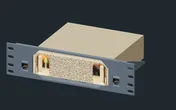
As the name says, the GX10 / DGX Spark mount is shared with the ASUS Ascent GX10, and the catalogue lists it for the Dell, Gigabyte, Lenovo and HP versions too.
Without the printed mount, the 10i hex shelf takes the Spark flat in 2U or standing upright in 4U, at 155 mm deep either way. Upright uses every unit of a T0 or T0 Plus, so in the small frames lay it flat.
Both network interfaces are at the rear. If you plan to use the QSFP ports, a 260 mm frame such as the RackMate T1 Plus leaves more room behind the 154 mm mount for stiff direct-attach cables than the 200 mm frames do.
Power
NVIDIA’s regulatory test puts the Spark at 38 W at short idle and 233.2 W at maximum, both at 230 V. NVIDIA specifies a 240 W total peak, and the included 240 W external supply feeds the box through one of its four USB-C ports. Inside, the GB10 has a 140 W TDP for CPU and GPU together, with a 100 W budget for the other components.
For rack planning, budget the full 240 W per Spark and check the rating of the power strip and any UPS before adding a second GB10 system. The idle figure is the friendly half: at 38 W, leaving the Spark on as an always-available inference endpoint is reasonable. Give the external brick a place on the rack floor or a rear shelf, not on top of the box.
NVIDIA gives 5–30 °C as the ideal operating range. A closed cabinet in a warm room can sit above that, so keep the rack ventilated if the Spark will run long jobs.
Networking and cabling
Both wired interfaces face the rear: one 10 GbE RJ45 jack (LAN 1) and two QSFP cages (QSFP 1 and QSFP 2) on the ConnectX-7 at 200 Gbps.
- 10 GbE. Patch LAN 1 to a rear keystone and pick it up on the front of the panel, never with a cable looped around the side of the rack. To get the full speed, the switch needs a 10G copper port; the MikroTik CRS304 has four on its front.
- QSFP. The cages take direct-attach copper cables or optical modules. Two GB10 systems in the same rack link with a short DAC between their rear cages; optics cover longer runs.
- Wireless and video. Wi-Fi 7 and Bluetooth 5.4 are on board, and video comes from one HDMI 2.1a port plus up to three DisplayPort outputs over USB-C. In a rack, treat the Spark as headless and use the wire.
The partner GB10 systems
Every partner system keeps the GB10, the 10 GbE port and the two 200 Gbps QSFP cages. The differences are in chassis, storage, power adapter and memory options, so check those for the exact model you buy.
| System | What stands out against the Spark |
|---|---|
| Dell Pro Max GB10 | 280 W USB Type-C adapter; M.2 2230 or 2242 storage up to 4 TB |
| Gigabyte AI TOP ATOM | 4 TB PCIe 5.0 SSD option; DGX OS or Ubuntu Linux listed |
| Lenovo ThinkStation PGX | Same 150 × 150 × 50.5 mm and 1.2 kg; NVENC and NVDEC listed |
| HP ZGX Nano | Published 36.74 W short idle; 54.5 mm tall on its feet |
| ASUS Ascent GX10 | 1.48 kg; its own 2U mount besides the shared one |
| MSI EdgeXpert | 64 GB model also offered; no dedicated mount, shelf only |
Full specifications
Plan it
Open the NVIDIA DGX Spark in the catalogue to add it to a rack plan with the mount or shelf above, or start from a community build that already uses it:
For the switch side, the MikroTik CRS304 guide covers a 10G copper switch for the Spark’s RJ45 jack, and the ASUS Ascent GX10 guide covers the partner system with the most mounting options.
Sources
Related guides
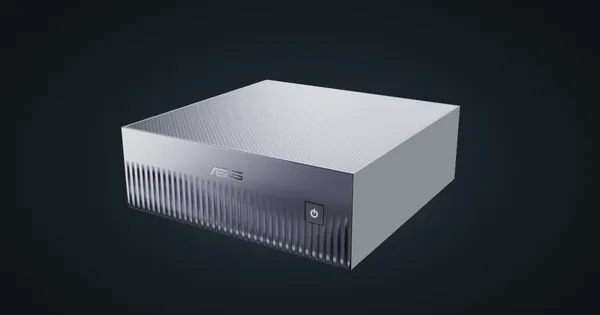
ASUS Ascent GX10 in a 10-inch rack
The ASUS Ascent GX10 in a 10-inch rack: two printable mounts (1.5U and 2U), a 1.48 kg chassis, a 240 W peak system budget and rear 10GbE plus QSFP.
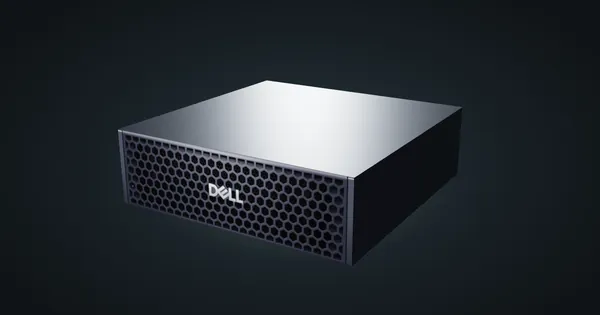
Dell Pro Max GB10 in a 10-inch rack
Dell's GB10 system in a 10-inch rack: a 280 W USB-C adapter, M.2 2230 or 2242 storage up to 4 TB, the shared 1.5U mount and rear 10GbE and QSFP.
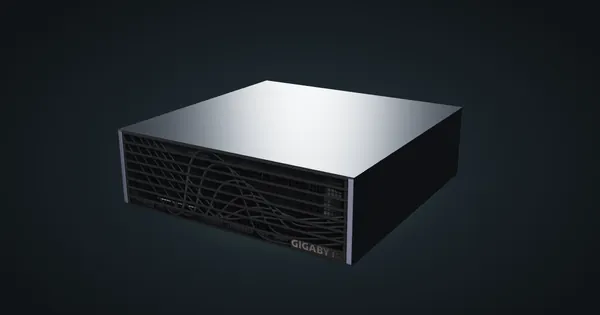
Gigabyte AI TOP ATOM in a 10-inch rack
Gigabyte's GB10 box in a 10-inch rack: a 4 TB PCIe 5.0 SSD option, DGX OS or Ubuntu, the shared 1.5U mount, a 240 W adapter and rear 10GbE plus QSFP.