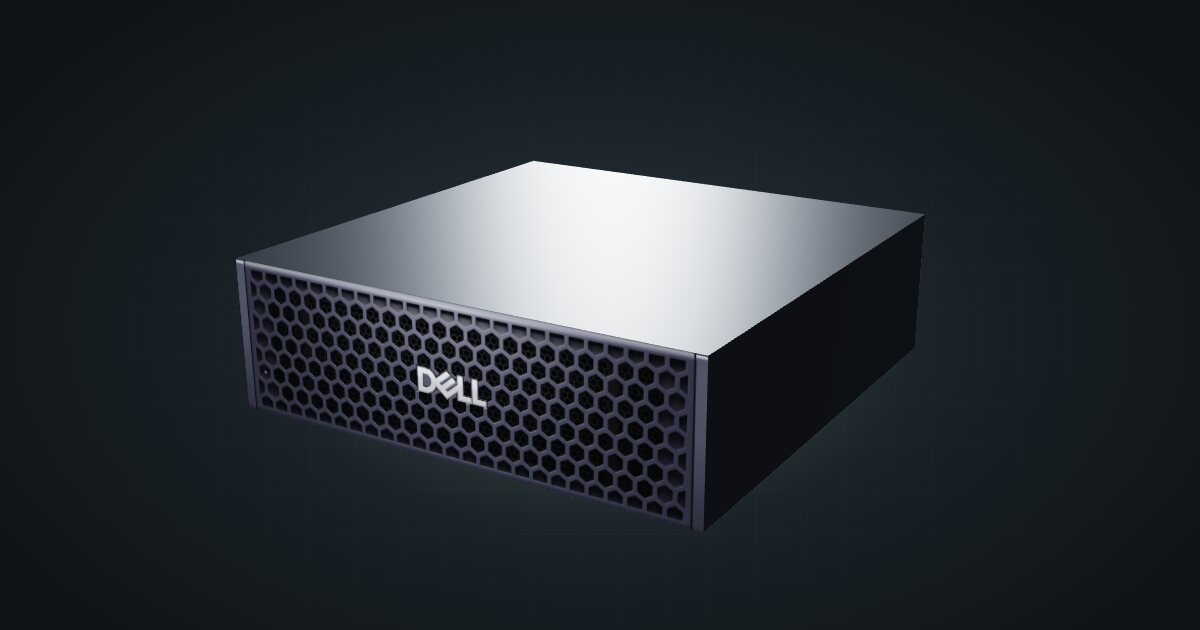
Dell Pro Max GB10 in a 10-inch rack
Dell's GB10 system in a 10-inch rack: a 280 W USB-C adapter, M.2 2230 or 2242 storage up to 4 TB, the shared 1.5U mount and rear 10GbE and QSFP.

On this page
The Dell Pro Max GB10 is Dell’s build of NVIDIA’s GB10 superchip: the same 20 Arm cores, Blackwell GPU and 128 GB of unified memory as the DGX Spark, in a Pro Max chassis with Dell’s own power adapter and storage menu. It suits anyone who wants a GB10 system with more SSD choices and the largest adapter in the family, and it rides the same 1.5U mount as NVIDIA’s version.
At a glance
| CPU | NVIDIA GB10, 20 Arm cores (10 × Cortex-X925 + 10 × Cortex-A725), 16 MB cache |
| Memory | 128 GB LPDDR5x unified memory, 273 GB/s, no memory slots |
| AI performance | 1 PFLOP tensor performance |
| Storage | One PCIe Gen4 NVMe drive, M.2 2230 or 2242, 1 TB to 4 TB |
| Networking | 10GbE RJ45, 2 × QSFP 200 Gbps (ConnectX-7), Wi-Fi 7 |
| Power | 280 W USB Type-C adapter |
| Size and weight | 150 × 150 × 51 mm, 1.22–1.34 kg |
Where it fits in a mini rack
The memory line sets the agenda: 128 GB of LPDDR5x at 273 GB/s, shared by CPU and GPU, with no slots to upgrade later. Model weights live in that one pool, so the Pro Max GB10 can hold models that would never fit on a consumer graphics card. In a homelab that makes it the local inference box: serve a large model over the 10GbE port to chat front ends, coding tools or document search on other machines, with nothing sent to a cloud API.
Dell rates the GPU at 1 PFLOP of tensor performance. That is a peak figure, not a sustained number, but it shows where the Blackwell GPU is pointed: fine-tuning and inference, not graphics. For fine-tuning, storage becomes the deciding option. Dell offers a 1 TB TLC drive and a 2 TB QLC drive in the short M.2 2230 size, or 1 TB and 4 TB TLC drives in M.2 2242 with Opal 2.0 self-encryption. Datasets and checkpoints pile up fast, so the 4 TB self-encrypting drive is the sensible pick for training work; a box that only loads and serves models can live with less.
The two QSFP ports on the ConnectX-7 run at 200 Gbps and exist for linking GB10 systems, not for the home LAN. What it is not: a Windows desktop or an x86 VM host. It ships with NVIDIA DGX OS on Arm.
How it fits a 10-inch rack
The configurator checks every placement against each rack in the catalogue:
Nothing is blocked. The shared GX10 / DGX Spark mount holds the Dell horizontally in 1.5U at 154 mm deep and fits every RackMate frame, from the four-unit T0 at 200 mm to the 260 mm frames.
Dell gives the height as 45.5 mm at the front and rear and 51 mm at the peak, so the lid is not flat. That does not matter on the mount, but do not plan on resting anything on top of it. The 10i hex shelf is the fallback: flat in 2U or upright in 4U, at 155 mm deep. Upright fills a whole T0 or T0 Plus.
Power
Dell documents a 280 W USB Type-C adapter, with a separate Type-C power-in port on the box, and a 140 W processor wattage for the GB10. There is no published idle figure, so the catalogue uses the 280 W adapter rating as the planning allowance. That is a ceiling for budgeting, not measured draw, and it leaves out adapter losses.
Budget 280 W per Pro Max GB10 on the power strip and any UPS. It is the largest allowance in the GB10 family, so if you mix vendors in one rack, plan each box from its own adapter rating.
NVIDIA’s 38 W idle figure applies to the DGX Spark, not automatically to every GB10 system. Dell does not publish an idle number, so do not assume the same.
Networking and cabling
All wired networking is at the rear: one 10GbE RJ45 jack (LAN 1, a Realtek RTL8127-CG controller) and two QSFP cages (QSFP 1 and QSFP 2) on the ConnectX-7 at 200 Gbps.
- Patch LAN 1 to a rear keystone and pick it up from the front of the panel. Never loop a cable around the side of the rack to a front switch port. The switch needs a 10G copper port to use the full speed.
- The QSFP cages take direct-attach copper cables or optical modules. A short DAC between the cages of two GB10 systems in the same rack is the tidy way to link them.
- Wi-Fi 7 (an AzureWave AW-EM637 module, 2.4/5/6 GHz) and Bluetooth 5.4 are on board. For a rack, use the wire.
USB is three USB 3.2 Gen 2x2 Type-C ports at 20 Gbps with DisplayPort 1.4a alt-mode and power out, plus the power-in port. Video adds one HDMI 2.1a port for a console when you need one.
How it differs from the NVIDIA DGX Spark
Same GB10, same 128 GB, same networking. The differences are in the box around it:
| Dell Pro Max GB10 | NVIDIA DGX Spark | |
|---|---|---|
| Power adapter | 280 W USB Type-C | 240 W external supply |
| Storage | 1 TB TLC or 2 TB QLC (M.2 2230), 1 TB or 4 TB self-encrypting TLC (M.2 2242) | 1 TB or 4 TB NVMe with self-encryption |
| Height | 45.5 mm at front and rear, 51 mm peak | 50.5 mm |
| Weight | 1.22–1.34 kg, by configuration | 1.2 kg |
| Operating temperature | 0–35 °C | 5–30 °C (ideal range) |
| Software | NVIDIA DGX OS | NVIDIA DGX OS |
The adapter is the difference that matters for a rack plan. The temperature figures are not quite like-for-like, since NVIDIA calls its range ideal; the catalogue has no cooling details for either, so treat both as guidance and keep the rack ventilated. On storage, only the 2242 drives are self-encrypting, so check the SKU if that matters.
Full specifications
Plan it
Open the Dell Pro Max GB10 in the catalogue to add it to a rack plan with the mount or shelf above. There is no community build with it yet.
The NVIDIA DGX Spark guide covers the reference design and the rest of the family, and the HP ZGX Nano guide covers the GB10 system with published idle and busy power figures.
Sources
- Dell Pro Max with GB10 manual: processor
- Dell Pro Max with GB10 manual: GPU
- Dell Pro Max with GB10 manual: memory
- Dell Pro Max with GB10 manual: storage
- Dell Pro Max with GB10 manual: network controller
- Dell Pro Max with GB10 manual: wireless module
- Dell Pro Max with GB10 manual: external ports and slots
- Dell Pro Max with GB10 manual: operating system
- Dell Pro Max with GB10 manual: power adapter
- Dell Pro Max with GB10 manual: dimensions and weight
- Dell Pro Max with GB10 manual: operating and storage environment
- NVIDIA DGX Spark product page (for the comparison)
- NVIDIA DGX Spark hardware overview (for the comparison)
Related guides
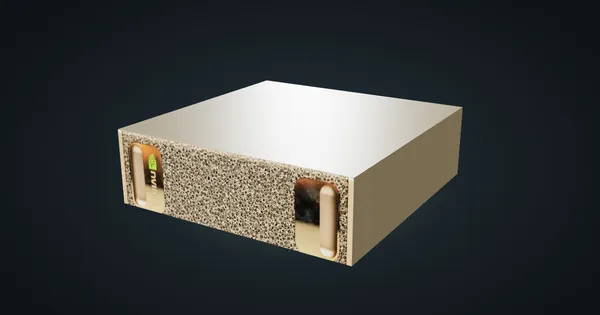
NVIDIA DGX Spark in a 10-inch rack
NVIDIA's GB10 reference box in a 10-inch rack: 128 GB unified memory, a 1.5U mount, rear 10 GbE and 200 Gbps QSFP, and a 240 W power budget.
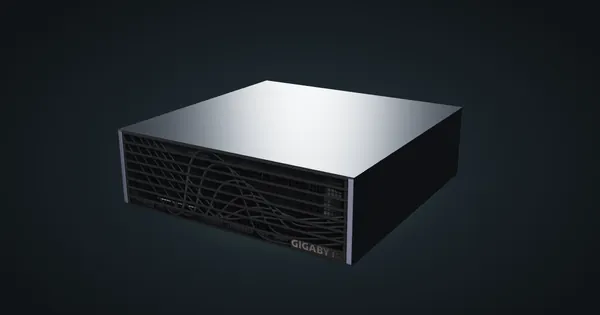
Gigabyte AI TOP ATOM in a 10-inch rack
Gigabyte's GB10 box in a 10-inch rack: a 4 TB PCIe 5.0 SSD option, DGX OS or Ubuntu, the shared 1.5U mount, a 240 W adapter and rear 10GbE plus QSFP.
Lenovo ThinkStation PGX in a 10-inch rack
Lenovo's ThinkStation take on GB10 in a 10-inch rack: reference-size chassis, self-encrypting storage up to 4 TB, the 1.5U mount and a 240 W adapter.