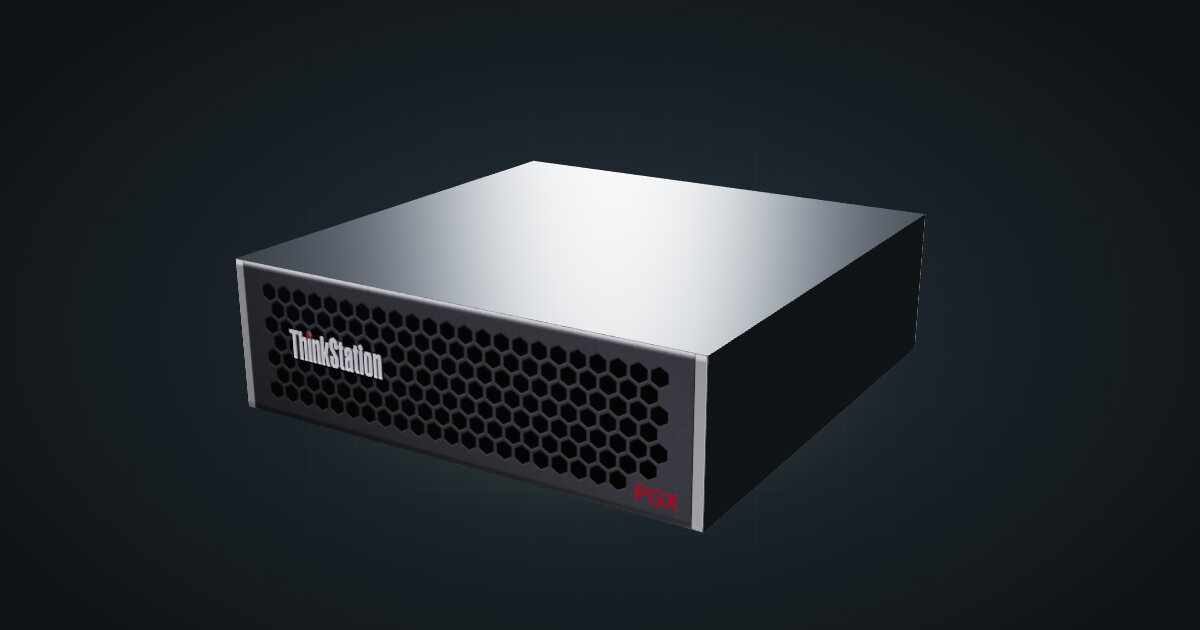
Lenovo ThinkStation PGX in a 10-inch rack
Lenovo's ThinkStation take on GB10 in a 10-inch rack: reference-size chassis, self-encrypting storage up to 4 TB, the 1.5U mount and a 240 W adapter.

On this page
The Lenovo ThinkStation PGX puts NVIDIA’s GB10 superchip into Lenovo’s workstation line: a 20-core Arm CPU and a Blackwell GPU sharing 128 GB of LPDDR5X, in a chassis that matches the DGX Spark’s published size and weight. Of the partner systems it is the one that sticks closest to the reference on paper, which makes it the easy choice if you want a GB10 box from a vendor whose fleet you already run.
At a glance
| CPU | NVIDIA GB10 Grace Blackwell, 20-core Arm (10 × Cortex-X925 + 10 × Cortex-A725) |
| GPU | Blackwell, 5th-gen Tensor cores, 1 × NVENC, 1 × NVDEC |
| AI performance | Up to 1 petaFLOP FP4 |
| Memory | 128 GB LPDDR5X unified memory, 256-bit, 273 GB/s |
| Storage | Up to 4 TB M.2 NVMe SSD with self-encryption |
| Networking | 10GbE RJ45, 2 × QSFP 200 Gbps (ConnectX-7), Wi-Fi 7 |
| Size and power | 150 × 150 × 50.5 mm, 1.2 kg, 240 W adapter |
Where it fits in a mini rack
The 128 GB of unified memory is the reason to rack a PGX. CPU and GPU share it at 273 GB/s, so a large model loads into one pool instead of being split across a graphics card and system RAM. That turns one small box into a private AI server for the rest of the homelab.
Three ways to use it:
- Local model serving. Run a large language model and expose it over the 10GbE port to whatever needs it: a chat interface, an IDE plug-in, a search index over your own documents. Prompts and data stay on your network.
- Fine-tuning. Lenovo quotes up to 1 petaFLOP at FP4. That is a peak rating, not a training speed, but the Tensor cores and the shared memory pool make adapting an existing model to your own data a realistic job for one box. The self-encrypting SSD is a good place to keep a private dataset.
- Vision work on media streams. Lenovo’s sheet lists one NVENC and one NVDEC engine alongside the GPU. Hardware decoding makes the PGX a candidate for running vision models on camera or media streams from elsewhere in the rack.
For bigger models, the two QSFP ports on the ConnectX-7 run at 200 Gbps and give you a direct link to a second GB10 system. What it is not: a hypervisor for x86 VMs or a file server. It runs NVIDIA DGX OS on Arm, and its single SSD is working space.
How it fits a 10-inch rack
The configurator checks every placement against each rack in the catalogue:
Nothing is blocked. The shared GX10 / DGX Spark mount holds the PGX horizontally in 1.5U at 154 mm deep and fits every RackMate frame, including the four-unit T0 at 200 mm deep.
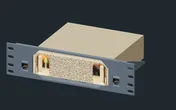
The 10i hex shelf takes it flat in 2U or upright in 4U, at 155 mm deep. In a four-unit T0 or T0 Plus the upright option fills the frame, so lay it flat there and keep room for a switch and keystones.
Every network port is at the rear, along with the four USB-C ports, one of which is the power input. A 260 mm frame such as the RackMate T1 Plus leaves more working room behind the 154 mm mount than the 200 mm frames.
Power
Lenovo documents a 240 W adapter and no idle or load figure. The catalogue uses that rating as a planning allowance: a ceiling for budgeting, not measured draw, and it leaves out adapter losses.
Plan 240 W per PGX on the power strip and any UPS. NVIDIA’s idle and maximum figures for the DGX Spark are tempting to borrow, but they apply to NVIDIA’s own box, not automatically to every GB10 system. The adapter feeds the PGX through the rear USB-C port Lenovo lists as USB PD 3.1 power-in, so the power cable joins the network cables at the back; put the brick on the rack floor or a rear shelf.
Networking and cabling
All wired networking faces the rear: one 10GbE RJ45 jack (LAN 1) and two QSFP cages (QSFP 1 and QSFP 2) on the ConnectX-7 at 200 Gbps.
- Patch LAN 1 to a rear keystone and pick it up on the front of the panel. Never take a cable around the side of the rack to a front switch port. A 10G copper switch port gets the full speed.
- The QSFP cages take direct-attach copper cables or optical modules. Between two GB10 systems in the same rack, a short DAC is the simplest link.
- Wi-Fi 7 (802.11be) and Bluetooth 5.3 are built in. In a rack, use the wire.
The four rear USB-C ports run at 20 Gbps with DisplayPort alt-mode, and there is one HDMI 2.1a output for a console.
How it differs from the NVIDIA DGX Spark
Very little, on paper. The table shows where the spec sheets diverge:
| Lenovo ThinkStation PGX | NVIDIA DGX Spark | |
|---|---|---|
| Storage | Up to 4 TB with self-encryption | 1 TB or 4 TB with self-encryption |
| Media engines | 1 × NVENC, 1 × NVDEC listed | Not listed in the catalogue |
| Bluetooth | 5.3 | 5.4 |
| USB | 4 × USB-C 20 Gbps with DisplayPort alt-mode; one is power-in | 4 × USB-C, up to 3 × DisplayPort; one is power-in |
| Size and weight | 150 × 150 × 50.5 mm, 1.2 kg | 150 × 150 × 50.5 mm, 1.2 kg |
| Power adapter | 240 W | 240 W, included |
| Operating temperature | Not listed | 5–30 °C (ideal range) |
| Software | NVIDIA DGX OS | NVIDIA DGX OS |
Neither spec sheet in the catalogue describes the cooling, and Lenovo gives no operating range, so treat NVIDIA’s ideal range as a sensible target and keep the rack ventilated. For rack planning the two are interchangeable: same footprint, same mount, same 240 W allowance. The choice comes down to the vendor you would rather buy from and get support from.
Full specifications
Plan it
Open the Lenovo ThinkStation PGX in the catalogue to add it to a rack plan with the mount or shelf above. No community build uses it yet.
The NVIDIA DGX Spark guide covers the reference design and every partner version, and the Dell Pro Max GB10 guide covers the GB10 system with the largest adapter and a choice of M.2 drive sizes.
Sources
Related guides
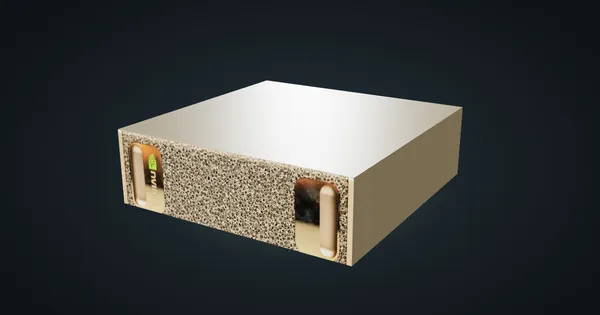
NVIDIA DGX Spark in a 10-inch rack
NVIDIA's GB10 reference box in a 10-inch rack: 128 GB unified memory, a 1.5U mount, rear 10 GbE and 200 Gbps QSFP, and a 240 W power budget.
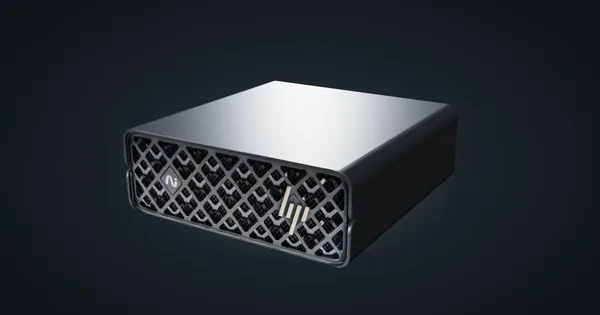
HP ZGX Nano in a 10-inch rack
HP's GB10 system in a 10-inch rack: published idle and busy power figures, 54.5 mm tall on its feet, the shared 1.5U mount and rear 10GbE plus QSFP.
Gigabyte AI TOP ATOM in a 10-inch rack
Gigabyte's GB10 box in a 10-inch rack: a 4 TB PCIe 5.0 SSD option, DGX OS or Ubuntu, the shared 1.5U mount, a 240 W adapter and rear 10GbE plus QSFP.