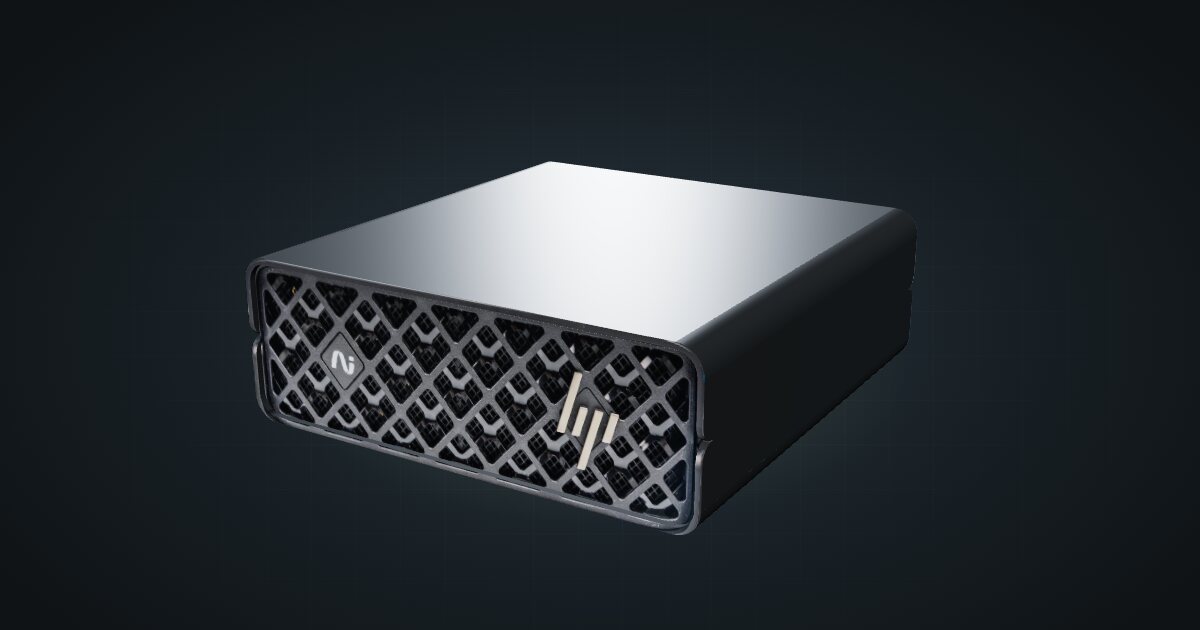
HP ZGX Nano in a 10-inch rack
HP's GB10 system in a 10-inch rack: published idle and busy power figures, 54.5 mm tall on its feet, the shared 1.5U mount and rear 10GbE plus QSFP.

On this page
The HP ZGX Nano is HP’s GB10 system: a 20-core Arm CPU and a Blackwell GPU sharing 128 GB of soldered LPDDR5x, in a 150 × 150 mm footprint. Its spec sheet is the most detailed in the family, with idle and busy power figures, a stated cooling design and an operating range. That makes it the GB10 box for planning a rack’s power and thermals from published numbers rather than adapter ratings.
At a glance
| CPU | NVIDIA GB10 Grace Blackwell, 20-core Arm, 16 MB L2 cache |
| Memory | 128 GB LPDDR5x unified memory, 16 channels, soldered, 273 GB/s |
| Storage | M.2 2242 NVMe: 1 TB, or 2 TB / 4 TB self-encrypting (SED Opal) TLC |
| Networking | 10GbE RJ45, 2 × QSFP 200GbE (ConnectX-7), Wi-Fi 7 (not in every country) |
| Power | 36.74 W short idle at 230 V; 240 W USB Type-C adapter |
| Cooling | Air-cooled, forced convection, 5–30 °C |
| Size and weight | 150 × 150 × 54.5 mm with feet, from 1.25 kg |
Where it fits in a mini rack
As with every 128 GB GB10 system, the pitch is memory: CPU and GPU share one soldered pool at 273 GB/s, so large models load whole instead of being split across a graphics card and system RAM. HP’s QuickSpecs in the catalogue do not quote an AI performance figure; NVIDIA rates the same GB10 in its DGX Spark at up to 1 PFLOP FP4 with sparsity, a peak rather than a workload number.
What follows from that:
- The always-on inference box. At 36.74 W short idle, a box that waits for prompts most of the day has a known cost on the power budget. Serve a large model over the 10GbE port to chat, coding and search tools across the homelab.
- Fine-tuning runs. Training keeps the GB10 busy for hours. HP’s busy maximum of 223.81 W at 230 V tells you what the rack has to absorb, and the forced-air cooling with a 5–30 °C operating range tells you what the room has to provide.
- A pair of GB10 systems. The two ConnectX-7 QSFP ports at 200 Gbps link it directly to a second GB10 box when one memory pool is not enough.
What it is not: a Windows machine or an x86 host. HP lists NVIDIA DGX OS 7 and Ubuntu 24.04, and states plainly that Windows is not supported.
How it fits a 10-inch rack
The configurator checks every placement against each rack in the catalogue:
Nothing is blocked. The shared GX10 / DGX Spark mount holds the ZGX Nano horizontally in 1.5U at 154 mm deep and fits every RackMate frame, from the four-unit T0 at 200 mm to the 260 mm frames.
Height is the one thing to note: HP gives 54.5 mm with the feet and 51 mm without, so the figure to plan with depends on whether the feet stay on. The 10i hex shelf is the simplest alternative to the mount: flat in 2U or upright in 4U, at 154 mm deep. Upright fills a whole T0 or T0 Plus.
The ZGX Nano is air-cooled by forced convection, and HP’s operating range tops out at 30 °C. Do not stack other hardware tight against it, and keep the rack in a room that stays inside that range during long jobs.
Power
HP measured its 1 TB test configuration at 37.8 W short idle and 226.3 W busy maximum at 115 V, and at 36.74 W and 223.81 W at 230 V. The catalogue uses the 36.74 W idle figure as the low end and the 240 W adapter rating as the high end. The adapter is an external USB Type-C unit with 89% efficiency and active PFC.
For rack planning, budget 240 W per ZGX Nano: busy draw stays below that in HP’s test, but other storage configurations and AC losses vary. The idle figure matters just as much: a ZGX Nano left on as a standing inference endpoint draws a small fraction of its peak while it waits. Give the brick its own spot on the rack floor or a rear shelf.
Networking and cabling
All wired networking is at the rear: one 10GbE RJ45 jack (LAN 1, Realtek RTL8127-CG) and two QSFP cages (QSFP 1 and QSFP 2) on the ConnectX-7 at 200GbE.
- Patch LAN 1 to a rear keystone and pick it up from the front of the panel. Never loop a cable around the side of the rack to a front switch port. A 10G copper switch port gets the full speed.
- The QSFP cages take direct-attach copper cables or optical modules. A short DAC is the cleanest link to a second GB10 system in the same rack.
- Wi-Fi 7 (2×2, AzureWave AW-EM637) and Bluetooth 5.4 are on board, but some countries ship without WLAN. In a rack that does not matter: use the wire.
Three rear USB-C ports run at 20 Gbps with DisplayPort 1.4a alt-mode and share 30 W of output; the fourth USB-C connector is the power input. HDMI 2.1a covers a console when you need one.
How it differs from the NVIDIA DGX Spark
The silicon is the same. The chassis, power data and paperwork differ:
| HP ZGX Nano | NVIDIA DGX Spark | |
|---|---|---|
| Published power | 36.74 W short idle, 223.81 W busy max at 230 V | 38 W short idle, 233.2 W max at 230 V |
| Adapter | 240 W USB Type-C, 89% efficiency, active PFC | 240 W external supply, included |
| Height | 54.5 mm with feet, 51 mm without | 50.5 mm |
| Weight | From 1.25 kg | 1.2 kg |
| Storage | M.2 2242, 1 TB, or 2 TB / 4 TB self-encrypting; PCIe Gen5 x4 socket | 1 TB or 4 TB with self-encryption |
| Cooling | Air-cooled, forced convection | Not listed in the catalogue |
| Operating temperature | 5–30 °C | 5–30 °C (ideal range) |
| Software | DGX OS 7 or Ubuntu 24.04; no Windows | NVIDIA DGX OS |
Read the power rows with care: each vendor tested its own configuration, so the small gap is not proof that one box is more efficient. On storage, HP’s M.2-M socket runs at PCIe Gen5 x4 while the self-encrypting drives HP lists are Gen4, so the socket is not the bottleneck.
Full specifications
Plan it
Open the HP ZGX Nano in the catalogue to add it to a rack plan with the mount or shelf above. No community build uses it yet.
The NVIDIA DGX Spark guide covers the reference design and every partner version, and the Dell Pro Max GB10 guide covers the GB10 system with the largest power adapter in the family.
Sources
Related guides
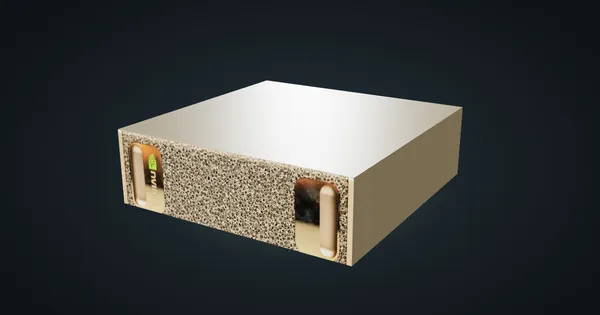
NVIDIA DGX Spark in a 10-inch rack
NVIDIA's GB10 reference box in a 10-inch rack: 128 GB unified memory, a 1.5U mount, rear 10 GbE and 200 Gbps QSFP, and a 240 W power budget.
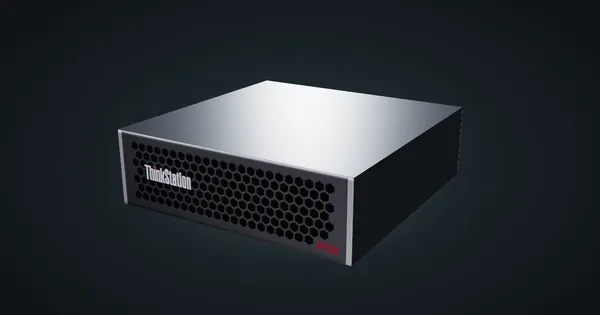
Lenovo ThinkStation PGX in a 10-inch rack
Lenovo's ThinkStation take on GB10 in a 10-inch rack: reference-size chassis, self-encrypting storage up to 4 TB, the 1.5U mount and a 240 W adapter.
ASUS Ascent GX10 in a 10-inch rack
The ASUS Ascent GX10 in a 10-inch rack: two printable mounts (1.5U and 2U), a 1.48 kg chassis, a 240 W peak system budget and rear 10GbE plus QSFP.