NETGEAR GS108 v4 in a 10-inch rack
NETGEAR GS108 v4 in a 10-inch rack: eight unmanaged Gigabit ports, 4.9 W maximum draw, two 1U community mounts and front-only cabling.

On this page
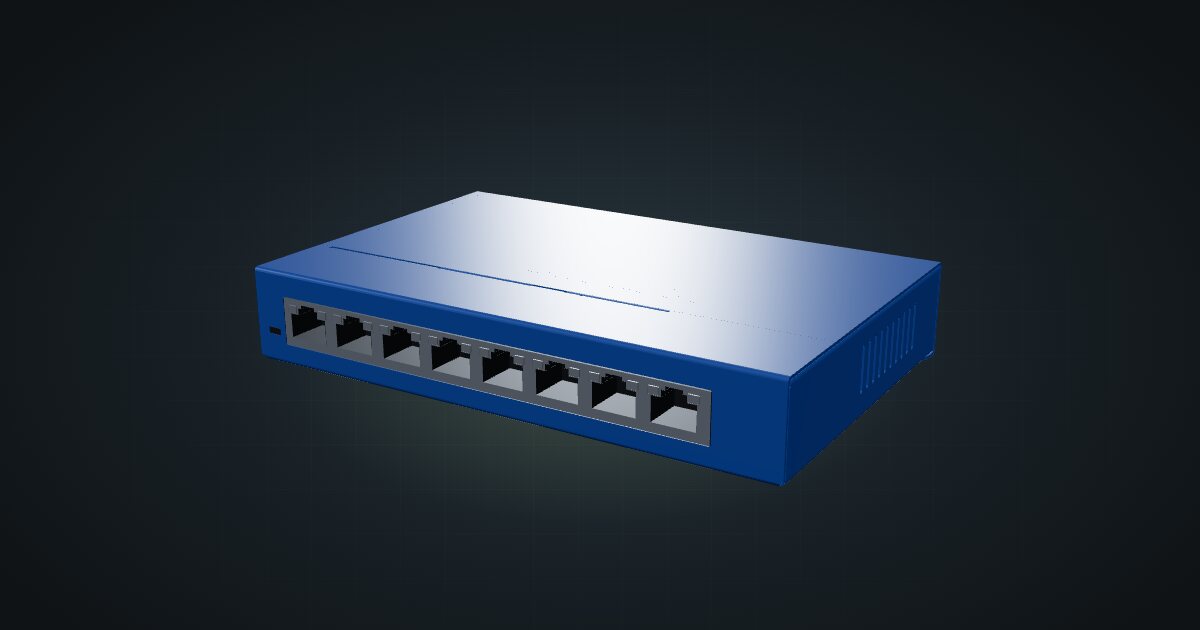
The NETGEAR GS108 v4 is the plain eight-port Gigabit switch: unmanaged, fanless and small enough to disappear into a single rack unit. Plug it in and it switches; there is nothing to configure and nothing to forget to back up. It suits mini racks that have run out of router ports and want no extra moving parts.
At a glance
| Ports | 8 × Gigabit RJ45, all on the front |
| Management | Unmanaged (plug-and-play) |
| Switching capacity | 16 Gbps |
| Power | External adapter, 12 V DC / 0.5 A; 4.9 W maximum |
| Cooling | Fanless (0 dBA) |
| Size and weight | 158 × 102 × 27 mm, 0.47 kg |
| Operating temperature | 0 to 50 °C (adapter 0 to 40 °C) |
Where it fits in a mini rack
The GS108 v4 is the default answer when a rack outgrows the router’s LAN ports. A small cluster of single-board computers, a pair of mini PCs and a NAS fill eight ports quickly, and the switch handles them without a login page or a firmware menu.
It also works as an edge switch inside a larger network: one port uplinks to the main switch, the other seven serve the rack. A 4.9 W ceiling and fanless cooling make it easy to leave running in a room people sleep in.
What it is not: a switch you can configure. There is no management interface, so any traffic separation has to happen on the router or an upstream switch. There is no PoE output either, so cameras and access points need their own power. And every port is Gigabit, so a fast NAS link will not get anything beyond that here.
How it fits a 10-inch rack
The GS108 v4 is a shallow box, so depth is never the problem. The configurator checks each placement against every rack in the catalogue:
There are two dedicated community mounts, both 1U and both fitting every RackMate frame, from the 200 mm deep T0 and T1 to the 260 mm frames:
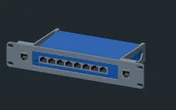
Rack height: 1U · Depth: 105.3 mm · Mounting: 3D-printed 1U carrier
Details & sources →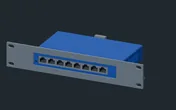
Rack height: 1U · Depth: 108.5 mm · Mounting: 3D-printed 1U carrier
Details & sources →- NETGEAR GS108 mount, 108 mm deep, holds the switch on its own.
- NETGEAR GS108 + 2 keystones, 105 mm deep, puts two keystone slots beside the switch in the same unit.
The keystone version is the better pick when a device in the rack has its Ethernet port at the back, or when the uplink arrives from behind. The keystones give that cable a way through the panel without spending another unit.
Without a dedicated mount, the 10i hex shelf takes the switch flat in 1U or upright in 4U, at 154 mm deep. Flat is the practical option; upright uses a whole RackMate T0 for one switch.
Power
NETGEAR rates the GS108 v4 at 4.9 W maximum. No idle figure is published, and actual draw depends on how many links are up, so the catalogue plans with the 4.9 W maximum as a safe ceiling rather than a typical number. The 12 V DC / 0.5 A on the external adapter is a supply rating, not a measured draw.
For rack planning, it is one of the smallest loads you will add, but it still needs its own adapter and a free outlet. Note the split in temperature ratings: the switch is rated to 50 °C and the adapter to 40 °C, so the adapter is the part to keep away from warm exhaust.
Networking and cabling
All eight Gigabit RJ45 ports are on the front face. The rear has none, which makes the cabling rules simple:
- Patch a switch port to a front-facing port on a device in the same rack with a short front cable.
- For a device whose Ethernet port faces the rear, patch the switch to a front keystone and connect the device’s rear port to the rear of that keystone.
- Never route a cable around the outside of the rack to reach the switch.
Count ports before you count devices. One goes to the uplink, so eight ports serve seven devices in the rack.
The spec sheet lists 9,216-byte jumbo frames and a 4K-entry MAC table, neither of which a mini rack is likely to exhaust.
How it differs from the NETGEAR GS308EP
The GS308EP shares the essentials: 8 × Gigabit RJ45, 16 Gbps of switching capacity and a 158 × 101 × 27 mm body. What it adds:
- Easy Smart management through a web browser-based GUI, where the GS108 v4 is unmanaged.
- PoE+ on all eight ports from a 62 W total budget, for cameras, access points and PoE-fed boards.
- A bigger power supply: a 54 V DC / 1.25 A adapter, and a 6.2 W reference allowance for the electronics before any PoE load.
It has its own 1U mount at 104 mm deep. If you need neither management nor PoE, the GS108 v4 is the simpler box with the lower power ceiling.
Full specifications
Plan it
Open the NETGEAR GS108 v4 in the catalogue to place it with either mount or on the hex shelf, or start from a community build that already uses it:
Need PoE or management in the same footprint? Read the NETGEAR GS308EP guide. For a smaller unmanaged switch, the NETGEAR GS105 guide covers the five-port model.
Sources
Related guides
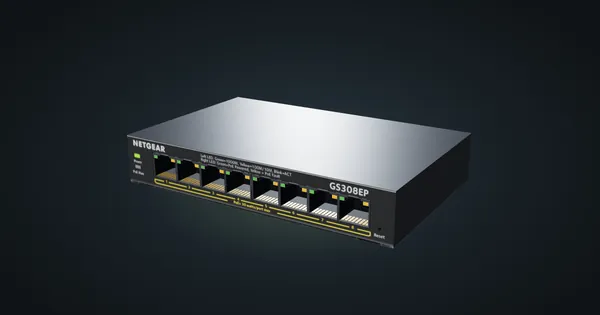
NETGEAR GS308EP in a 10-inch rack
How the NETGEAR GS308EP fits a 10-inch rack: eight Gigabit PoE+ ports on a 62 W budget, Easy Smart management and a 1U community mount.
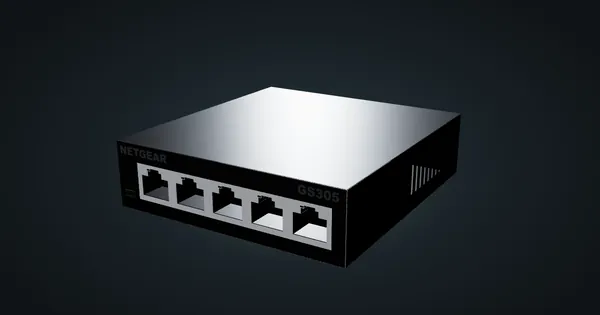
NETGEAR GS305 v3 in a 10-inch rack
NETGEAR GS305 v3 in a 10-inch rack: five unmanaged Gigabit ports, 2.15 W maximum from a 5 V adapter, a 1U community mount and the hex shelf.
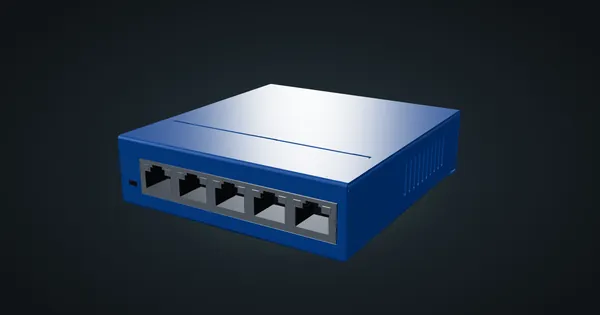
NETGEAR GS105 in a 10-inch rack
NETGEAR GS105 in a 10-inch rack: five unmanaged Gigabit ports, 2.7 W maximum on a 12 V adapter, and a choice of two 1U community mounts.