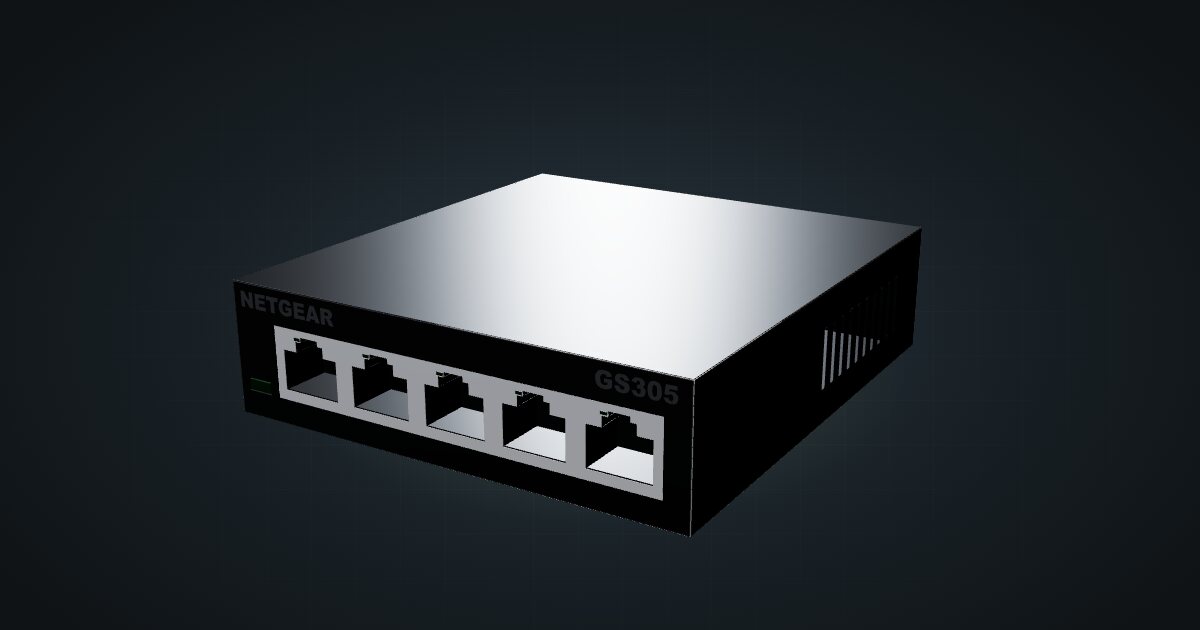
NETGEAR GS305 v3 in a 10-inch rack
NETGEAR GS305 v3 in a 10-inch rack: five unmanaged Gigabit ports, 2.15 W maximum from a 5 V adapter, a 1U community mount and the hex shelf.

On this page
The NETGEAR GS305 v3 is about as small as a useful switch gets: five Gigabit ports, no settings, no fan and a 2.15 W maximum draw. It suits the smallest mini racks, where one uplink and four devices cover the whole network, and anyone who wants the switch to be the least interesting thing in the rack.
At a glance
| Ports | 5 × Gigabit RJ45, all on the front |
| Management | Unmanaged (plug-and-play) |
| Switching capacity | 10 Gbps non-blocking |
| Power | External adapter, 5 V DC / 0.7 A |
| Power consumption | 2.15 W max, 0.31 W standby |
| Cooling | Fanless |
| Size and weight | 94 × 101 × 29 mm, 0.25 kg |
Where it fits in a mini rack
Five ports is the right count for a compact build: one uplink to the router, then a NAS, a single-board computer or two and a KVM. That is a whole four-unit rack’s worth of network in many plans, and the GS305 v3 handles it without a login page or a firmware menu.
The non-blocking 10 Gbps switching capacity means all five Gigabit ports can run at line rate at once, so a Pi NAS and its clients do not compete inside the switch. The low draw and fanless cooling make it an easy fit for a rack that lives in a living room or bedroom.
What it is not: a switch for a growing cluster. Four free ports run out quickly. There is no management, so VLANs and traffic separation have to happen elsewhere, and there is no PoE output. If any of that matters, look at a managed or larger switch before you print a mount.
How it fits a 10-inch rack
The GS305 v3 is narrow and shallow, so the question is only which carrier to use. The configurator checks each placement against every rack in the catalogue:
The dedicated GS305 mount holds the switch in 1U at 106 mm deep and fits every RackMate frame, from the 200 mm deep T0 and T1 to the 260 mm frames. It is a community design by Josh, published on MakerWorld under CC BY-NC-SA.
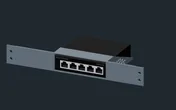
Without it, the 10i hex shelf takes the switch flat in 1U or upright in 3U, at 154 mm deep. Flat on the shelf is the practical fallback; upright spends three units on a five-port switch, which only makes sense if the shelf is already there for other hardware.
Power
NETGEAR publishes two figures: 0.31 W in standby and 2.15 W maximum. The catalogue uses both, with the caveat in the pack: standby is not the same as an active network with every link up, so plan with the 2.15 W maximum. The 5 V DC / 0.7 A on the external adapter is a supply rating, not a measured draw.
For rack planning, the switch barely registers next to a Pi or a mini PC. What it does need is its own adapter and an outlet, so leave a socket free on the power strip behind the rack.
Networking and cabling
All five Gigabit RJ45 ports face the front and the rear has none, which keeps the cabling plan short:
- Patch a switch port to a front-facing port on a device in the same rack with a short front cable.
- For a device whose Ethernet port faces the rear, patch the switch to a front keystone and connect the device’s rear port to the rear of that keystone.
- Never route a cable around the outside of the rack to reach the switch.
With one port taken by the uplink, four remain for the rack. Count the devices that need a wire before you commit to a five-port switch.
The datasheet lists a forwarding rate of 1,448,000 pps per Gigabit port with 64-byte packets, a 2K-entry MAC table and 9,216-byte jumbo frames.
How it differs from the NETGEAR GS105
The GS105 is the other five-port unmanaged NETGEAR in the catalogue, and the two are easy to confuse. Both have 5 × Gigabit RJ45, 10 Gbps of switching capacity, a 2K-entry MAC table and fanless cooling. The differences:
- Power supply. The GS305 v3 runs from a 5 V DC / 0.7 A adapter and is rated at 2.15 W maximum. The GS105 uses a 12 V DC / 0.5 A adapter and is rated at 2.7 W maximum.
- Temperature. The GS305 v3 is rated 0 to 40 °C. The GS105 is rated 0 to 50 °C, with its adapter at 0 to 40 °C.
- Size. The GS105 lists 94 × 100 × 27 mm against 94 × 101 × 29 mm here, with 0.26 kg against 0.25 kg.
- Mounts. Each has its own community mount. The GS105 has two to choose from.
Do not assume a printed mount for one fits the other. Pick the mount listed for your exact model in the catalogue.
Full specifications
Plan it
Open the NETGEAR GS305 v3 in the catalogue to place it with its mount or on the hex shelf, or start from a community build that already uses it:
For the other five-port NETGEAR, read the NETGEAR GS105 guide. If you want management at the same port count, the TP-Link TL-SG105E guide covers an Easy Smart managed switch.
Sources
Related guides
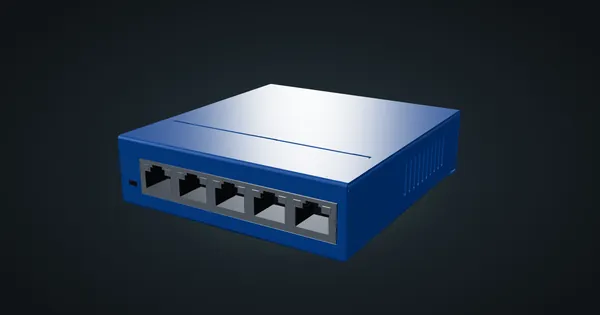
NETGEAR GS105 in a 10-inch rack
NETGEAR GS105 in a 10-inch rack: five unmanaged Gigabit ports, 2.7 W maximum on a 12 V adapter, and a choice of two 1U community mounts.
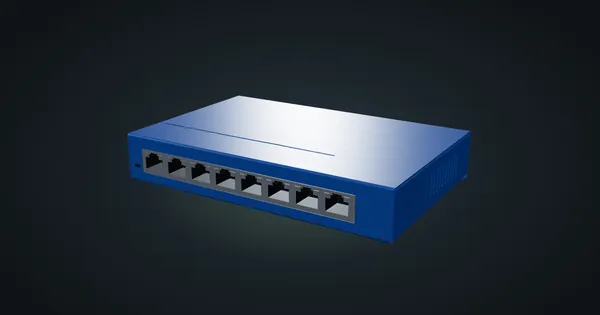
NETGEAR GS108 v4 in a 10-inch rack
NETGEAR GS108 v4 in a 10-inch rack: eight unmanaged Gigabit ports, 4.9 W maximum draw, two 1U community mounts and front-only cabling.
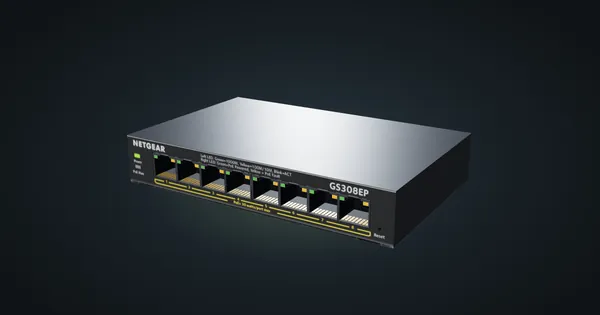
NETGEAR GS308EP in a 10-inch rack
How the NETGEAR GS308EP fits a 10-inch rack: eight Gigabit PoE+ ports on a 62 W budget, Easy Smart management and a 1U community mount.