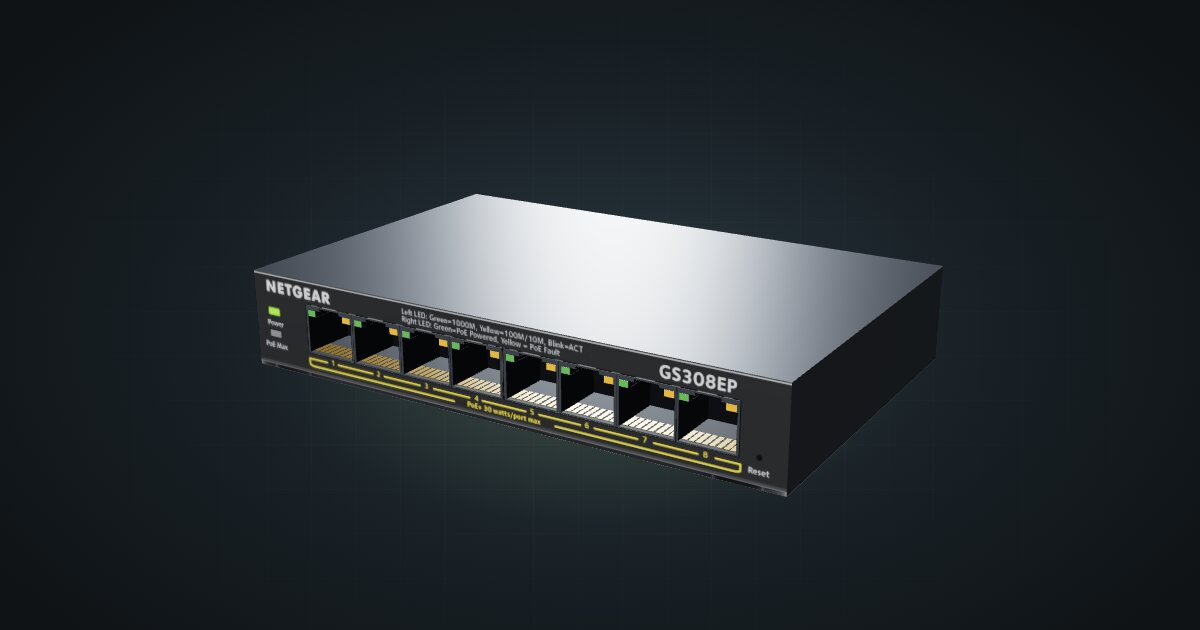
NETGEAR GS308EP in a 10-inch rack
How the NETGEAR GS308EP fits a 10-inch rack: eight Gigabit PoE+ ports on a 62 W budget, Easy Smart management and a 1U community mount.

On this page
The NETGEAR GS308EP is an eight-port Gigabit switch that also powers what you plug into it: every port does 802.3at PoE+, drawing on one shared 62 W budget. It is Easy Smart managed and fanless, which makes it a sensible core for a small rack of PoE cameras, access points and PoE-fed single-board computers. If you only need ports and not power, it is more switch than the job requires.
At a glance
| Ports | 8 × Gigabit RJ45, all on the front |
| PoE | 802.3at PoE+ on all eight ports, 62 W total budget |
| Management | Easy Smart managed, web browser-based GUI |
| Switching capacity | 16 Gbps |
| Power input | External adapter, 54 V DC / 1.25 A |
| Cooling | Fanless |
| Size and weight | 158 × 101 × 27 mm, 0.49 kg |
Where it fits in a mini rack
The GS308EP belongs in racks where some of the clients need power as well as a link. PoE cameras and access points can run from it without their own power bricks, and so can single-board computers fitted with a PoE HAT. Eight ports is a comfortable count for a mini rack: a handful of nodes, an uplink to the router and a spare or two.
Easy Smart management gives you a browser-based interface instead of a fixed plug-and-play box. That matters once you want to see what each port is doing or start separating traffic, and it is the main reason to pick this over an unmanaged switch of the same size. Fanless cooling keeps it silent on a desk or a shelf.
What it is not: a multi-gig switch. Every port is Gigabit, switching capacity is 16 Gbps and there is no SFP cage for a fibre uplink. The 62 W budget is also shared by all eight ports, so it will not feed eight power-hungry PoE+ devices at their maximum at the same time.
How it fits a 10-inch rack
At 158 mm wide and 101 mm deep, the GS308EP is a small box for a 10-inch frame. The configurator checks each placement against every rack in the catalogue:
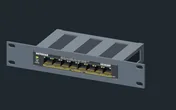
The dedicated community mount holds the switch in 1U at 104 mm deep, and it fits every RackMate frame, from the 200 mm deep T0 and T1 to the 260 mm frames. Nothing is blocked, and the shallow mount leaves room behind it for cables.
Without the mount, the 10i hex shelf takes the switch flat in 1U or standing upright in 4U, both at 154 mm deep. Flat on the shelf is the sensible fallback. Upright costs four units for one switch, which is hard to justify in a four-unit T0 or T0 Plus.
Power
Two numbers matter here: what the switch itself draws, and what it can push out to PoE devices.
For the electronics alone, the catalogue budgets 3.9 W as networked standby, the figure NETGEAR’s newer standby sheet gives with one link up, and 6.2 W as a reference allowance, the figure for all links up. The older manual quotes 6.0 W maximum without PoE; the larger number is kept as an allowance, not a verified peak. PoE output is excluded from both.
With PoE at full load, NETGEAR lists 74.4 W of consumption for the 62 W output budget, and the catalogue adds no external loads or conversion losses on top. That is the figure to plan the outlet around, not the standby number. The 54 V DC / 1.25 A on the adapter is a supply rating, not a measured draw. When you total the rack, count each PoE device once: either as its own draw or as part of the switch’s PoE budget, never both. The catalogue lists the budget but does not simulate power over the cables.
The GS308EPP is a different power-budget variant. The 62 W figure applies to the GS308EP, so check the label before you plan PoE loads around it.
Networking and cabling
All eight Gigabit RJ45 ports sit on the front face, and every one of them can supply PoE+. Nothing data-related faces the rear, which keeps the cabling plan short:
- Patch a switch port straight to a front-facing port on a device in the same rack.
- For a device whose Ethernet port faces the rear, patch the switch to a front keystone. The device’s rear port goes to the rear of that keystone, so the link passes through the panel.
- Never route a cable around the side of the rack to reach the switch.
Reserve one port for the uplink to your router, then count the PoE devices separately from the rest. Eight ports and a shared 62 W go faster than you expect.
The spec sheet also lists 9,216-byte jumbo frames and a 4K-entry MAC table, neither of which is likely to be the limit in a mini rack.
How it differs from the NETGEAR GS108
The GS108 v4 is the same size class: 8 × Gigabit RJ45, 16 Gbps of switching capacity and a 158 × 102 × 27 mm body. The differences are the ones that change a rack plan:
- Management. The GS308EP is Easy Smart managed. The GS108 v4 is unmanaged (plug-and-play).
- PoE. The GS308EP feeds powered devices from its 62 W budget. The GS108 v4 lists no PoE output.
- Power. The GS108 v4 runs from a 12 V DC / 0.5 A adapter and is rated at 4.9 W maximum.
- Mounts. Each has its own community mount, and the GS108 also has a version with two keystones beside the switch.
Full specifications
Plan it
Open the NETGEAR GS308EP in the catalogue to place it with its mount or on the hex shelf, or start from a community build that already uses it:
For an unmanaged switch in the same footprint, read the NETGEAR GS108 guide. For PoE inside a UniFi network, the UniFi Switch Ultra guide covers a compact PoE+ alternative.
Sources
Related guides
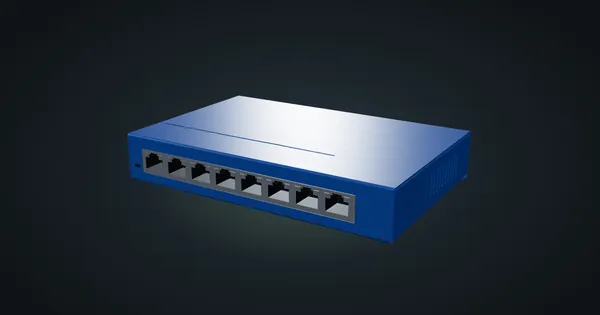
NETGEAR GS108 v4 in a 10-inch rack
NETGEAR GS108 v4 in a 10-inch rack: eight unmanaged Gigabit ports, 4.9 W maximum draw, two 1U community mounts and front-only cabling.
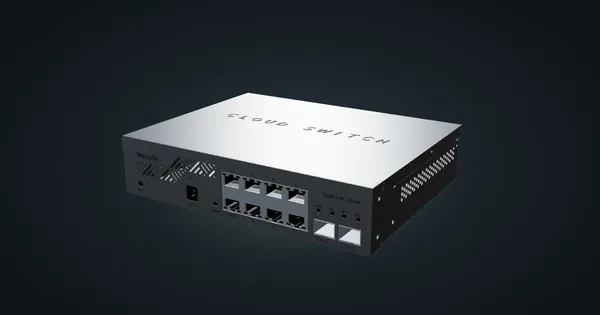
MikroTik CSS610-8G-2S+IN in a 10-inch rack
The MikroTik CSS610-8G-2S+IN in a 10-inch rack: eight Gigabit ports, two SFP+ cages, SwitchOS Lite, no fan and an 11 W maximum.
NETGEAR GS305 v3 in a 10-inch rack
NETGEAR GS305 v3 in a 10-inch rack: five unmanaged Gigabit ports, 2.15 W maximum from a 5 V adapter, a 1U community mount and the hex shelf.