MikroTik CRS310-1G-5S-4S+IN in a 10-inch rack
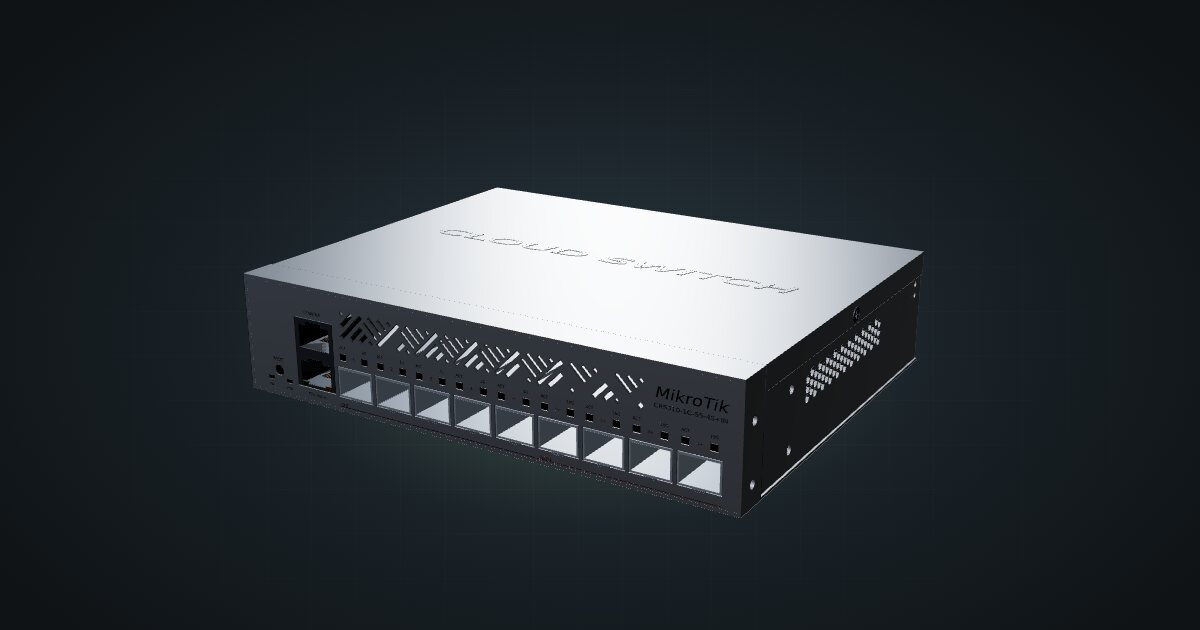
MikroTik CRS310-1G-5S-4S+IN in a 10-inch rack: four SFP+ and five SFP cages, one Gigabit port, RouterOS v7 and a 2U hex shelf placement.

On this page
The CRS310-1G-5S-4S+IN is a fibre switch with a single copper port for good manners. Four SFP+ cages run at 10G, five SFP cages at 1 Gb/s, and one Gigabit RJ45 jack handles management or a lone copper client. It suits a rack where the fast links already run over DAC or fibre, and it is the wrong pick if most of your gear expects copper.
At a glance
| Processor | Marvell 98DX226S, dual-core ARM 32-bit at 800 MHz |
| Memory and storage | 256 MB RAM, 16 MB flash |
| Ports | 1 × Gigabit RJ45, 5 × 1 Gb/s SFP, 4 × 10 Gb/s SFP+ |
| Switching capacity | 92 Gbps non-blocking (L1) |
| Software | RouterOS v7 / SwitchOS |
| Power | DC jack or PoE-in, 18–57 V, 20 W max |
| Cooling | One fan |
Where it fits in a mini rack
Four SFP+ cages make it a small 10G core. A NAS, a virtualization host and a second switch can each take a cage on DAC, with one left for an uplink or the next box you buy. The five SFP cages handle Gigabit links: fibre runs to other rooms or buildings, or copper SFP modules when you need a few more RJ45 connections. With 92 Gbps of non-blocking switching capacity, every port can run at line rate at the same time.
The software is a choice: RouterOS v7 when you want the full toolbox, SwitchOS when you want a simple browser-managed switch. The dual-core 800 MHz CPU is there to run the switch, not to route traffic at 10G, so treat it as a switch first.
The RJ45 serial console port is a welcome detail in a lab. If a VLAN change locks you out of the management interface, a console cable gets you back in without a factory reset.
What it is not: an access switch for a rack full of copper clients. One RJ45 jack won’t serve a cluster of single-board computers, and filling SFP cages with copper modules to compensate is a workaround, not a plan. Pair it with a plain Gigabit switch, or pick a sibling with more copper.
How it fits a 10-inch rack
There is no dedicated mount for this switch in the catalogue. The 10i hex shelf is the placement, and the configurator checks both orientations against every frame:
Flat on the shelf, the 200 × 166 × 44 mm switch takes 2U at a placement depth of 170 mm and fits all six RackMate frames, including the 200 mm-deep T0 and T1. Upright it needs 5U, which rules out the four-unit T0 and T0 Plus; the T1/2 Plus, T1, T1 Plus and T2 have room.
Flat is the sensible choice: every port and cage faces the front of the rack, and the switch costs 2U instead of 5U.
Power
MikroTik rates the switch at 20 W maximum and 8 W maximum without attachments. Neither is an idle figure; idle isn’t published. With nine cages to fill, the attachments are mostly modules, and what they add depends on which ones you use: DAC cables are the frugal option, copper modules the hungry one. Budget 20 W in your rack plan.
There are two ways to feed it, both accepting 18–57 V: a DC jack, or PoE-in to the 802.3af/at standard. PoE-in lets a single cable from a PoE switch carry both data and power. With a 20 W ceiling, an 802.3at (PoE+) source is the safer match for a fully loaded switch than plain 802.3af.
Cooling is one fan, and MikroTik quotes a tested ambient range of -40 to 70 °C. The fan and the wide temperature rating give it headroom in a warm rack, but it is not the silent option.
Networking and cabling
All ports sit on the front, labelled as the Gigabit LAN 1, SFP 1 to SFP 5, then SFP+ 6 to SFP+ 9. Patch the copper port to a front keystone or a front-facing switch port. The SFP+ cages take DAC cables or optical modules; the SFP cages take Gigabit optics or copper SFP modules. Keep every run inside the frame, never around the outside of the rack.
The fast cages are the last four, SFP+ 6 to SFP+ 9, not the first. Label them as you fill them, and keep 10G hosts off the SFP cages, which top out at 1 Gb/s.
How it differs from the CRS305-1G-4S+IN
The CRS305-1G-4S+IN is the compact sibling with the same core recipe: four SFP+ cages at 10G and one Gigabit RJ45 jack, running RouterOS or SwOS. The differences:
- More ports. The CRS310-1G-5S-4S+IN adds five SFP cages and an RJ45 serial console. Switching capacity is 92 Gbps versus 82 Gbps.
- Processor and memory. Both use a dual-core ARM 32-bit CPU at 800 MHz: the 98DX226S here, the 98DX3236 in the CRS305. The smaller switch has more memory: 512 MB versus 256 MB.
- Cooling. One fan here; a passive, fanless metal enclosure on the CRS305.
- Power. 20 W maximum and 8 W without attachments here, versus 18 W and 10 W. The CRS305 takes 12–57 V on either of two DC jacks or PoE input.
- Fit. 2U flat on the hex shelf at 170 mm here. The CRS305 has a dedicated 1U tray at 144 mm deep and also sits flat on the hex shelf in 1U at 154 mm.
If four 10G cages are all you need, the CRS305 is smaller and quieter. If you need the Gigabit fibre cages or the console port, this is the one.
Full specifications
Plan it
Open the CRS310-1G-5S-4S+IN in the catalogue to place it on a hex shelf in your rack plan, or start from a community build that already uses it:
For the rest of the family, the CRS305 guide covers the fanless four-cage switch and the CRS310-8G+2S+IN guide covers the copper-heavy model with the same CPU.
Sources
Related guides
MikroTik CRS305-1G-4S+IN in a 10-inch rack
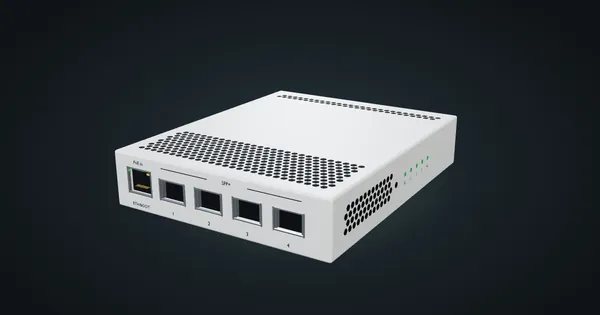
MikroTik CRS305-1G-4S+IN in a 10-inch rack: four SFP+ cages, PoE-in, RouterOS or SwOS, no fan, and a community 1U tray only 144 mm deep.
MikroTik CRS310-8G+2S+IN in a 10-inch rack
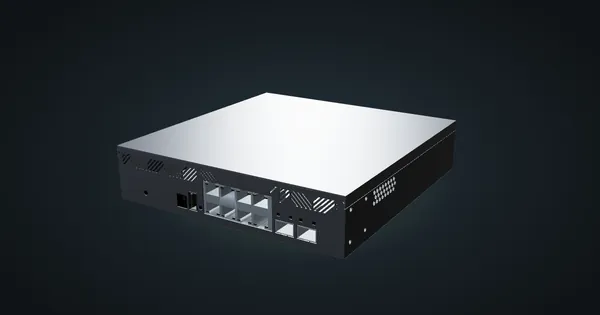
MikroTik CRS310-8G+2S+IN: eight 2.5 GbE ports, two SFP+ cages and RouterOS v7, but too deep for the hex shelf in any RackMate frame today.
MikroTik CRS304-4XG-IN in a 10-inch rack
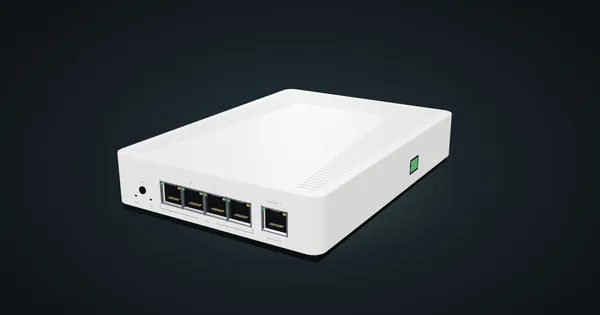
MikroTik CRS304-4XG-IN in a 10-inch rack: four 10G RJ45 jacks, a PoE-in management port, RouterOS v7, no fan, flat on the hex shelf in 1U.