MikroTik RB4011iGS+RM in a 10-inch rack
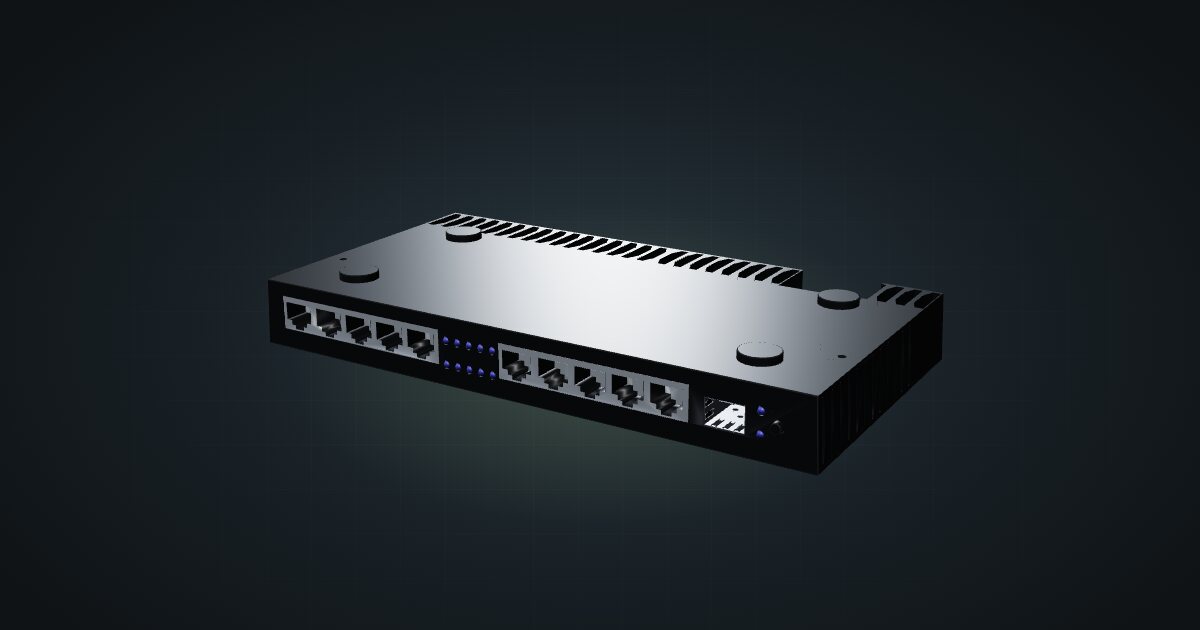
MikroTik RB4011iGS+RM in a 10-inch rack: ten Gigabit ports plus SFP+, upright on the hex shelf in 6U, and why it will not lie flat.

On this page
The RB4011iGS+RM is MikroTik’s port-heavy RouterOS router: ten Gigabit RJ45 sockets and an SFP+ cage in a passively cooled case. It suits a homelab that wants one box to route, firewall and fan out to a lot of wired devices, as long as the rack is tall enough to stand it on edge.
At a glance
| CPU | AL21400, ARM 32-bit, 533–1900 MHz (auto); cores / threads 4 / 4 |
| Memory and storage | 1 GB RAM, 512 MB NAND |
| Ethernet | 10 × Gigabit RJ45, front-facing |
| Fibre | 1 × SFP+, front-facing |
| Software | RouterOS v7, licence level 5 |
| Power | 12–57 V DC jack or 18–57 V passive PoE-in; 18 W max without attachments |
| Size | 228 × 120 × 30 mm |
Where it fits in a mini rack
Ten Gigabit ports change what a router does in a small rack. The RB4011 can be the gateway and the access switch at once: a WAN, a few VLAN-separated LAN ports for servers, IoT and management, and still spare sockets. In a mini rack where every unit counts, skipping a separate small switch is a real saving.
The SFP+ cage gives you a fast uplink to a 10G switch or storage box, so the router does not become the bottleneck between rack segments. RouterOS v7 at licence level 5 covers the usual homelab wish list: VLANs, firewalling, VPNs and dynamic routing.
What it is not: a fit for the smallest racks, or a Wi-Fi access point. The spec sheet lists no radio, and its multi-gig story is the single SFP+ cage; the copper ports are all Gigabit.
How it fits a 10-inch rack
The catalogue model leaves off the detachable 19-inch ears, and even without them the case is 228 mm wide. That is wider than the hex shelf deck, which decides everything:
- Flat on the 10i hex shelf, 1U: blocked in every rack. The case is wider than the shelf.
- Upright on the hex shelf, 6U at 154 mm deep: fits the RackMate T1/2 Plus, T1, T1 Plus and T2. The four-unit T0 and T0 Plus are blocked: not enough units.
There is no dedicated mount for the RB4011 in the catalogue, so upright on the shelf is the only placement today. Note what 6U means in practice: on the RackMate T1/2 Plus it is the whole frame. On the 8U RackMate T1 or the 12U RackMate T2 it leaves room for a switch and a server or two.
If you are still choosing a rack and the RB4011 is non-negotiable, size up. An 8U or 12U frame keeps the router from eating the whole plan.
Power
MikroTik lists 18 W maximum without attachments and 33 W maximum including PoE output. The catalogue budgets the 18 W figure, deliberately: Ether10 can feed a passive PoE device, and counting that device’s draw both here and on its own entry would double it. If you power something from Ether10, budget that device separately. Neither figure is an idle reading.
Input is flexible: a 12–57 V DC jack, or 18–57 V passive PoE-in. Passive PoE is not 802.3af/at, so match the injector or the powered device to MikroTik’s passive scheme. Cooling is passive, so there is no fan noise to plan around, but leave air around the case when it stands upright.
Networking and cabling
All eleven network ports face the front of the rack: ten Gigabit RJ45 sockets and the SFP+ cage. That makes cabling straightforward:
- WAN: the ISP line typically enters through a rear keystone; a short front patch from that keystone’s front socket reaches whichever port you assign as WAN in RouterOS. If your provider hands over fibre, the SFP+ cage can take the optical module instead.
- LAN: patch the other RJ45 sockets to front keystones or front-facing switch ports in the same rack.
- SFP+: take a DAC cable to a neighbouring switch, or an optical module for longer runs.
The console is an RJ45 serial socket, not Ethernet. Keep it out of the switch and label it.
How it differs from the RB5009
The RB5009UG+S+IN is the obvious alternative and fits the rack the same way: upright in 6U, blocked flat. The differences are in the ports and power. The RB5009 has 7 × 1 GbE plus 1 × 2.5 GbE and the same single 10G SFP+, a USB 3.0 Type-A port, and accepts 802.3af/at PoE-in instead of passive PoE. Its CPU is a quad-core ARM64 up to 1.4 GHz. The RB4011 counters with three more Gigabit ports and passive PoE output on Ether10. The RB5009 case is a little narrower at 220 mm.
Full specifications
Plan it
Open the MikroTik RB4011iGS+RM in the catalogue to stand it on a hex shelf in a rack plan and check how many units remain.
For the newer sibling with a 2.5 GbE port, read the RB5009 guide. To pair the SFP+ uplink with a MikroTik switch, the CRS310-8G+2S+IN guide is a good next stop.
Sources
Related guides
MikroTik RB5009UG+S+IN in a 10-inch rack
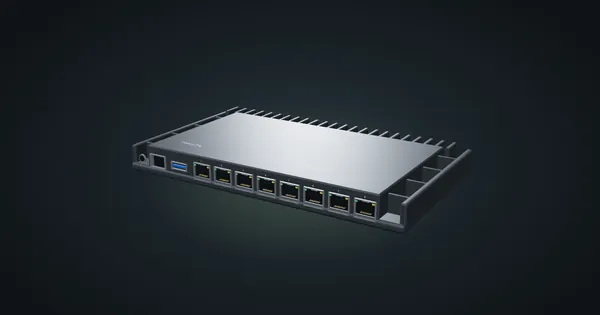
MikroTik RB5009UG+S+IN in a 10-inch rack: 2.5 GbE, seven Gigabit ports and 10G SFP+ in a fanless case that stands upright in 6U.
MikroTik RBM33G in a 10-inch rack
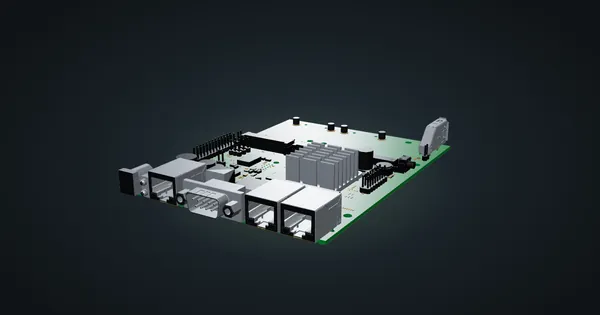
MikroTik RBM33G in a 10-inch rack: a bare RouterOS board with three Gigabit ports, miniPCIe and M.2 expansion, on the hex shelf in 1U.
MikroTik mAP lite in a 10-inch rack
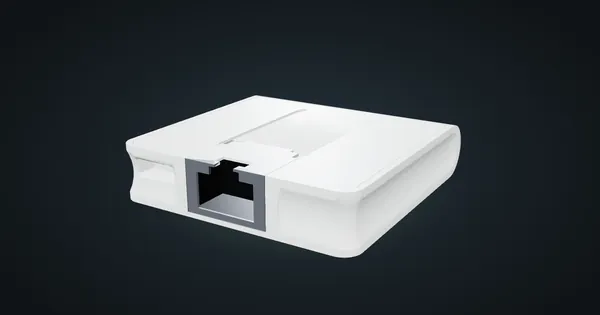
MikroTik mAP lite in a 10-inch rack: a 2.4 GHz RouterOS access point on the hex shelf, one front 100 Mbps port and a 3.5 W maximum.