MikroTik mAP lite in a 10-inch rack
MikroTik mAP lite in a 10-inch rack: a 2.4 GHz RouterOS access point on the hex shelf, one front 100 Mbps port and a 3.5 W maximum.

On this page
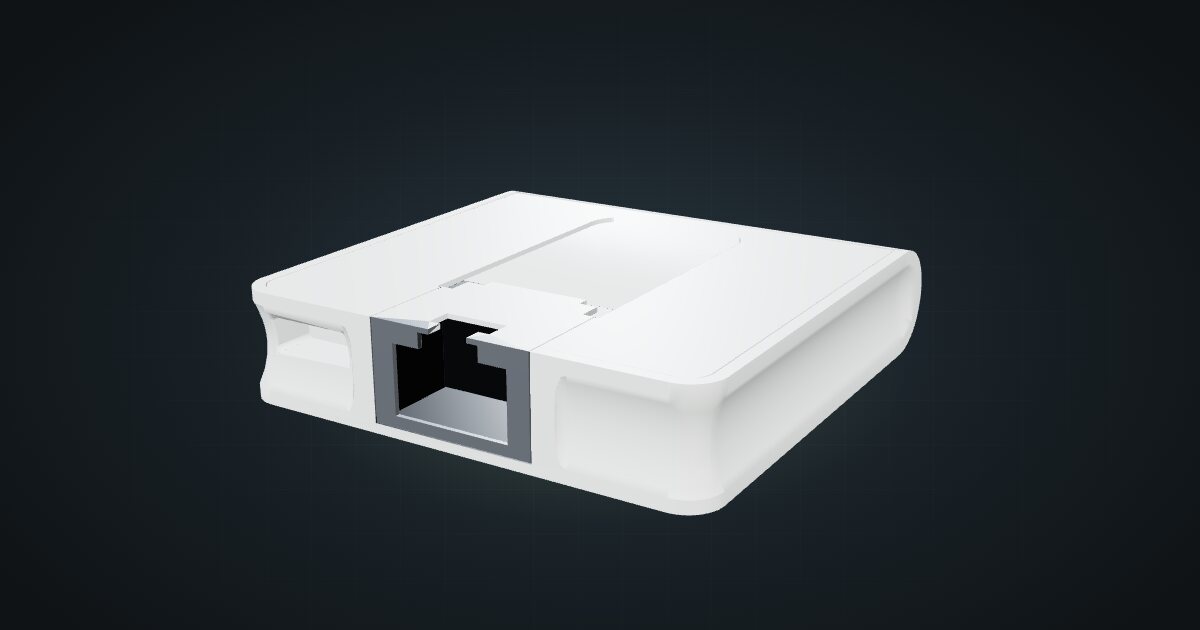
The mAP lite is the smallest MikroTik in the catalogue: a single-core RouterOS board with 2.4 GHz Wi-Fi and one Ethernet port, in a case smaller than a drinks coaster. It suits racks and travel kits that want a local wireless network or a RouterOS sandbox, not a main gateway for a busy home.
At a glance
| CPU | Qualcomm QCA9533, 1 core at 650 MHz (MIPSBE) |
| Memory and storage | 64 MB RAM, 16 MB flash |
| Ethernet | 1 × 10/100 Mb/s, front-facing |
| Wireless | 2.4 GHz 802.11b/g/n |
| Software | RouterOS, licence level 4 |
| Power | 5 V micro-USB or 802.3af/at PoE, 3.5 W max |
| Size | 48 × 49 × 11 mm |
Where it fits in a mini rack
The mAP lite earns its slot as the wireless piece of an otherwise wired rack. A 2.4 GHz network for IoT gadgets, a guest SSID bridged to a switch port, or a hotspot inside a portable rack case: those are jobs a 2.4 GHz 802.11b/g/n radio handles without fuss.
It is also a low-stakes way to learn RouterOS. The menus, scripting and firewall model are the same ones you meet on the bigger MikroTik routers, so mistakes on a spare mAP lite cost nothing but a reset.
What it is not: a primary router for a fast internet line. The only Ethernet port runs at 10/100 Mb/s, the CPU is a single 650 MHz core and the radio is 2.4 GHz only. Anything that needs Gigabit routing or modern Wi-Fi belongs on different hardware.
How it fits a 10-inch rack
The catalogue checks both shelf placements against every rack:
There is no dedicated mount for the mAP lite. It sits on the 10i hex shelf, either flat in 1U or upright in 2U, and both placements are 154 mm deep. That depth fits all six RackMate frames, from the 4U RackMate T0 with its 200 mm depth to the 12U RackMate T2 at 260 mm. Nothing is blocked.
Flat is the sensible default. At 48 × 49 × 11 mm the case leaves most of the shelf deck free, so the same unit can carry other small devices beside it. Upright only makes sense if you want the case standing on edge for a cleaner front view, and it costs a second unit.
It is a radio inside a frame of rails and panels. Give it a shelf position near the open front of the rack rather than burying it behind other hardware.
Power
MikroTik publishes a maximum of 3.5 W for the mAP lite, and that figure includes the board’s own input consumption. There is no published idle figure, so plan with the full 3.5 W. In a rack budget it barely registers.
Power arrives in one of two ways: a 5 V micro-USB supply, or 802.3af/at PoE on the Ethernet port. If the switch in your rack can deliver PoE, the PoE route is the tidy one: one cable carries data and power, and there is no extra adapter to park behind the shelf.
Networking and cabling
The single RJ45 socket, labelled LAN 1, faces the rack front and runs at 100 Mbps. Patch it with a short cable to a front keystone or straight to a front-facing switch port in the same rack. If you power it over PoE, a shielded keystone coupler passes 802.3af/at through, so a keystone in the path does not break the power feed.
With only one wired port, a router role means one side of the network is wireless. A common pattern in a travel kit: the upstream line enters through a rear keystone, a short patch from that keystone’s front socket reaches LAN 1 as the WAN side, and clients join over 2.4 GHz. As a plain access point, LAN 1 simply goes to a switch port and the radio bridges onto that network.
Everything that crosses the wire is capped at 100 Mbps. Fine for IoT, guests and a travel uplink; not for a NAS or a fast fibre line.
How it differs from the other MikroTik routers
The RBM33G is the next step up in the catalogue: a bare board with 3 × Gigabit RJ45, a dual core MT7621A at 880 MHz and 256 MB of memory, but no built-in radio. It powers from 11–28 V DC or passive PoE instead of micro-USB. The RB5009 goes much further, with an SFP+ cage and a 2.5 GbE port, and is a wired router through and through. The mAP lite is the only one of the group with Wi-Fi, and the only one that fits in a palm.
Full specifications
Plan it
Open the MikroTik mAP lite in the catalogue to drop it on a hex shelf in your rack plan, or start from a community build that already carries one:
For the wired side of a small MikroTik setup, read the RBM33G guide. If the case needs a proper VPN gateway, the GL.iNet Brume 3 guide covers the box that sits next to it in the road-case build.
Sources
Related guides
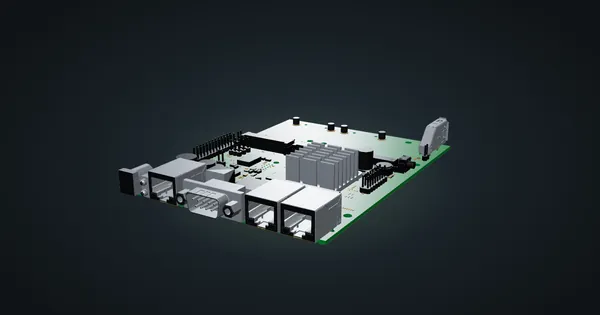
MikroTik RBM33G in a 10-inch rack
MikroTik RBM33G in a 10-inch rack: a bare RouterOS board with three Gigabit ports, miniPCIe and M.2 expansion, on the hex shelf in 1U.
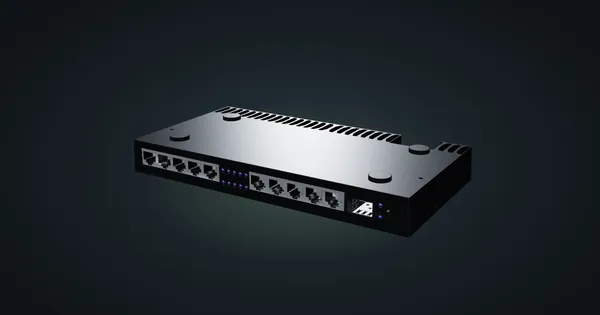
MikroTik RB4011iGS+RM in a 10-inch rack
MikroTik RB4011iGS+RM in a 10-inch rack: ten Gigabit ports plus SFP+, upright on the hex shelf in 6U, and why it will not lie flat.
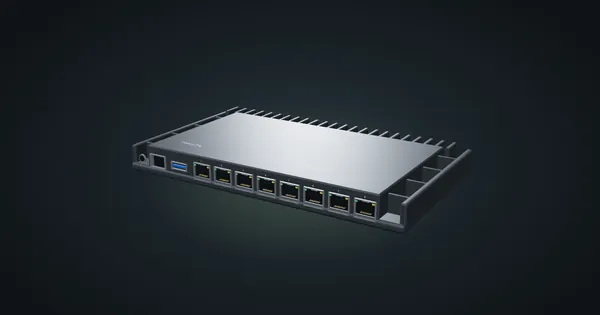
MikroTik RB5009UG+S+IN in a 10-inch rack
MikroTik RB5009UG+S+IN in a 10-inch rack: 2.5 GbE, seven Gigabit ports and 10G SFP+ in a fanless case that stands upright in 6U.