MikroTik RBM33G in a 10-inch rack
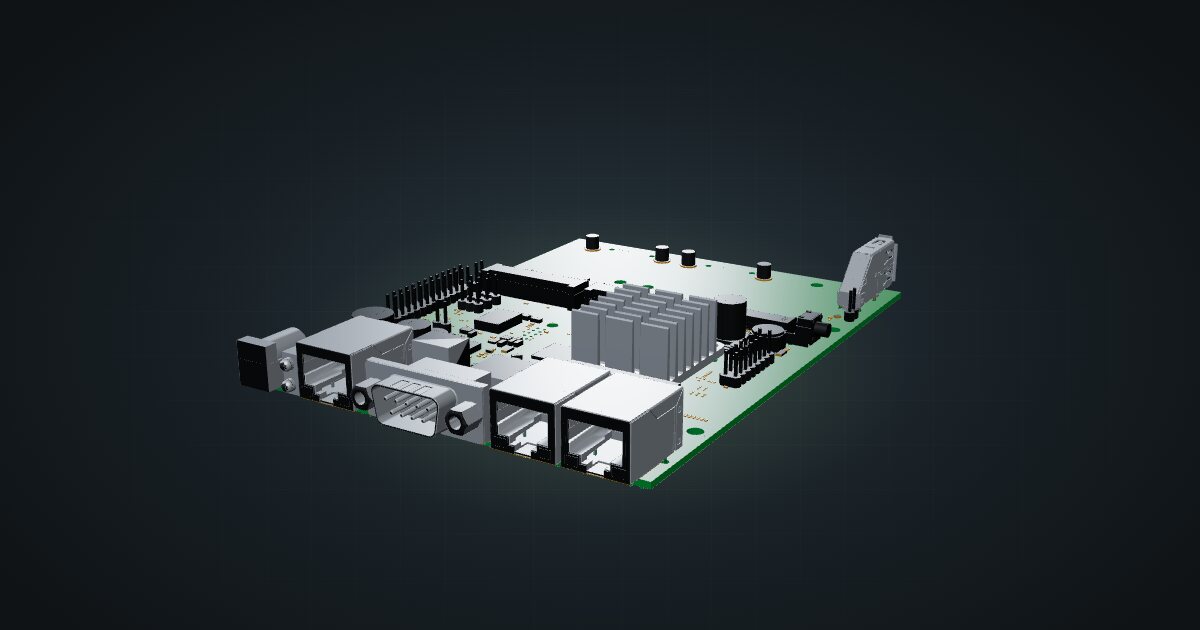
MikroTik RBM33G in a 10-inch rack: a bare RouterOS board with three Gigabit ports, miniPCIe and M.2 expansion, on the hex shelf in 1U.

On this page
The RBM33G is a RouterOS router without a box: a bare board with three Gigabit ports, two miniPCIe slots, an M.2 slot, USB 3.0 and a GPIO header. It suits tinkerers who want to build their own router around expansion cards, and racks where a printed shelf is the enclosure.
At a glance
| Processor | MT7621A, dual core at 880 MHz |
| Memory | 256 MB |
| Storage | 16 MB flash, plus microSD and M.2 for expansion |
| Ethernet | 3 × Gigabit RJ45, front-facing |
| Expansion | 2 × miniPCIe, 1 × M.2, 1 × USB 3.0 Type-A |
| Console | RS232 serial and GPIO header |
| Power | 11–28 V DC or passive PoE; 24 W max with attachments |
Where it fits in a mini rack
The RBM33G is a platform more than a product. The two miniPCIe slots are where cards such as wireless radios or cellular modems go, the M.2 slot and microSD add storage, and the USB 3.0 port takes one more peripheral. Put those together and you get a router shaped exactly to the job: a backup uplink over a modem card, a small router with local storage, or a lab board you can wire to other hardware through the GPIO header.
It also makes a sensible RouterOS learning box with real Gigabit ports. Three ports are enough for a WAN, a LAN and a management or lab segment.
What it is not: a finished appliance. There is no enclosure, no SFP cage and nothing faster than Gigabit. If you want something that slides into a rack and just routes, one of MikroTik’s boxed routers fits better.
How it fits a 10-inch rack
The board is 105 × 150 mm with no published height. The catalogue places it on the shelf:
There is no dedicated mount for the RBM33G. It goes on the 10i hex shelf, flat in 1U or upright in 3U, at 156 mm deep in both cases. Every RackMate frame takes either placement, including the 200 mm-deep RackMate T0 and RackMate T1. Nothing is blocked.
Flat in 1U is the efficient choice and keeps the three ports at the front edge. Upright costs two extra units but puts the board on edge, which can help if expansion cards make the flat stack crowded.
A bare board has exposed contacts underneath. Keep loose screws, cable clips and metal offcuts off the shelf deck, and add a case or standoffs if the rack gets moved around.
Power
MikroTik lists 5 W maximum for the bare board without attachments, and 24 W maximum once expansion hardware is fitted. The catalogue budgets the 24 W figure, because it includes the miniPCIe, M.2 and USB devices the bare-board model does not show. Neither number is an idle reading. If you run the board with nothing attached, the 5 W figure is the realistic ceiling.
Input is 11–28 V DC or passive PoE. Passive PoE is not the same as 802.3af/at, so plan a matching injector or DC supply rather than counting on a standard PoE switch port. The board itself is passively cooled.
Networking and cabling
All three Gigabit RJ45 sockets, LAN 1 to LAN 3, face the front of the rack. That keeps cabling simple:
- WAN: the ISP line typically enters the rack through a rear keystone. A short front patch from that keystone’s front socket to one of the three ports makes it the WAN in RouterOS.
- LAN: patch the remaining ports to front keystones or straight to front-facing switch ports.
The RS232 serial console sits on the board too, which is handy when a firewall rule locks you out of the network side.
How it differs from the other MikroTik routers
Against the mAP lite, the RBM33G trades the 2.4 GHz radio and the 100 Mbps port for three Gigabit ports, 256 MB of memory instead of 64 MB, and real expansion. It draws more too: 3.5 W max for the mAP lite against 5 W bare or 24 W fully loaded here.
The RB4011 and RB5009 are boxed routers with an SFP+ cage and many more ports. Both run RouterOS v7 at licence level 5, against level 4 here. They are also too wide to lie flat on the hex shelf, which the RBM33G does easily.
Full specifications
Plan it
Open the MikroTik RBM33G in the catalogue to place it on a hex shelf in your rack plan.
Need more ports in a box? The RB5009 guide and the RB4011 guide cover the bigger RouterOS routers, and the mAP lite guide covers the smallest.
Sources
Related guides
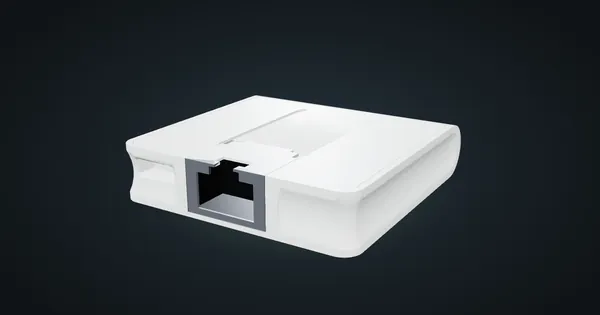
MikroTik mAP lite in a 10-inch rack
MikroTik mAP lite in a 10-inch rack: a 2.4 GHz RouterOS access point on the hex shelf, one front 100 Mbps port and a 3.5 W maximum.
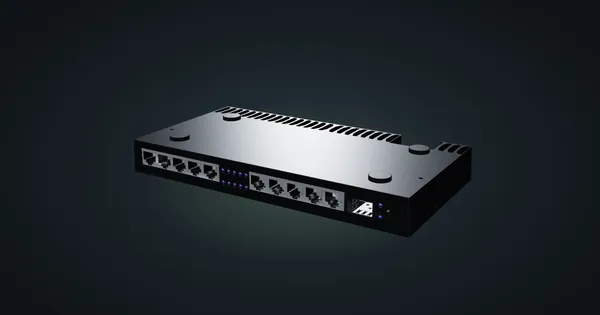
MikroTik RB4011iGS+RM in a 10-inch rack
MikroTik RB4011iGS+RM in a 10-inch rack: ten Gigabit ports plus SFP+, upright on the hex shelf in 6U, and why it will not lie flat.
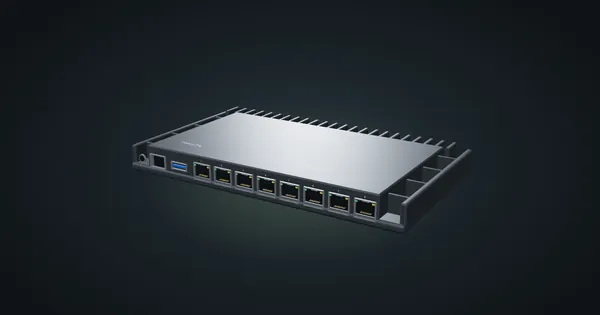
MikroTik RB5009UG+S+IN in a 10-inch rack
MikroTik RB5009UG+S+IN in a 10-inch rack: 2.5 GbE, seven Gigabit ports and 10G SFP+ in a fanless case that stands upright in 6U.