MikroTik RB5009UG+S+IN in a 10-inch rack
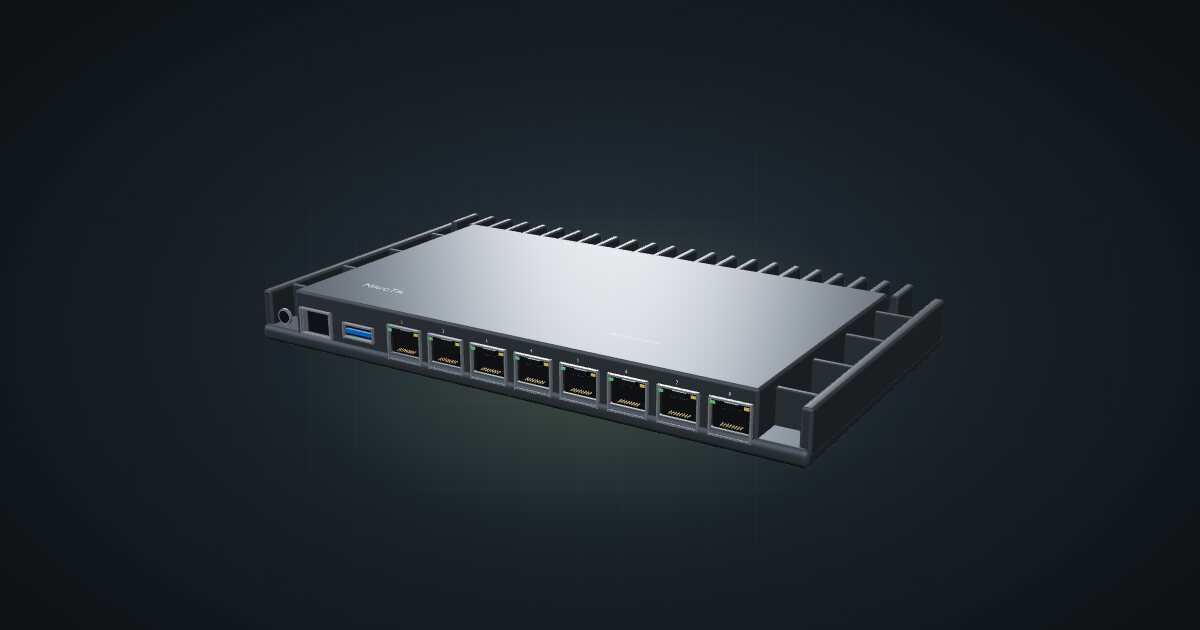
MikroTik RB5009UG+S+IN in a 10-inch rack: 2.5 GbE, seven Gigabit ports and 10G SFP+ in a fanless case that stands upright in 6U.

On this page
The RB5009UG+S+IN is the RouterOS router most homelabs grow into: a quad-core ARM64 CPU, one 2.5 GbE port, seven Gigabit ports and a 10G SFP+ cage, all passively cooled. It suits racks that need a capable gateway with a fast uplink to the switch, provided there is height to stand it on edge.
At a glance
| Processor | Quad-core ARM64, up to 1.4 GHz |
| Memory and storage | 1 GB RAM, 1 GB NAND |
| Ethernet | 1 × 2.5 GbE + 7 × 1 GbE RJ45, front-facing |
| Uplink | 1 × 10G SFP+, front-facing |
| Software | RouterOS v7, licence level 5 |
| Power | 24–57 V DC jack / terminal or 802.3af/at PoE-in; 14 W max without attachments |
| Size | 220 × 125 × 22 mm |
Where it fits in a mini rack
The RB5009 is a gateway with headroom. The 2.5 GbE port, Ether 1, is the natural home for an internet line faster than Gigabit. The SFP+ cage at 10G carries traffic to a 10G switch, so inter-VLAN routing between rack segments is not squeezed through a single Gigabit link. The seven remaining Gigabit ports cover management, a lab segment, a KVM-over-IP box or a few directly attached devices.
RouterOS v7 at licence level 5 brings the full MikroTik toolset: VLANs, firewalling, VPNs and dynamic routing. The USB 3.0 Type-A port takes a USB drive if you want local storage on the router.
What it is not: a Wi-Fi router, or something for a four-unit rack. The spec sheet lists no radio, and the shelf placement needs more height than the smallest frames have.
How it fits a 10-inch rack
The case is 220 mm wide, which is too wide to lie flat on the hex shelf. The catalogue checks both options:
- Upright on the 10i hex shelf, 6U including the deck, 154 mm deep: fits the RackMate T1/2 Plus, T1, T1 Plus and T2. The four-unit T0 and T0 Plus are blocked: not enough units.
- Flat on the hex shelf, 1U: blocked in every rack. The case is wider than the shelf.
There is no dedicated mount for the RB5009 in the catalogue. The variant note records that the 220 mm chassis fits inside the 222.25 mm rail opening of the RackMate T2, but rack ears are not included and no catalogue mount uses that gap. For now, upright on the shelf is the placement.
On the 6U RackMate T1/2 Plus, the upright router takes the entire frame. If you want a switch and servers in the same rack, plan on the 8U T1 or T1 Plus, or the 12U T2.
Power
MikroTik lists 14 W maximum without attachments and 25 W maximum including attached loads such as USB devices. The catalogue budgets 14 W and expects anything plugged into the USB port to be counted on its own, so the load is not added twice. Idle consumption is not published.
Power can come from a 24–57 V DC jack, a DC terminal, or 802.3af/at PoE-in. The PoE option is handy if a PoE switch already sits in the rack, since it saves an adapter. The case is passively cooled; standing upright, it wants clear air on both broad faces.
Networking and cabling
Every network port is on the front face: the SFP+ cage, Ether 1 at 2.5 GbE, and Ether 2 to Ether 8 at Gigabit. That keeps all patching at the front of the rack:
- WAN: the ISP line typically enters through a rear keystone. A short patch from that keystone’s front socket to Ether 1 gives the uplink the 2.5 GbE port. In RouterOS the WAN role is a configuration choice; the spec sheet names no fixed WAN port.
- LAN: patch Ether 2 to Ether 8 to front keystones or front-facing switch ports in the same rack.
- SFP+: a DAC cable to a neighbouring 10G switch is the simplest link; an optical module covers longer runs or a fibre hand-off.
How it differs from the RB4011
The RB4011iGS+RM shares the rack story: 6U upright, flat blocked. It has 10 × Gigabit RJ45 and one SFP+, but no 2.5 GbE port. Its AL21400 is a 32-bit ARM chip at 533–1900 MHz, its storage is 512 MB NAND, and its PoE is passive: passive input, plus passive output on Ether10. It takes 12–57 V DC and lists 33 W maximum with PoE output.
Choose the RB5009 for the multi-gig WAN, standard 802.3af/at PoE-in and USB. Choose the RB4011 if you want three more copper ports or need to power a passive-PoE device from the router.
Full specifications
Plan it
Open the MikroTik RB5009UG+S+IN in the catalogue to stand it on a hex shelf in a rack plan and see what height is left.
For the older port-heavy alternative, read the RB4011 guide. For a switch to sit at the far end of the SFP+ link, try the CRS305-1G-4S+IN guide or the CRS310-8G+2S+IN guide.
Sources
Related guides
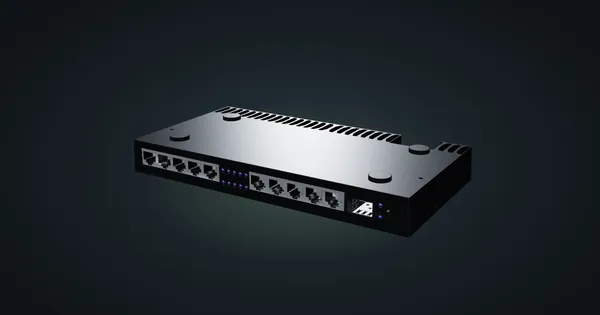
MikroTik RB4011iGS+RM in a 10-inch rack
MikroTik RB4011iGS+RM in a 10-inch rack: ten Gigabit ports plus SFP+, upright on the hex shelf in 6U, and why it will not lie flat.
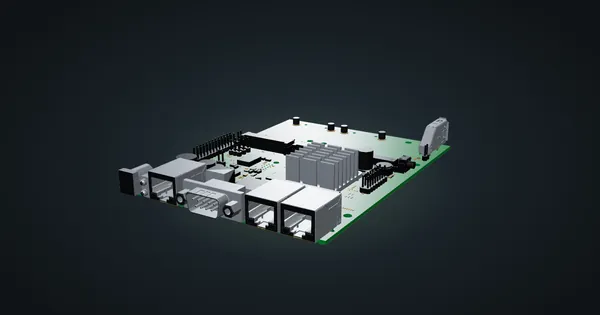
MikroTik RBM33G in a 10-inch rack
MikroTik RBM33G in a 10-inch rack: a bare RouterOS board with three Gigabit ports, miniPCIe and M.2 expansion, on the hex shelf in 1U.
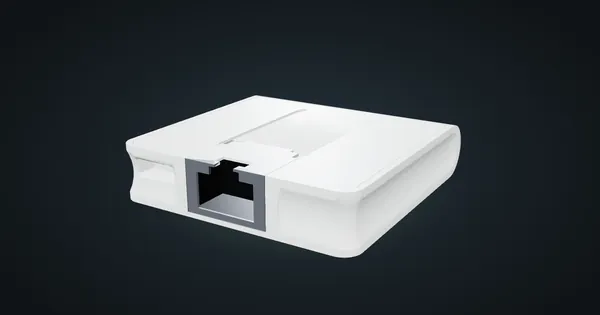
MikroTik mAP lite in a 10-inch rack
MikroTik mAP lite in a 10-inch rack: a 2.4 GHz RouterOS access point on the hex shelf, one front 100 Mbps port and a 3.5 W maximum.