MikroTik CRS310-8G+2S+IN in a 10-inch rack
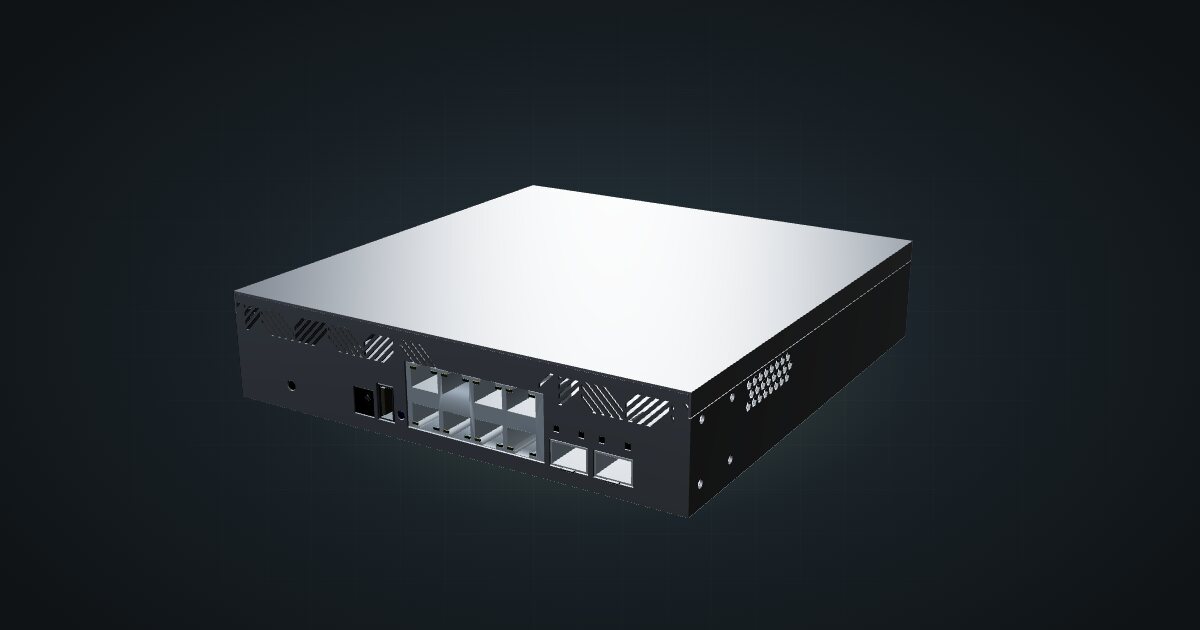
MikroTik CRS310-8G+2S+IN: eight 2.5 GbE ports, two SFP+ cages and RouterOS v7, but too deep for the hex shelf in any RackMate frame today.

On this page
The CRS310-8G+2S+IN is the switch a lot of homelabs actually want: eight 2.5 GbE ports for current mini PCs and NAS boxes, two SFP+ cages for 10G, and RouterOS v7 when you need more than a switch. In a 10-inch rack it has one problem, and it is a big one: nothing in the catalogue can hold it yet. This guide covers what it offers, why it doesn’t fit, and which siblings do.
At a glance
| Processor | Marvell 98DX226S, dual-core ARM 32-bit at 800 MHz |
| Memory and storage | 256 MB RAM, 32 MB flash |
| Ethernet | 8 × 2.5 GbE RJ45, front |
| Fibre | 2 × 10 Gb/s SFP+, front |
| Switching capacity | 80 Gbps non-blocking (L1) |
| Software | RouterOS v7 / SwitchOS |
| Power | DC jack 18–57 V, 34 W max |
Where it fits in a mini rack
The 2.5 GbE copper ports are the point. Plenty of mini PCs, small NAS units and routers now ship with 2.5G NICs, and on a Gigabit switch they run at a fraction of what they can do. Here all eight get full speed, and the two SFP+ cages at 10G take a NAS, a server or the uplink to the rest of the network. With 80 Gbps of non-blocking switching capacity, every port can run flat out at once.
The software is the other half of the appeal. It runs RouterOS v7 or SwitchOS, so you choose between a simple browser-managed switch and the full RouterOS toolbox. The dual-core 800 MHz ARM CPU is there to manage the switch chip, not to route your internet connection: treat RouterOS on this box as a switch with extra powers, not as a router. There is also one USB Type-A port.
What it is not: quiet, frugal or, today, rackable. It has a fan, the highest power rating of the MikroTik switches in this series of guides, and a depth that the rack hardware in the catalogue can’t accommodate.
How it fits a 10-inch rack
The switch measures 200 × 206 × 44 mm (W × D × H). The configurator offers the 10i hex shelf as the generic placement for boxes without their own mount, and lists that shelf at 154 mm deep. The CRS310-8G+2S+IN is much deeper than that, so the configurator blocks it in both orientations on all six RackMate frames:
Every row reads the same: too deep for the shelf. That applies to the 260 mm-deep T2, T0 Plus, T1/2 Plus and T1 Plus as much as to the 200 mm T0 and T1, because the limit is the shelf, not the frame. There is no dedicated mount in the catalogue either. Mounts here come from the community, so the fix is a deeper carrier that nobody has published yet. Even then, the switch is deeper than the 200 mm listed for the T0 and T1, so the 260 mm frames are the realistic candidates.
The configurator reports no placement that fits for this switch in any frame. Don’t build a rack plan around it until a deeper carrier exists.
If you want the same idea in a box that fits today, look at the siblings. The CSS610-8G-2S+IN has the same eight-plus-two layout with Gigabit copper and sits flat on the hex shelf in 2U at 171 mm. The CRS310-1G-5S-4S+IN, which shares this switch’s CPU, sits flat in 2U at 170 mm.
Power
MikroTik rates the CRS310-8G+2S+IN at 34 W maximum and 21 W maximum without attachments. Neither is an idle figure, and MikroTik doesn’t publish one. Budget 34 W in your rack plan; the difference between the two figures is what the modules in the SFP+ cages and other attachments can add.
Power arrives through a DC jack that accepts 18–57 V, and MikroTik includes a 24 V 1.5 A adapter. That rating describes what the adapter can deliver, not what the switch draws.
Cooling is a single fan, and the published operating range is -40 to 60 °C. With that power rating, give it airflow and keep it away from the warmest machines in the rack once it has somewhere to live.
Networking and cabling
All ten network ports are on the front: eight 2.5 GbE RJ45 jacks labelled LAN 1 to LAN 8, and two SFP+ cages at 10G. Wherever the switch ends up, the rules don’t change. Patch the copper ports to front keystones or straight to front-facing ports on the devices nearby, and keep every run inside the frame rather than looping cables around the outside of the rack.
The SFP+ cages take DAC cables or optical modules. A DAC is the simple, low-power choice for a host a short hop away; optics are for longer runs or existing fibre.
How it differs from the CSS610-8G-2S+IN
The CSS610-8G-2S+IN is the closest sibling, with the same eight copper ports and two SFP+ cages:
- Copper speed. 2.5 GbE here, Gigabit on the CSS610.
- Software. RouterOS v7 or SwitchOS here; SwitchOS Lite only on the CSS610.
- Switching capacity. 80 Gbps versus 56 Gbps, both non-blocking.
- Power. 34 W maximum versus 11 W maximum. The CSS610 takes 12–57 V DC or passive PoE.
- Cooling. One fan versus passive.
- Fit. Blocked everywhere versus 2U flat on the hex shelf in every RackMate frame.
The CRS310-1G-5S-4S+IN is the other relative. It uses the same Marvell 98DX226S and 256 MB of RAM and also runs RouterOS v7 or SwitchOS, but turns the port mix inside out: one Gigabit RJ45 jack, five SFP cages and four SFP+ cages, with 92 Gbps of switching capacity and a 20 W maximum. If your fast hosts are on DAC or fibre rather than copper, that is the CRS310 to pick, and it fits the shelf.
Full specifications
Plan it
The CRS310-8G+2S+IN catalogue entry keeps the full spec sheet and will show any new placement as soon as a deeper carrier joins the catalogue.
Until then, the CSS610 guide and the CRS310-1G-5S-4S+IN guide cover the MikroTik switches that fit a hex shelf, and the QNAP QSW-2104-2S guide covers a fanless, unmanaged mix of 2.5G and SFP+ that does too.
Sources
Related guides
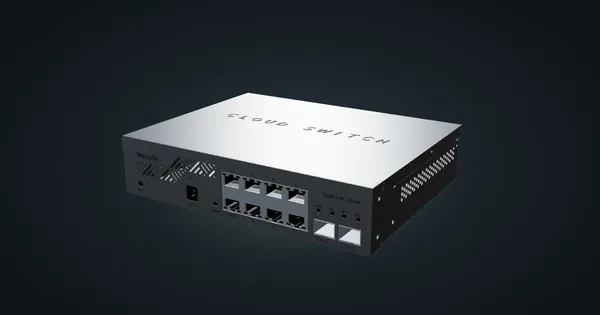
MikroTik CSS610-8G-2S+IN in a 10-inch rack
The MikroTik CSS610-8G-2S+IN in a 10-inch rack: eight Gigabit ports, two SFP+ cages, SwitchOS Lite, no fan and an 11 W maximum.
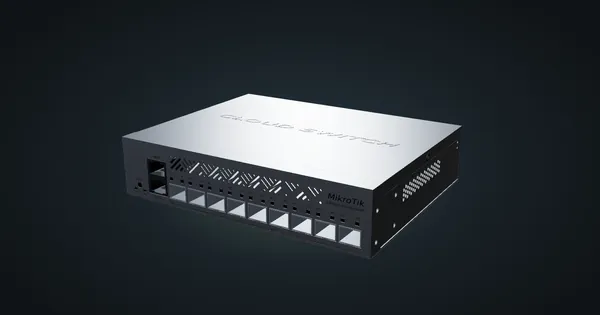
MikroTik CRS310-1G-5S-4S+IN in a 10-inch rack
MikroTik CRS310-1G-5S-4S+IN in a 10-inch rack: four SFP+ and five SFP cages, one Gigabit port, RouterOS v7 and a 2U hex shelf placement.
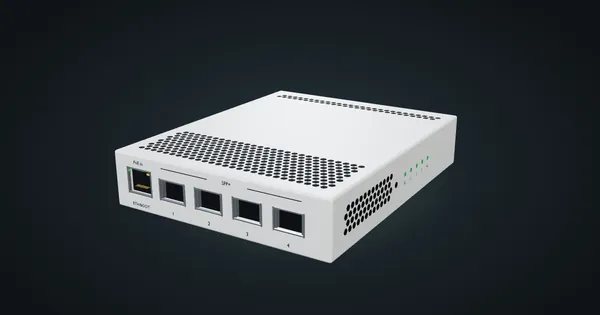
MikroTik CRS305-1G-4S+IN in a 10-inch rack
MikroTik CRS305-1G-4S+IN in a 10-inch rack: four SFP+ cages, PoE-in, RouterOS or SwOS, no fan, and a community 1U tray only 144 mm deep.