UGREEN NASync DXP2800 in a 10-inch rack
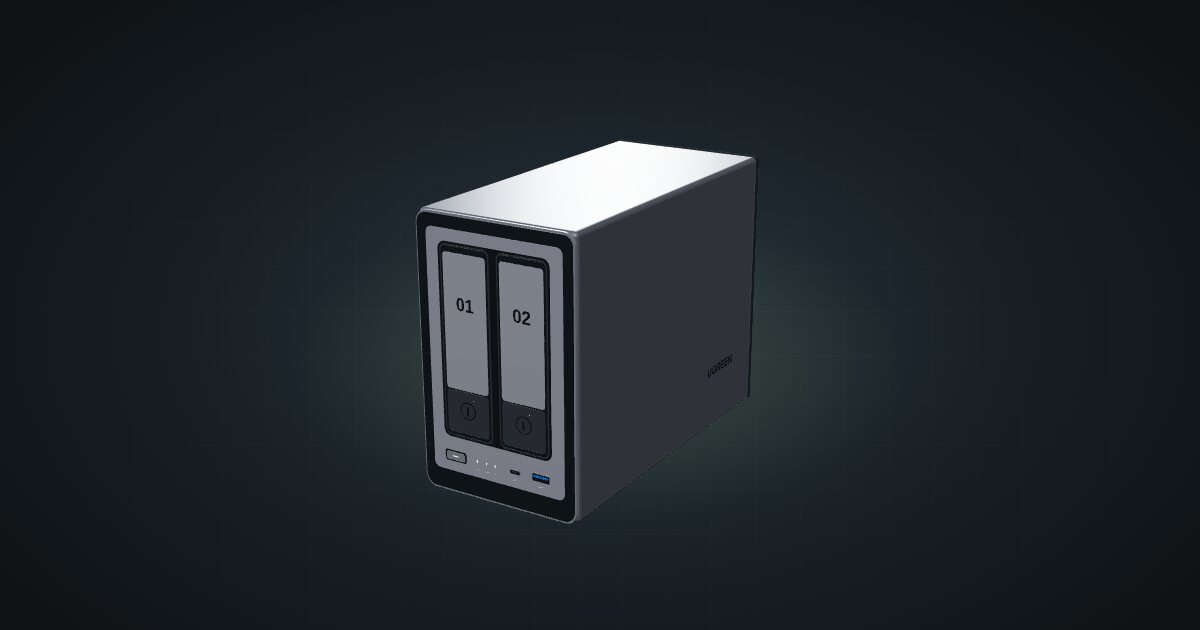
The two-bay UGREEN DXP2800 in a 10-inch rack: 4U on the rack floor of a 260 mm frame, one rear 2.5GbE port, two NVMe slots and an N100.

On this page
The UGREEN NASync DXP2800 is the two-bay member of the NASync family: the same Intel N100 and 8 GB of DDR5 as the four-bay DXP4800, with half the bays and one network port. It suits a rack that needs a small, always-on file server and has the depth to take one, which in practice means a 260 mm frame.
At a glance
| Processor | Intel N100, 4 cores / 4 threads, up to 3.4 GHz |
| Memory | 8 GB DDR5, expandable to 16 GB |
| Storage | Two 3.5/2.5-inch SATA bays, two NVMe SSD slots, 32 GB eMMC for the system |
| Networking | 1 × 2.5 GbE RJ45 at the rear |
| Power | 12 V DC input; 5.24 W in drive hibernation, 16.38 W during drive access |
| Size | 109.4 × 231.8 × 178.4 mm (W × D × H) |
Where it fits in a mini rack
Two bays and two NVMe slots make the DXP2800 a tidy home for backups from the rest of the rack, shared folders and a modest media library, with flash alongside the disks. UGOS Pro is the operating system. The N100 and 8 GB of memory, expandable to 16 GB, leave headroom beyond plain file serving.
The low end of its power range is the other draw. UGREEN quotes 5.24 W with the drives in hibernation, which makes it an easy device to leave running around the clock.
What it is not: a bulk store for large arrays, a box with two network links, or anything for a 200 mm frame. If you need more than two disks or a second port, look at the DXP4800.
How it fits a 10-inch rack
The DXP2800 has a single placement that works, and the fit check shows it plainly:
It stands on the rack floor at U1 and takes 4U, planned at 231 mm deep. That fits the four 260 mm frames: the RackMate T0 Plus, T1/2 Plus, T1 Plus and T2. The 200 mm RackMate T0 and T1 are blocked as too deep.
There is no dedicated printed mount for the DXP2800 in the catalogue, so the floor is the plan. The 10i hex shelf is out: at 154 mm deep it is blocked in every frame, flat or upright, and the catalogue notes that the NAS’s 231 mm depth exceeds the hex shelf allowance.
Units are the other budget. In the four-unit T0 Plus the NAS fills the frame on its own. The six-unit T1/2 Plus leaves two units above it, the T1 Plus four, and the twelve-unit T2 plenty.
Floor placement means U1, the bottom of the frame. Put the NAS into the plan first and build upward from there.
Power
UGREEN’s lab figures, measured with a Seagate 2 TB HDD, are 5.24 W in drive hibernation and 16.38 W during drive access. Drive access is not a worst-case maximum: the disk model and count, spin-up and CPU load all change the number, so two large drives will land somewhere else.
The NAS takes a 12 V DC input, and the catalogue lists no adapter rating for it. For a rack power budget, start from the drive-access figure, add headroom for spin-up with your own drives, and plan a place behind the frame for the DC supply.
Networking and cabling
There is one 2.5GbE port, an RJ45 jack labelled LAN, and it faces the rear. Patch it to a rear keystone and carry on from there; never loop a cable around the side of the rack to reach a front switch port. To see more than Gigabit, the switch on the other end needs a 2.5GbE port too.
The rest of the I/O splits between the faces. At the front sit a USB-C and a USB-A port at 10 Gb/s; at the rear, one USB-A at 5 Gb/s, two USB 2.0 ports and HDMI 4K. The rear 92 mm system fan is one more reason to keep the back of the frame clear.
How it differs from the DXP4800 and DS225+
The DXP4800 shares the N100, the 8 GB of DDR5 expandable to 16 GB, the 32 GB eMMC and the two NVMe slots. It doubles the bays to four and the network to 2 × 2.5GbE, and its body grows to 178 × 257.5 × 178 mm. In a rack that buys it one extra option: a printed 5U carrier, 267 mm deep, on top of the same 4U floor placement. UGREEN’s figures for it are 15.43 W in drive hibernation and 35.18 W during drive access, each with its own drive test load.
The Synology DS225+ is the other two-bay box in the catalogue:
- Platform: an Intel Celeron J4125, quad-core at 2.0 / 2.7 GHz, with 2 GB DDR4 expandable to 6 GB, against the N100 with 8 GB DDR5.
- Network: one 1 GbE and one 2.5 GbE port, against a single 2.5 GbE port.
- Flash: the DXP2800 has two NVMe slots; the DS225+ spec sheet lists none.
- Power: 6.08 W in HDD hibernation and 16.98 W during drive access, close to the DXP2800’s figures.
- Placement: the DS225+ is 232.2 mm deep, practically the same depth, and it stands on the rack floor at U1 in 4U in the same 260 mm frames. Neither fits the hex shelf.
Full specifications
Plan it
Open the UGREEN DXP2800 in the catalogue to stand it on the floor of a 260 mm frame and build the rest of the rack above it. There are no community builds with it yet.
For four bays, read the UGREEN DXP4800 guide; for the Synology alternative, the DS225+ guide.
Sources
Related guides
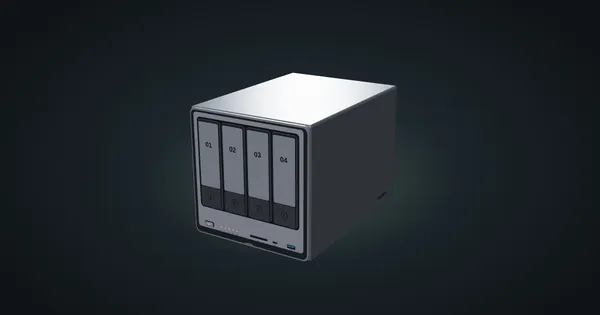
UGREEN NASync DXP4800 in a 10-inch rack
The four-bay UGREEN DXP4800 in a 10-inch rack: 4U on the floor or a 5U printed carrier, 260 mm frames only, two rear 2.5GbE ports.
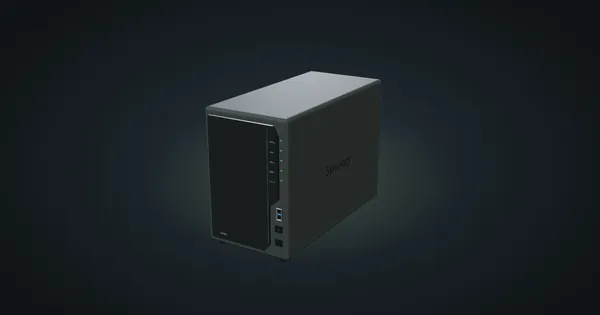
Synology DiskStation DS225+ in a 10-inch rack
The Synology DS225+ in a 10-inch rack: standing on the rack floor in 260 mm frames, its rear 1GbE and 2.5GbE ports and the full spec sheet.
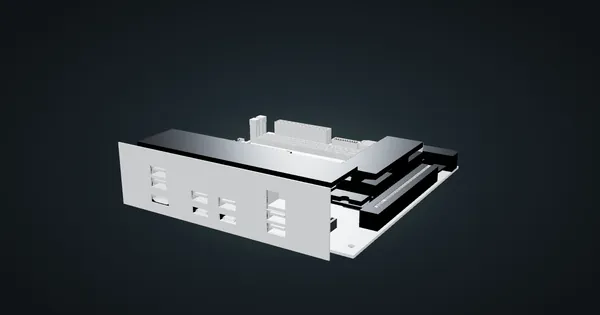
Gigabyte X870I AORUS PRO ICE in a 10-inch rack
Gigabyte's X870I AORUS PRO ICE Mini-ITX board in a 10-inch rack: AM5, dual-channel DDR5, 2.5 GbE, Wi-Fi 7, shelf options and power planning.