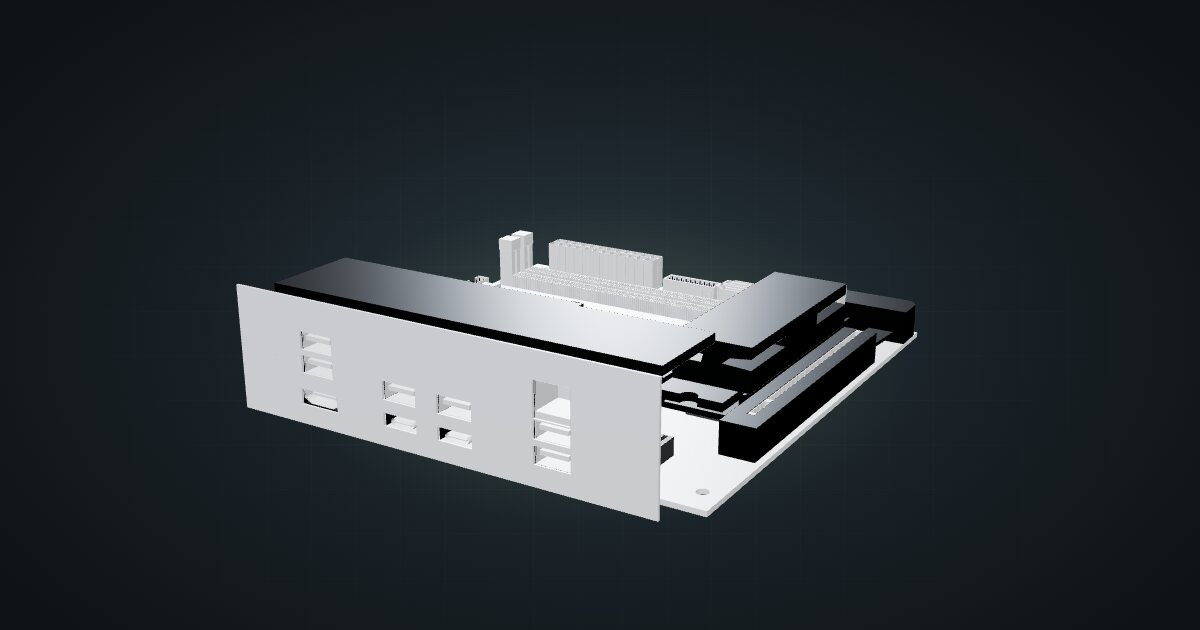
Gigabyte X870I AORUS PRO ICE in a 10-inch rack
Gigabyte's X870I AORUS PRO ICE Mini-ITX board in a 10-inch rack: AM5, dual-channel DDR5, 2.5 GbE, Wi-Fi 7, shelf options and power planning.

On this page
The X870I AORUS PRO ICE is a Mini-ITX board for AMD’s AM5 socket, and it is the starting point for a custom build in a 10-inch rack: your CPU, your cooler, your power supply. It suits people who want desktop-class performance, a full PCIe x16 slot and fast NVMe storage in a mini rack, and who are happy to assemble the rest themselves.
At a glance
| Socket and chipset | AMD AM5, X870; Ryzen 7000, 8000 and 9000 series |
| Memory | 2 × DDR5 DIMM, dual-channel, non-ECC, up to 128 GB |
| Storage | Two M.2 2280 (PCIe 5.0 x4 from the CPU; PCIe 4.0 x4 from the chipset, on the rear), 2 × SATA |
| Networking | 2.5 Gbps Ethernet, Wi-Fi 7, Bluetooth 5.4 |
| Expansion | 1 × PCIe x16 slot |
| Power input | 24-pin ATX main + 8-pin ATX 12 V |
| Board | 170 × 170 mm Mini-ITX |
The catalogue’s spec rows for this board come from retailer listings (Newegg and PC4U), not from Gigabyte’s own spec sheet. Treat them as planning values and confirm details such as lane assignments against Gigabyte’s page before you buy.
Where it fits in a mini rack
A desktop board in a mini rack is a deliberate choice. You give up the convenience of a finished mini PC and get an AM5 CPU of your choosing, two DDR5 memory slots with up to 128 GB, and an x16 slot for a network card or an accelerator.
That suits a few jobs particularly well:
- A virtualization host with a many-core Ryzen and plenty of memory, where mini PCs run out of RAM slots first.
- Fast local storage, with one M.2 drive on PCIe 5.0 from the CPU (with Ryzen 9000 or 7000), a second on PCIe 4.0 from the chipset, and two SATA ports. The board supports NVMe RAID 0/1/5/10 and SATA RAID 0/1.
- A media or gaming machine that lives in the rack, with HDMI and DisplayPort over USB4 when the CPU has graphics.
What it is not: a low-power, always-on utility box. For DNS, a reverse proxy or Home Assistant, a single-board computer or a mini PC does the job with far less effort. Note too that the memory support is non-ECC, un-buffered DDR5, so it is not a board for an ECC storage server.
How it fits a 10-inch rack
At 170 × 170 mm, the board is a standard Mini-ITX footprint, and the configurator checks three placements:
The Mini-ITX motherboard shelf is the dedicated mount. With this board on it, it takes 2U and 203 mm of depth. That fits the T0 Plus, T1/2 Plus, T1 Plus and T2, all 260 mm deep, but it is too deep for the T0 and T1 at 200 mm.
If you are set on a shallower frame, the 10i hex shelf fits every RackMate: the board lies flat in 2U or stands upright in 4U, at 175 mm deep. It is a generic shelf, so it holds the board but does not give it a purpose-built mounting plate.
The catalogue model is the bare board. The real height comes from what you add: the CPU cooler, the memory and any card in the x16 slot. A low-profile cooler such as the Noctua NH-L9x65, 51 mm tall as a bare heatsink before its fan goes on top, is the kind of part that keeps the build low. Plan the supply alongside it: the ATX PSU shelf adds another 2U at 156 mm deep.
Power
The catalogue does not assign a figure, and for a bare board that is the honest answer. There is no CPU, memory or storage selected, and the socket alone says nothing about how much the finished system will draw.
Budget from the parts you choose: start with the CPU, then add memory, drives, fans and whatever sits in the x16 slot. Power arrives through a 24-pin ATX main connector and an 8-pin ATX 12 V connector, so the board needs an ATX-style supply. Remember that the supply’s nameplate is what it can deliver, not what the build draws, and add headroom for conversion losses.
Networking and cabling
The board has one RJ45 Ethernet port at 2.5 Gbps. On the catalogue shelves the I/O panel faces the front of the rack, so the cleanest route is a short patch cable to a front keystone or straight to a front-facing switch port. If the link has to leave the rack, it goes through the rear of the keystone, never around the rack. To get the full 2.5 GbE, the switch port at the other end needs to be multi-gig too.
Wi-Fi 7 (Realtek RTL8922AE, 2T2R with two antenna connectors) and Bluetooth 5.4 are on board. In a rack the wire is almost always the better choice, but the Bluetooth radio can be handy for nearby sensors.
With the I/O panel at the front, the USB ports are within reach too: one USB4 Type-C, one USB-C 3.2 Gen 2, two USB 3.2 Gen 2 Type-A, two USB 3.2 Gen 1 and two USB 2.0. For a faster network than the onboard port, the x16 slot is the place for a network card.
Full specifications
Plan it
Open the Gigabyte X870I AORUS PRO ICE in the catalogue to place it on a shelf in your rack plan, or start from a community build that already uses it:
The rest of the build has its own guides: the ATX power supply guide for the supply and its shelf, and the Noctua NH-L9x65 guide for a low-profile cooler.
Sources
Related guides
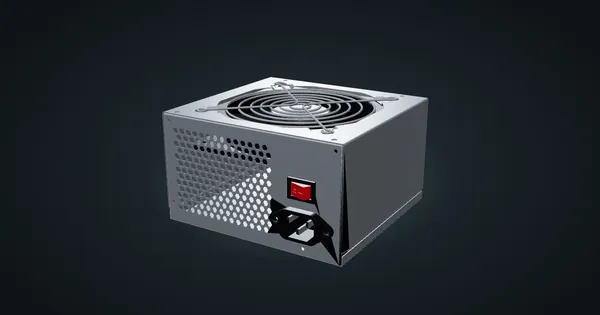
ATX power supply in a 10-inch rack
Fitting a standard ATX power supply in a 10-inch rack: the 2U PSU shelf, ATX12V dimensions, AC input ranges and how to budget its power honestly.
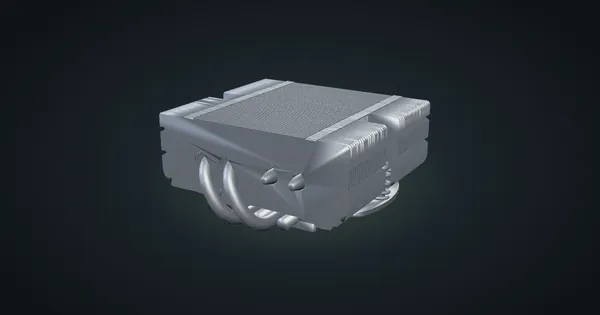
Noctua NH-L9x65 heatsink only in a 10-inch rack
Noctua's low-profile NH-L9x65 heatsink in a 10-inch rack: AM5 and LGA1851 support, fan options, height, TDP limits and its place in a Mini-ITX build.
UGREEN NASync DXP2800 in a 10-inch rack
The two-bay UGREEN DXP2800 in a 10-inch rack: 4U on the rack floor of a 260 mm frame, one rear 2.5GbE port, two NVMe slots and an N100.