JetKVM in a 10-inch rack
JetKVM in a 10-inch rack: KVM-over-IP for the machine beside it, three printable combo mounts, a rear 100 Mbps port and a tiny power budget.

On this page
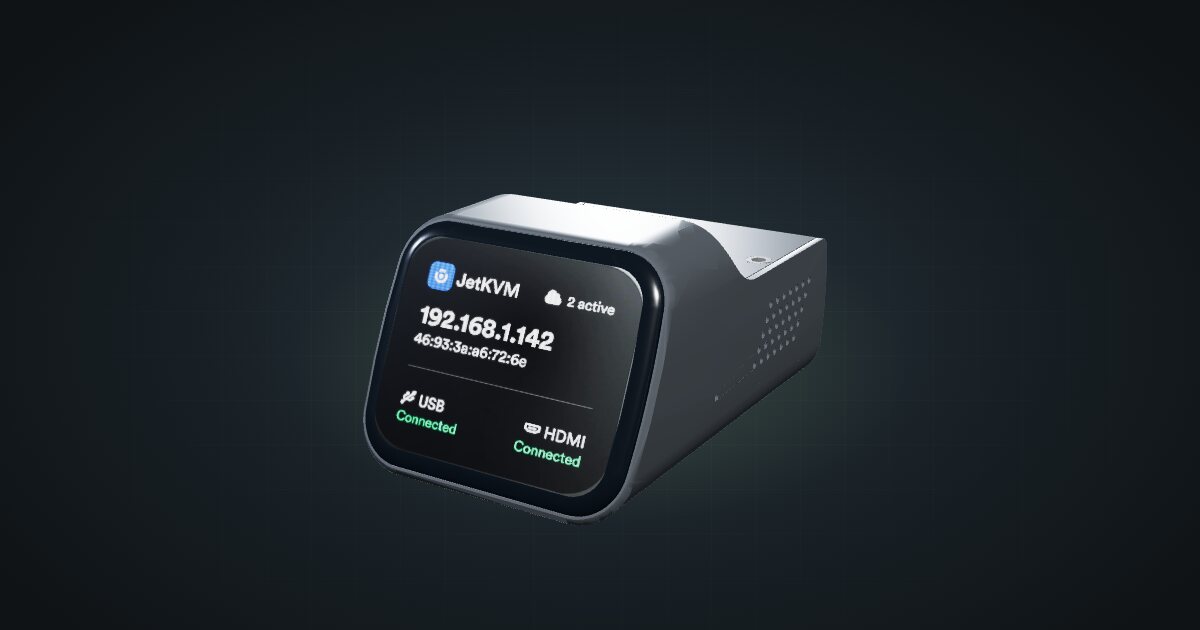
The JetKVM is a small KVM-over-IP box: it captures a computer’s HDMI output, stands in for its keyboard and mouse over USB-C, and serves both to your browser. In a mini rack it is the remote hands for the machine next to it, reaching BIOS screens, boot menus and broken network configs without a monitor and keyboard on a cart. It suits anyone running a mini PC, firewall or Pi they cannot easily walk up to.
At a glance
| Role | KVM over IP for one machine: HDMI capture plus USB-C |
| Video capture | 1080p at 60 fps, H.264, 30–60 ms latency |
| Processor | Rockchip RV1106G3, single-core Arm Cortex-A7 |
| Memory and storage | 256 MB DDR3L; 16 GB eMMC or 32 GB microSD, depending on hardware revision |
| Networking | 1 × RJ45, up to 100 Mbps, rear-facing |
| Power | 5 V DC via USB-C, max 1 A |
| Size | 43 × 60 × 31 mm |
Where it fits in a mini rack
The JetKVM exists to look after other machines. Pair one with a mini PC running a hypervisor, so you can fix a host that will not boot. Pair one with a firewall appliance, where a single bad rule can lock you out of the very network you would use to repair it. Or pair one with a Pi you reinstall often. Each JetKVM has one HDMI input and one USB-C connection, so it serves one machine; it is not a switch for the whole rack.
The RJ12 / 5-pin extension port widens the reach. JetKVM lists ATX power, DC power and serial-console add-ons for it: the first presses a PC’s power button remotely, and the serial console reaches switches and routers that have no video output at all.
What it is not: a multi-host KVM switch, or a fast path into the rack. Its 100 Mbps link carries a compressed video stream and control traffic comfortably, but it is no route for moving large files. Note the rated operating range too: 10–35 °C, narrower than most of the hardware around it, so keep it out of the exhaust of hotter neighbours.
How it fits a 10-inch rack
At 43 × 60 × 31 mm, the JetKVM is one of the smallest things you can rack, and the community has built it into combo mounts so it shares a unit with the machine it manages. The configurator checks every placement against each rack:
Every option fits all six RackMate frames, from the 200 mm deep T0 and T1 to the 260 mm Plus frames and the T2. Three dedicated mounts carry it, each in 1U:
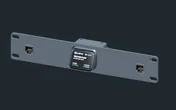
Rack height: 1U · Depth: 33 mm · Mounting: 3D-printed 1U carrier
Details & sources →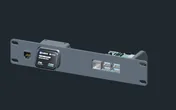
Rack height: 1U · Depth: 92 mm · Mounting: 3D-printed 1U combined carrier
Details & sources →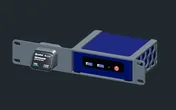
Rack height: 1U · Depth: 104.1 mm · Mounting: 3D-printed 1U carrier
Details & sources →- JetKVM + keystone mount is the shallowest at 44 mm deep: the JetKVM between two keystone slots. Use it when the machine you manage sits in another unit.
- Raspberry Pi + JetKVM mount is 92 mm deep and puts the JetKVM beside a Raspberry Pi 4 or Raspberry Pi 5, plus a keystone.
- Beelink Mini S12 + JetKVM is 104 mm deep and pairs it with the Beelink Mini S12 mini PC.
Without a dedicated mount, the 10i hex shelf takes it flat in 1U or upright in 2U, at 154 mm deep.
Put the JetKVM in the same unit as the machine it manages, as the Pi and Beelink combo mounts do. The HDMI and USB-C cables stay short and never have to leave the unit.
Power
The JetKVM takes 5 V DC through its USB-C port, max 1 A. The catalogue’s figures come from a third-party bench test of one unit at the USB input: 0.6 W idle and 1.8 W peak while streaming, with 1.53 W as the streaming average and extensions excluded. The tester, WarpKVM, makes competing KVMs, so read these as a reference point rather than a guaranteed maximum.
In rack power terms the JetKVM barely registers. The planning question is where the power comes from: the same USB-C port links to the target machine and powers the JetKVM. If that machine’s USB goes dark when it shuts down, the JetKVM goes with it, which defeats the point of remote power control. JetKVM documents alternative power sources for this case, and the extension port has a DC power add-on. Power over Ethernet is not supported on the standard model; a USB-C PoE splitter or a PoE extension board fills that gap.
Networking and cabling
The JetKVM has a single Ethernet jack, RJ45 at up to 100 Mbps, and it faces the rear of the rack. Patch it to the rear jack of a keystone coupler, then run a short front patch cable from that keystone to a front-facing switch port. The keystone slots in the JetKVM + keystone mount sit right beside it, which keeps that hop short. Do not loop the cable around the side of the rack to reach the front.
The HDMI cable and the USB-C cable run to the machine being managed. The HDMI input is Mini HDMI or full-size, depending on hardware revision, so check yours before you buy cables.
A KVM-over-IP device gives full console access to the machine behind it, down to the BIOS. Keep it on a management network or behind a VPN, never exposed directly to the internet.
Full specifications
Plan it
Open the JetKVM in the catalogue to add it to a rack plan with any of the mounts above, or start from a community build that already uses it:
For the machines it pairs with, read the Beelink Mini S12 guide, the Raspberry Pi 5 guide and the Protectli FW6A guide.
Sources
Related guides
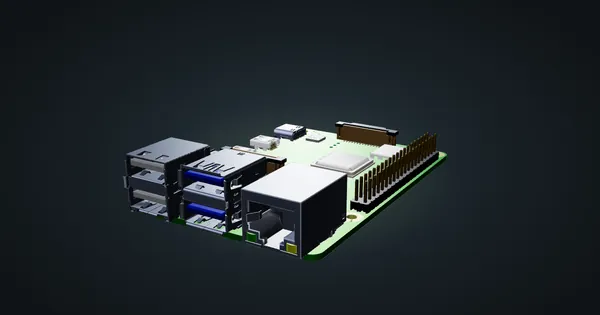
Raspberry Pi 4 Model B in a 10-inch rack
Racking the Raspberry Pi 4 Model B: three printable mounts including a 2-SSD NAS plate, a 5 V / 3 A USB-C supply and one front Gigabit port.
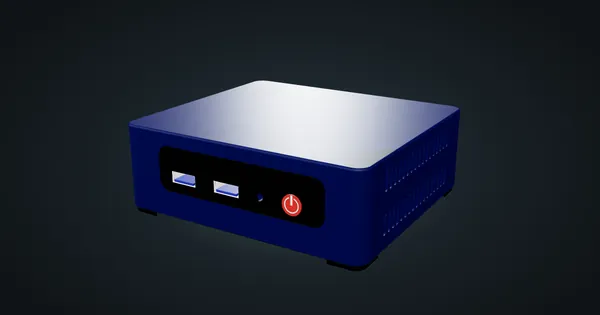
Beelink Mini S12 / N100 in a 10-inch rack
How the Beelink Mini S12 / N100 fits a 10-inch rack: two 1U mounts, one with a JetKVM, a 6 W TDP N100, a 36 W adapter and a rear Gigabit port.
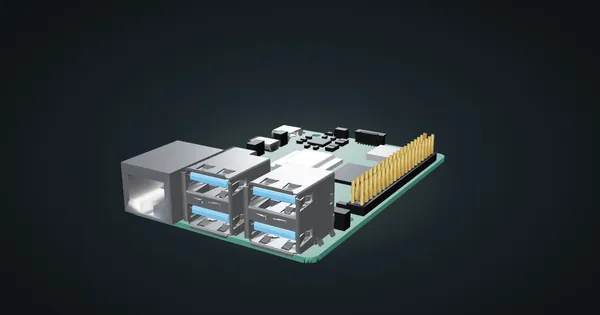
Raspberry Pi 5 in a 10-inch rack
How the Raspberry Pi 5 fits a 10-inch rack: four printable mounts, a 5 V / 5 A USB-C supply, front-facing Ethernet and the full spec sheet.