Raspberry Pi 5 in a 10-inch rack
How the Raspberry Pi 5 fits a 10-inch rack: four printable mounts, a 5 V / 5 A USB-C supply, front-facing Ethernet and the full spec sheet.

On this page
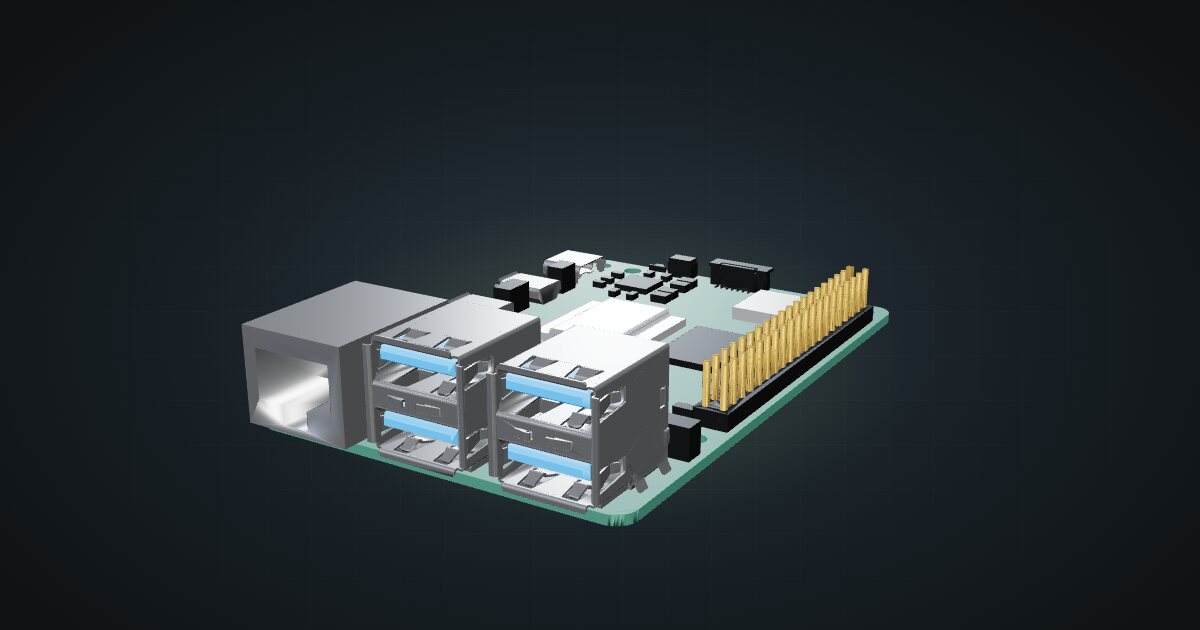
The Raspberry Pi 5 is the small computer most mini racks start with. It is cheap enough to buy two, quiet enough to sit on a desk, and it has outgrown the “toy” label: a quad-core Arm CPU, PCIe for fast storage and enough memory options to run real services. In a 10-inch rack it rarely needs more than one unit, and the community has printed mounts for almost every way you might want to use it.
At a glance
| Processor | Broadcom BCM2712, four Cortex-A76 cores at 2.4 GHz |
| Memory | LPDDR4X, up to 16 GB depending on the variant |
| Storage | microSD, or M.2 NVMe through a separate M.2 HAT on the PCIe lane |
| Networking | Gigabit Ethernet, dual-band Wi-Fi, Bluetooth 5.0 |
| Power | USB-C, 5 V / 5 A supply |
| Board | 85 × 56 mm |
Where it fits in a mini rack
The Pi 5 earns its place as the always-on utility box: DNS filtering, a reverse proxy, Home Assistant, a small Kubernetes node or a monitoring stack. The BCM2712’s Cortex-A76 cores and the PCIe lane are what make it more than a hobby board. Put the operating system on an NVMe drive instead of a microSD card and it becomes a sensible little server.
It is also the cheapest way to build a cluster. Several boards side by side give you real multi-node practice for Kubernetes or Ceph without the noise and power draw of x86 mini PCs. And with an M.2 or SATA carrier it turns into a compact NAS for backups and media, as long as you accept that it has a single Gigabit port.
What it is not: a virtualization host for many VMs, or anything that needs more than Gigabit networking. For those jobs a mini PC is the better tool.
How it fits a 10-inch rack
The board is only 85 × 56 mm, so the question is never whether it fits but how many you want per unit. The configurator checks every placement against each rack in the catalogue:
Every option fits every RackMate frame, from the four-unit T0 with its 200 mm depth to the deeper 260 mm frames. The mounts are shallow, 92 mm for the dual mount and 102 mm for the NAS plates, which leaves plenty of room behind them for cables and a USB-C supply.
The dual mount puts two boards side by side in 1U, with 2 bays that each take a Pi on its own. It is the most space-efficient way to rack a pair.
The four community mounts cover the common setups:
Rack height: 1U · Depth: 92 mm · Mounting: 3D-printed 1U dual-board carrier
Details & sources →
Rack height: 1U · Depth: 92 mm · Mounting: 3D-printed 1U combined carrier
Details & sources →
Rack height: 1U · Depth: 101.8 mm · Mounting: 3D-printed 1U NAS carrier
Details & sources →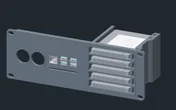
Rack height: 2U · Depth: 101.8 mm · Mounting: 3D-printed 2U NAS carrier
Details & sources →- Dual Raspberry Pi mount for clusters and service boxes.
- Raspberry Pi + JetKVM mount pairs one Pi with a JetKVM for remote console access, plus keystone slots.
- Raspberry Pi 5 NAS plates carry the board together with SSD bays: a 1U plate with 2 SSDs and a 2U plate with 5.
If none of those suit, the 10i hex shelf takes the board flat in 1U or standing upright in 2U, at 154 mm deep.
Power
Raspberry Pi specifies a 5 V / 5 A USB-C supply for the Pi 5. The catalogue budgets about 4 W for a bare board doing light work and plans for the full 25.5 W the supply can deliver, which covers USB drives and HATs drawing from the board. The low figure is typical active draw, not a measured idle minimum.
In practice that means one proper supply per board, not a shared phone charger. If you rack several Pis, plan where those supplies live: behind the mounts on the rack floor, or on a power strip mounted at the back. Power over Ethernet is possible too, but the Pi 5 needs a separate PoE+ HAT for it.
Networking and cabling
Each Pi 5 has one Gigabit Ethernet port. In the catalogue mounts it faces the front of the rack, so the cleanest route is a short patch cable from the board to a front keystone or straight to a front-facing switch port in the same rack. Wi-Fi and Bluetooth are on board, but in a rack you will almost always want the wire.
A cluster of Pis wants one switch port per board. Count the ports before you pick the switch, and leave room for an uplink.
Full specifications
Plan it
Open the Raspberry Pi 5 in the catalogue to add it to a rack plan with any of the mounts above, or start from a community build that already uses it:
Looking at the older generation? The Raspberry Pi 4 guide covers the board that still fills many racks, and the Raspberry Pi Zero 2 W guide covers the smallest member of the family.
Sources
Related guides
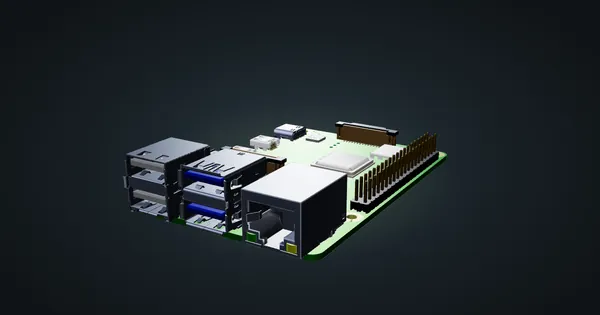
Raspberry Pi 4 Model B in a 10-inch rack
Racking the Raspberry Pi 4 Model B: three printable mounts including a 2-SSD NAS plate, a 5 V / 3 A USB-C supply and one front Gigabit port.
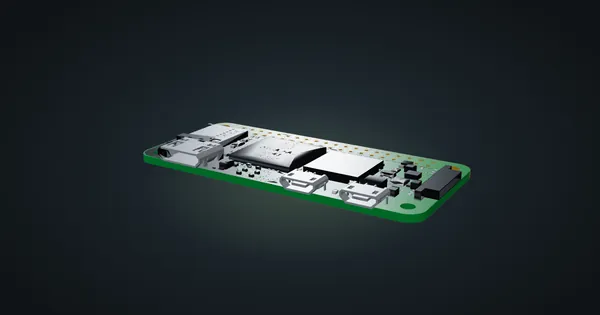
Raspberry Pi Zero 2 W in a 10-inch rack
The Raspberry Pi Zero 2 W in a 10-inch rack: shelf-only placement, Wi-Fi as its only network, 512 MB of RAM and a micro-USB 5 V supply.
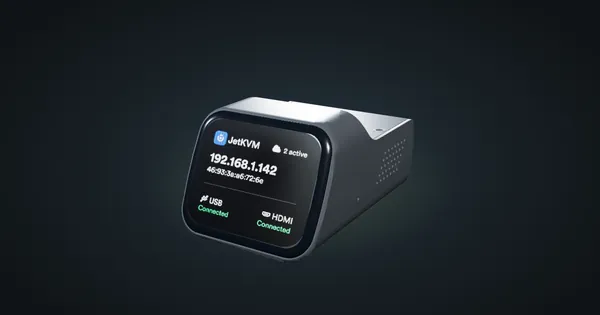
JetKVM in a 10-inch rack
JetKVM in a 10-inch rack: KVM-over-IP for the machine beside it, three printable combo mounts, a rear 100 Mbps port and a tiny power budget.