Intel NUC8i7BEH in a 10-inch rack
How the Intel NUC8i7BEH fits a 10-inch rack: a soldered Core i7-8559U, up to 32 GB RAM, Thunderbolt 3, a 90 W adapter and 2U on the hex shelf.

On this page
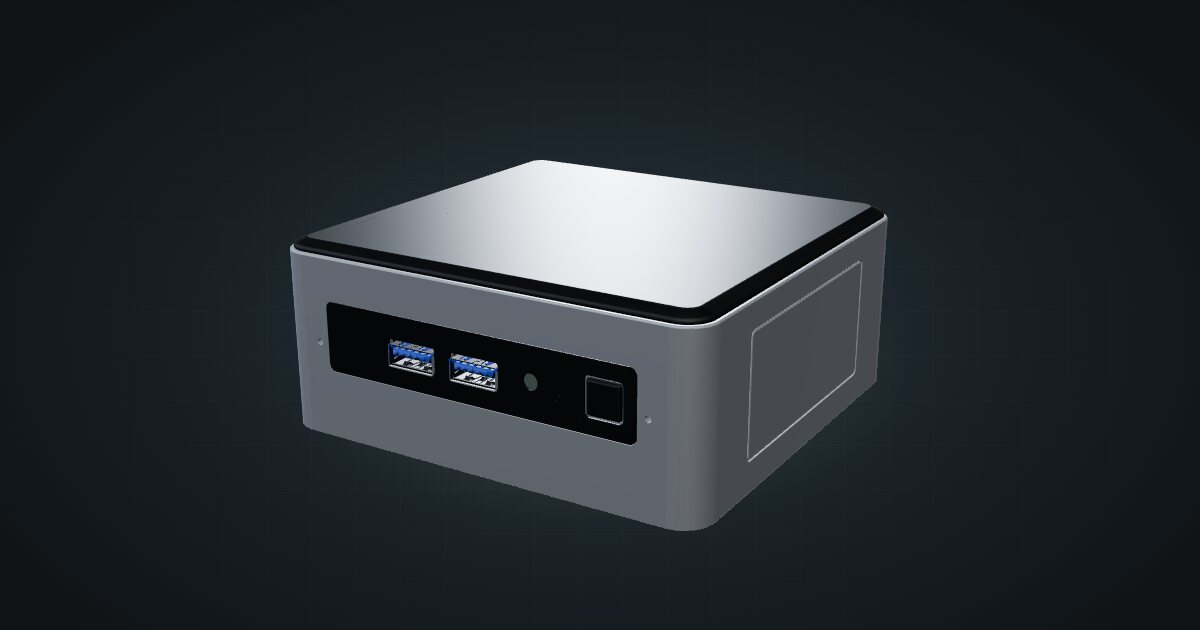
The Intel NUC8i7BEH is the tall version of Intel’s 8th Gen NUC: a soldered quad-core Core i7, two SO-DIMM slots, an M.2 drive, a 2.5-inch bay and Thunderbolt 3 in a compact square box. In a 10-inch rack it lives on a shelf rather than a dedicated mount. It suits a compact homelab node or a utility box that might later want a fast external device.
At a glance
| Processor | Intel Core i7-8559U (soldered), 4 cores / 8 threads, 2.7 GHz base, up to 4.5 GHz, 28 W TDP |
| Graphics | Intel Iris Plus Graphics 655 |
| Memory | 2 × DDR4-2400 SO-DIMM (1.2 V, non-ECC), 32 GB maximum |
| Storage | M.2 2242/2280 (PCIe x4 or SATA) plus a 2.5-inch SATA bay; microSDXC |
| Networking | One Gigabit RJ45 (Intel I219-V) at the rear; 802.11ac Wi-Fi |
| I/O | Rear USB-C with Thunderbolt 3; four USB 3.1 Gen 2 Type-A |
| Power | 12–19 V DC barrel input; designed for the 90 W adapter in the kit |
| Size | 117 × 112 × 51 mm, 0.58 kg |
Where it fits in a mini rack
From the specs, the NUC8i7BEH is a small Proxmox node or Docker host: 4 cores / 8 threads, up to 32 GB across two SO-DIMMs, and a fast M.2 drive with a 2.5-inch bay beside it for data or backups. The CPU is soldered, so what you buy is what you keep; memory and storage are the parts you can change.
Thunderbolt 3 is the unusual extra. It gives the box a route to external storage or a faster network adapter, though anything you attach also needs a place in the rack.
The non-ECC memory and single Gigabit port set the limits. It is not a storage server, not a multi-NIC router without adapters, and the catalogue gives it no dedicated mount.
How it fits a 10-inch rack
The configurator checks each placement against every rack in the catalogue:
There is no dedicated NUC mount in the catalogue, so the 10i hex shelf does the job. Lying flat it takes 2U at 154 mm deep; standing upright it takes 3U at the same depth. Both fit every RackMate frame, including the four-unit T0 and the 200 mm-deep T0 and T1, and the shallow depth leaves room behind the machine for the barrel plug and the network cable.
Flat uses one unit less, so it is the natural default.
Power
The catalogue’s high planning figure is the 90 W adapter that comes with the kit. That is the adapter’s documented output capacity, not the machine’s draw, and it leaves out adapter losses. There is no measured low figure in the power profile, so idle draw is unknown here; the 28 W TDP of the CPU is the only other documented number, and it describes the processor, not the whole system.
For rack planning, budget the 90 W per NUC on the power strip or UPS and find a home for the external brick. The barrel input accepts 12–19 V DC, but stick to the adapter Intel designed the kit around unless you have checked the replacement’s rating.
Networking and cabling
The single Gigabit RJ45 on the Intel I219-V faces the rear. Patch it to a rear keystone in the same rack; never route the cable around the side of the frame to the front.
The front of the machine carries two of the USB 3.1 Gen 2 Type-A ports, one of them charging, plus a 3.5 mm headset jack, so boot media is easy to reach. The rear has the other two Type-A ports, HDMI 2.0a and the Thunderbolt 3 USB-C, which also carries DisplayPort 1.2. Wi-Fi is soldered on board and up to 1.73 Gbps on paper, but in a rack the wire is the better choice.
If you add a Thunderbolt device, put it on the same shelf or directly behind the NUC. Thunderbolt cables are short, and the device belongs in the rack plan like any other.
Full specifications
Plan it
Open the Intel NUC8i7BEH in the catalogue to add it to a rack plan on the hex shelf.
Looking at other compact x86 boxes? The Beelink Mini S12 guide covers a lower-power N100 machine, and the Minisforum NAB6 guide covers a newer 12th Gen option with two multi-gig Ethernet ports.
Sources
Related guides
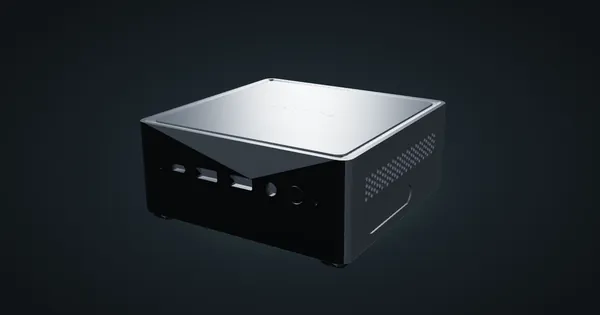
Minisforum NAB6 in a 10-inch rack
How the Minisforum NAB6 fits a 10-inch rack: a 10-core Core i7-12650H, two 2.5 GbE ports, up to 64 GB RAM, a 120 W adapter and 2U on the hex shelf.
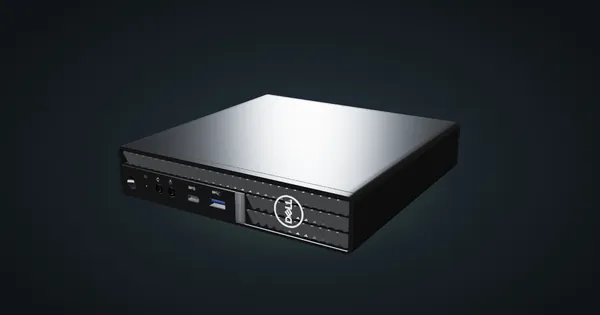
Dell OptiPlex 5000 Micro in a 10-inch rack
How the Dell OptiPlex 5000 Micro fits a 10-inch rack: 12th Gen T-series CPUs, up to 64 GB RAM, an NVMe SSD and 1U flat on the hex shelf.
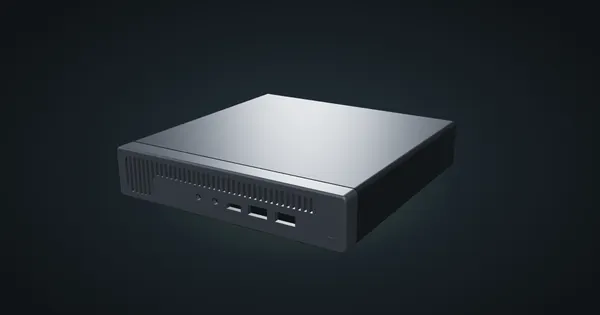
HP ProDesk 600 G2 Mini in a 10-inch rack
How the HP ProDesk 600 G2 Mini fits a 10-inch rack: 6th Gen T-series Core CPUs, up to 32 GB RAM, 1U on the HP mount and a rear Gigabit port.