Dell OptiPlex 5000 Micro in a 10-inch rack
How the Dell OptiPlex 5000 Micro fits a 10-inch rack: 12th Gen T-series CPUs, up to 64 GB RAM, an NVMe SSD and 1U flat on the hex shelf.

On this page
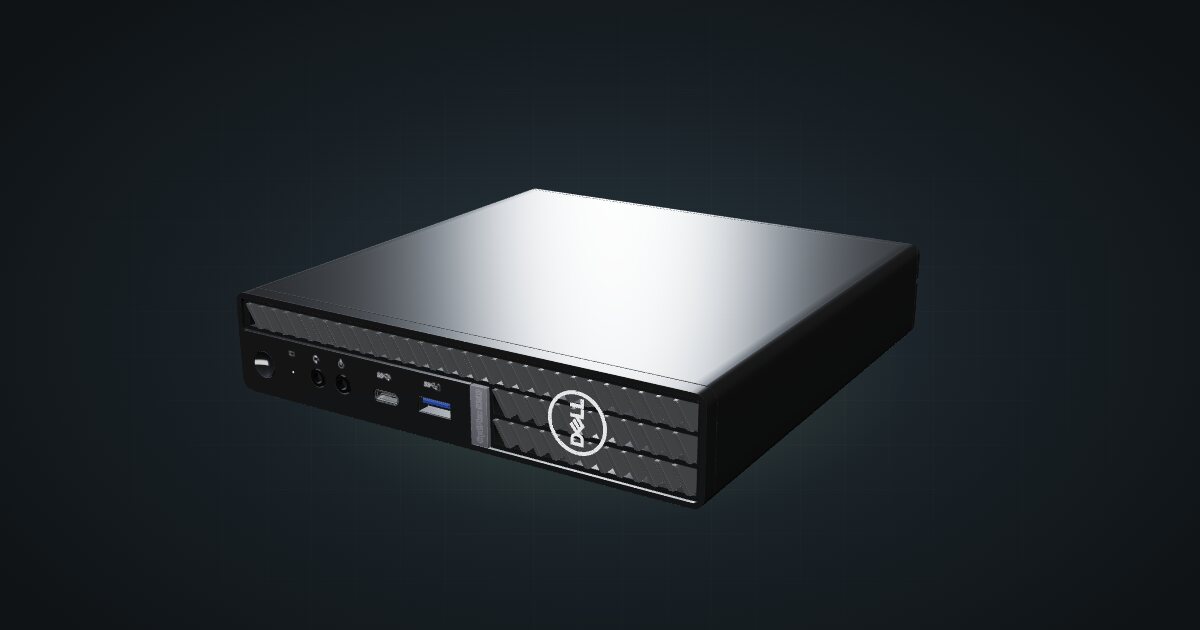
The Dell OptiPlex 5000 Micro is Dell’s business mini from the 12th Gen Intel generation: T-series CPUs with up to 12 cores, two SO-DIMM slots, an NVMe SSD and a 2.5-inch bay, in a chassis thin enough to lie flat in a single unit. It suits anyone who wants a newer office mini as a homelab node, and it is the most recent Intel generation among the office minis in the catalogue.
The catalogue model’s front ports differ from Dell’s OptiPlex 5000 Micro specifications, so its exact hardware revision is unconfirmed. The catalogue leaves CPU, RAM, storage and power unspecified for it. The spec rows below are Dell’s documented options for the 5000 Micro family; check your own unit against them.
At a glance
| Processor | 12th Gen Core i3/i5/i7 T-series (35 W), up to Core i7-12700T (12 cores / 20 threads, 1.4–4.7 GHz); Pentium Gold G7400T option; configurable |
| Graphics | Intel UHD Graphics 710, 730 or 770, depending on the CPU |
| Memory | 2 × DDR4-3200 SO-DIMM, up to 64 GB (2 × 32 GB) |
| Storage | One M.2 2230/2280 PCIe NVMe SSD (up to Gen4 x4, 2 TB) plus a 2.5-inch SATA bay |
| Networking | One Gigabit RJ45 (Intel I219-LM) at the rear |
| Power | External 90 W or 130 W adapter, 19.5 V DC |
| Size | 182 × 178 × 36 mm lying flat, 1.33 kg |
Where it fits in a mini rack
As a Proxmox or virtualization host, the spec sheet gives you up to 12 cores / 20 threads with the Core i7-12700T, two SO-DIMM slots for 64 GB, and an NVMe SSD on a PCIe Gen4 x4 link with a 2.5-inch bay beside it. That is the same shape as the older office minis, with a newer CPU generation and more cores at the top of the range. Several of them make a uniform cluster, one unit each on the shelf.
It also works as a single always-on host for containers: DNS filtering, a reverse proxy, Home Assistant and monitoring on one box. The CPU options are all 35 W T-series parts, which keeps the thermal and power envelope modest.
What it is not: a fast-network machine. There is one Gigabit port, and the spec sheet lists no PCIe slot for a faster card. It is not a storage server either, with room for two drives.
How it fits a 10-inch rack
The configurator checks each placement against every rack in the catalogue:
There is no dedicated OptiPlex mount in the catalogue, so the 10i hex shelf is the way in. Lying flat it takes 1U at 187 mm deep and fits all six RackMate frames. In the 200 mm-deep T0 and T1 that leaves very little room behind the chassis for the barrel plug and network cable, so the 260 mm frames are the easier fit.
Standing upright it needs 5U, which the four-unit T0 and T0 Plus do not have. Flat is the better choice in nearly every case, since it uses one unit instead of five.
Power
The catalogue gives no power figures for this machine. Because the exact revision and configuration of the model are unconfirmed, neither an idle nor a load reading is assigned. Dell documents a 90 W or a 130 W adapter for the 5000 Micro family, at 19.5 V DC with a 4.5 mm barrel, but those are adapter ratings, not consumption.
For rack planning, use the rating on the adapter that came with your machine as a ceiling for the power strip or UPS, and plan a place for the brick at the back of the rack. If you need real numbers for a tight power budget, a plug-in power meter on your own unit will tell you more than any spec sheet.
Networking and cabling
The single Gigabit RJ45 on the Intel I219-LM faces the rear. Patch it to a rear keystone in the same rack, and never route the cable around the frame to reach the front.
Dell lists a USB 3.2 Gen 1 port with PowerShare and a USB 3.2 Gen 2x1 Type-C on the front, and four USB 3.2 Gen 1 on the rear. The catalogue model’s front ports differ from that list, so check your own machine before you plan front-panel access. Wi-Fi is an optional M.2 2230 card, either Intel AX211 (Wi-Fi 6E) or a Realtek Wi-Fi 5 part.
Full specifications
Plan it
Open the Dell OptiPlex 5000 Micro in the catalogue to add it to a rack plan on the hex shelf.
Comparing office minis? The ThinkCentre M920q guide covers Lenovo’s tiny with dedicated mounts, and the HP ProDesk 400 G6 Mini guide covers HP’s 10th Gen equivalent.
Sources
Related guides
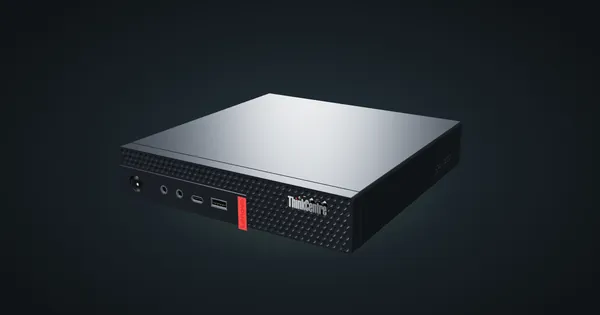
Lenovo ThinkCentre M920q / M920x in a 10-inch rack
How the ThinkCentre M920q and M920x fit a 10-inch rack: two 1U mounts, a rear Gigabit port, up to 32 GB RAM and 65 W to 135 W adapters.
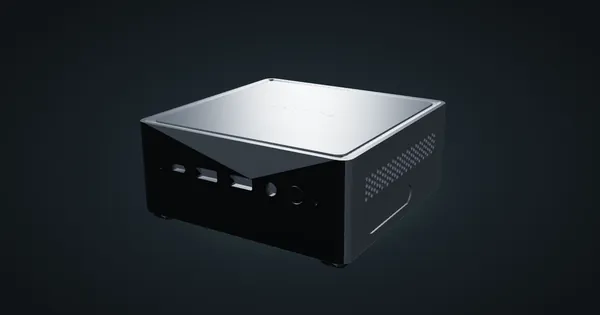
Minisforum NAB6 in a 10-inch rack
How the Minisforum NAB6 fits a 10-inch rack: a 10-core Core i7-12650H, two 2.5 GbE ports, up to 64 GB RAM, a 120 W adapter and 2U on the hex shelf.
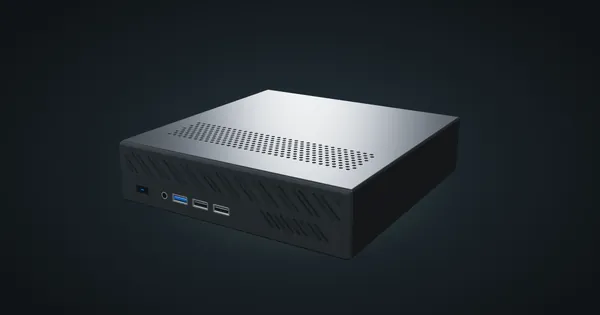
Minisforum MS-01 in a 10-inch rack
How the Minisforum MS-01 fits a 10-inch rack: two 10G SFP+ cages, two 2.5 GbE ports, three M.2 SSDs, a PCIe slot and 2U flat on the hex shelf.