Minisforum NAB6 in a 10-inch rack
How the Minisforum NAB6 fits a 10-inch rack: a 10-core Core i7-12650H, two 2.5 GbE ports, up to 64 GB RAM, a 120 W adapter and 2U on the hex shelf.

On this page
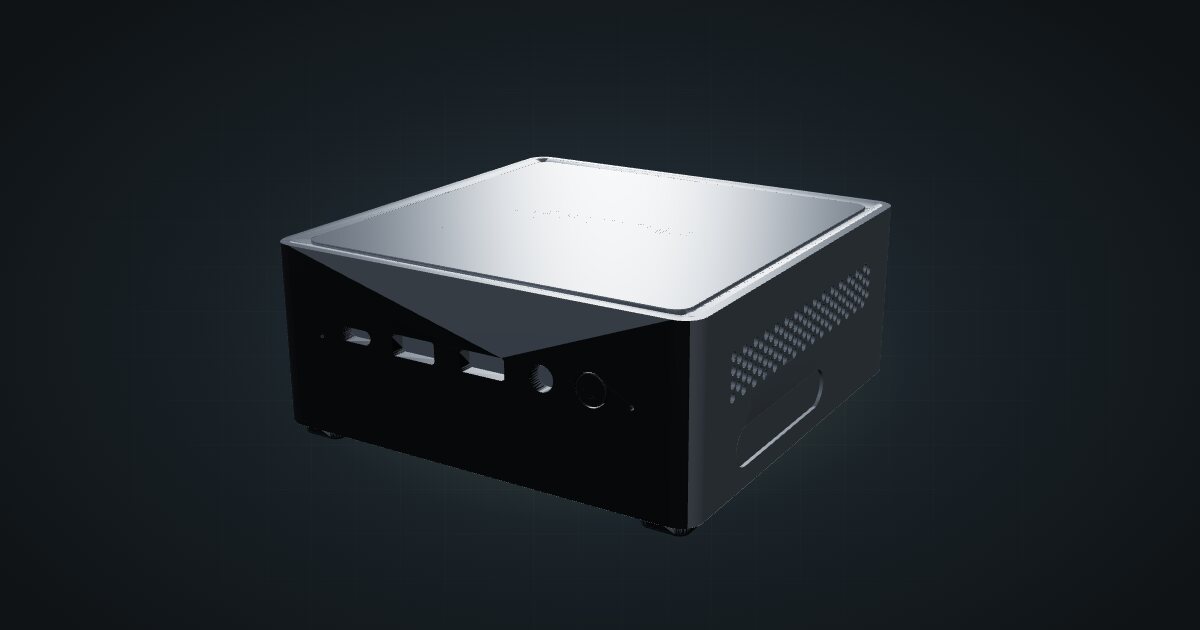
The Minisforum NAB6 is a square mini PC built around a Core i7-12650H, with two 2.5 GbE ports where the office minis in the catalogue have one Gigabit port. That pairing of cores and NICs is what makes it interesting for a rack. It suits anyone who wants a single box that can host VMs and route traffic between two networks.
At a glance
| Processor | Intel Core i7-12650H, 10 cores / 16 threads, up to 4.70 GHz, 24 MB cache |
| Memory | 2 × DDR4-3200 SO-DIMM, dual-channel, non-ECC, up to 64 GB |
| Storage | M.2 2280 PCIe 4.0 SSD (512 GB fitted, up to 2 TB) plus a 2.5-inch SATA bay |
| Networking | 2 × 2.5 GbE RJ45 at the rear |
| Video | 2 × HDMI and 2 × USB-C, each 4K60 |
| Power | 19 V DC input; 120 W adapter with the reviewed unit |
| Size | 127 × 127.5 × 54.7 mm, 0.57 kg |
Where it fits in a mini rack
From the spec sheet, the NAB6 reads like a compact virtualization host. It has 10 cores / 16 threads to divide between guests, two SO-DIMM slots for up to 64 GB, and an M.2 SSD plus a 2.5-inch bay so the hypervisor and the bulk storage can live on different drives.
The two 2.5 GbE ports are the real reason to rack it. In Proxmox you can dedicate one to management and the other to VM traffic, or hand both to a firewall VM such as OPNsense as WAN and LAN. Either way, routing and hosting share one box.
What it is not: a machine for links faster than 2.5 GbE, a multi-disk NAS or an ECC system. The spec sheet lists no PCIe slot for a faster network card, and the memory is non-ECC.
How it fits a 10-inch rack
The configurator checks each placement against every rack in the catalogue:
There is no dedicated NAB6 mount in the catalogue. The catalogue model is an exterior case with universal shelf placement, so the 10i hex shelf is the way in. Lying flat it takes 2U at 154 mm deep; standing upright it takes 3U at the same depth. Both placements fit all six RackMate frames, including the four-unit T0 and the 200 mm-deep T0 and T1.
At 154 mm the shelf leaves room behind the NAB6 for the barrel plug and both network cables, even in the shallow frames. Flat is the default if you want the lowest unit count.
Power
The catalogue plans this machine between 10.4 W and 120 W. The low figure is Notebookcheck’s measured idle on an i7-12650H with 16 GB RAM and a 512 GB SSD, which ranged from 10.4–12.4 W. The same review measured 72.9 W average and 101.2 W peak under a Prime95 and FurMark stress test.
The high figure is the 120 W adapter supplied with the reviewed unit. It is the upper planning allowance, not measured draw, and other configurations vary. For a shared power strip or a small UPS, budget the adapter rating per machine and plan a spot at the back of the rack for the brick.
Networking and cabling
Both 2.5 GbE RJ45 ports face the rear. Patch each one to its own rear keystone in the same rack, and never route a cable around the frame to reach the front. If one port is a WAN link to a modem, run it through a rear keystone as well rather than straight out of the rack.
To get 2.5G on both links, the switch at the other end needs 2.5G ports too; a Gigabit switch will run them at Gigabit. A switch with two spare 2.5G ports, plus an uplink, is the sensible pairing.
Wi-Fi 6E (MediaTek RZ608) and Bluetooth 5.2 are reported for Notebookcheck’s review unit, so treat them as typical rather than guaranteed. In a rack you will use the wire anyway.
Of the three USB-C ports, only one does DisplayPort Alt Mode with data and power delivery. The front one is data only and another is DisplayPort only, so check which port you plug a USB-C device into.
Full specifications
Plan it
Open the Minisforum NAB6 in the catalogue to add it to a rack plan on the hex shelf.
Need more network headroom? The Minisforum MS-01 guide covers the bigger Minisforum with SFP+ cages, and the UniFi Flex Mini 2.5G guide covers a small switch to pair with the NAB6’s ports.
Sources
Related guides
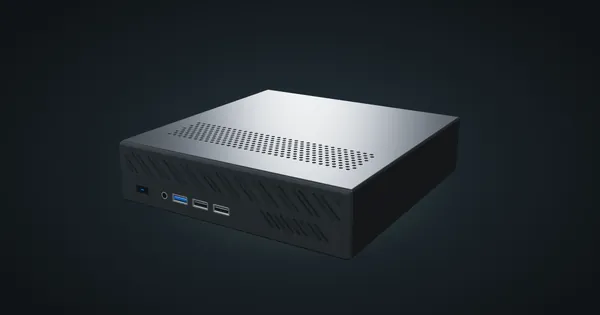
Minisforum MS-01 in a 10-inch rack
How the Minisforum MS-01 fits a 10-inch rack: two 10G SFP+ cages, two 2.5 GbE ports, three M.2 SSDs, a PCIe slot and 2U flat on the hex shelf.
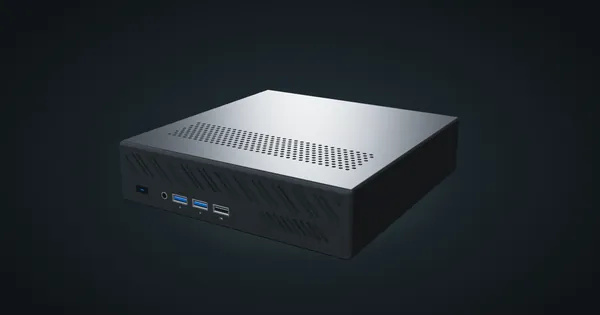
Minisforum MS-A2 in a 10-inch rack
How the Minisforum MS-A2 fits a 10-inch rack: a 16-core Ryzen 9 9955HX, two 10G SFP+ cages, two 2.5 GbE ports and 2U flat on the hex shelf.
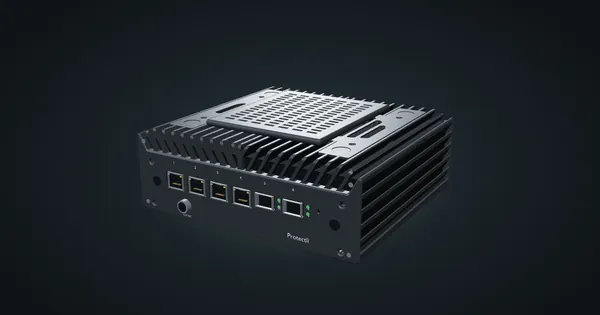
Protectli Vault Pro VP6630 in a 10-inch rack
Protectli VP6630 in a 10-inch rack: a Core i3 firewall with four 2.5 GbE ports and two 10G SFP+ cages, in a 2U carrier or on the hex shelf.