Minisforum MS-01 in a 10-inch rack
How the Minisforum MS-01 fits a 10-inch rack: two 10G SFP+ cages, two 2.5 GbE ports, three M.2 SSDs, a PCIe slot and 2U flat on the hex shelf.

On this page
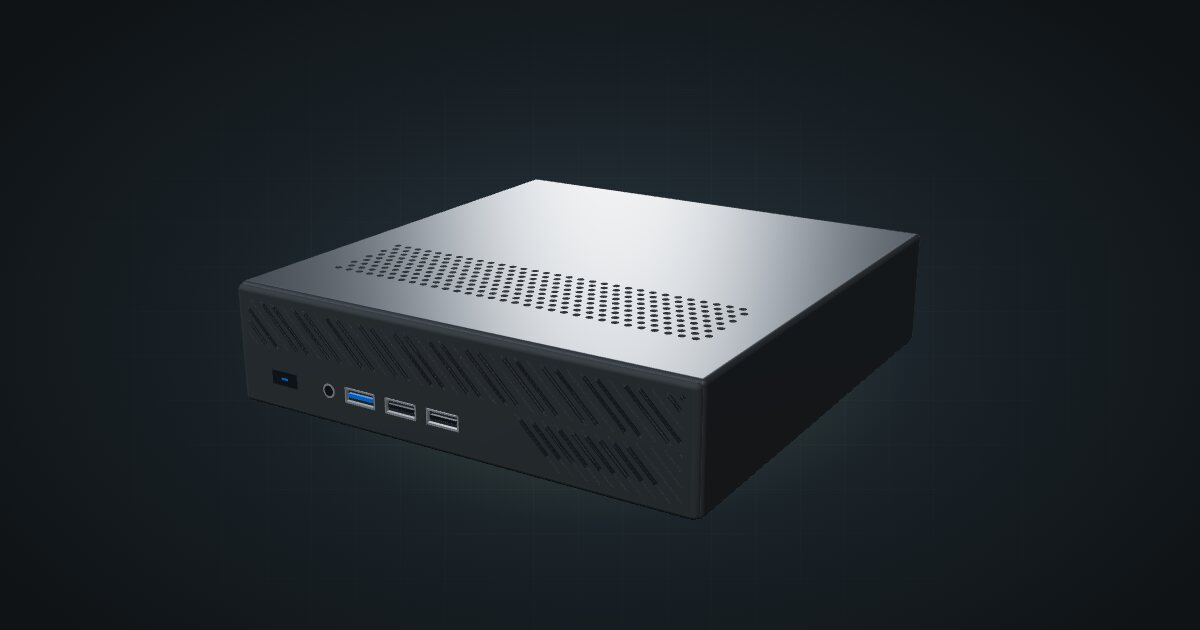
The Minisforum MS-01 puts SFP+ into a mini PC: two 10G SFP+ cages and two 2.5 GbE ports on the back of a compact workstation, plus three M.2 SSDs and a PCIe slot. It is the box for anyone who wants a 10G virtualization host in a 10-inch rack without building one from parts.
At a glance
| Processor | Intel Core i9-13900H, i9-12900H or i5-12600H options |
| Memory | 2 × DDR5 SO-DIMM |
| Storage | 3 × M.2 SSD slots; U.2 through an adapter |
| Networking | 2 × Intel X710 10G SFP+ and 2 × Intel 2.5 GbE RJ45, all at the rear |
| Expansion | PCIe 4.0 ×16 physical slot, ×8 link |
| Power | 19 V DC, adapter included; 16.1 W idle to 123.3 W peak measured on the i9-13900H |
| Size | 196 × 189 × 48 mm |
Where it fits in a mini rack
The MS-01 is built for the Proxmox or virtualization-host role, and the specs say why. Four network ports split cleanly: the two SFP+ cages for a storage network or a 10G uplink, the two 2.5 GbE ports for management and VM traffic. Three M.2 SSDs leave room for a mirrored pair of VM disks plus a boot drive, and the PCIe slot, ×16 physical with a ×8 link, is there for an extra network card or HBA, as long as the card fits the chassis.
The same layout suits a router or firewall VM that needs 10G on the WAN or LAN side, or a single hypervisor that hosts the firewall, storage and services together.
The CPU options are all Intel H-series parts, with Iris Xe Graphics when both SO-DIMMs are fitted. Plan on dual-channel memory: with a single SO-DIMM the graphics fall back to UHD Graphics.
What it is not: a GPU workstation out of the box, or a small box. It sits right at the edge of what the hex shelf allows, as the next section shows.
How it fits a 10-inch rack
The configurator checks each placement against every rack in the catalogue:
There is no dedicated MS-01 mount in the catalogue, so the 10i hex shelf carries it. The enclosure is 189 × 195.6 × 48 mm, so it sits flat on the 150 mm shelf deck with 45.6 mm of rear overhang, inside the 46 mm the shelf allows. That takes 2U including the deck, at 200 mm deep, and fits all six RackMate frames.
In the 200 mm-deep T0 and T1, that depth uses the full frame, so the rear connectors end up at the very back of the frame. The 260 mm frames leave room for DAC cables and the power plug to bend.
Standing upright it needs 5U, which the four-unit T0 and T0 Plus do not have.
Power
The catalogue plans this machine between 16.1 W and 123.3 W. Both figures come from Notebookcheck’s measurements of an i9-13900H with 32 GB RAM and a 1 TB SSD: 16.1 W average idle and 123.3 W peak. They are not the numbers for every MS-01, since CPU, RAM, storage and any PCIe card change consumption.
The 180 W adapter is not the device draw. Use the measured peak plus whatever card you add for the power budget, and plan a place for the external adapter at the back of the rack.
Networking and cabling
All four network ports face the rear. The two 2.5 GbE RJ45 ports go to rear keystones in the same rack; never route a cable around the frame to reach a front keystone or a front-facing switch port.
The two SFP+ cages take DAC cables or optical modules. Keep the far end at the rear as well, on a switch or another host whose SFP+ cages are reachable from the back of the rack, rather than wrapping a DAC around the side of the frame.
Four ports means four cables at the back. Count two SFP+ and two 2.5G ports on your switch before you buy one, plus an uplink.
How it differs from the MS-A2
The MS-A2 uses the same 189 × 195.6 × 48 mm enclosure and the same four rear network ports, so it fits the rack exactly like the MS-01. The differences are inside:
| MS-01 | MS-A2 | |
|---|---|---|
| CPU | Intel Core i9-13900H, i9-12900H or i5-12600H | AMD Ryzen 9 9955HX, 16 cores / 32 threads |
| Memory | 2 × DDR5 SO-DIMM | 2 × DDR5-5600 SO-DIMM, up to 96 GB |
| USB-C | 2 × USB4 | 2 × USB-C 10 Gbps with DisplayPort, no USB4 |
| Graphics | Intel Iris Xe (UHD with one SO-DIMM) | AMD Radeon 610M |
| PCIe | PCIe 4.0 ×16 physical, ×8 link | Low-profile PCIe ×16 slot |
| Wi-Fi | Wi-Fi 6 | Wi-Fi 6E |
| Measured idle / peak | 16.1 W / 123.3 W | 19.3 W / 149.3 W |
| Adapter | 180 W | 240 W |
Pick the MS-01 if you want USB4 and Intel graphics. Pick the MS-A2 for its 16-core Ryzen and documented 96 GB memory ceiling, and budget for its higher measured peak.
Full specifications
Plan it
Open the Minisforum MS-01 in the catalogue to add it to a rack plan on the hex shelf.
The Minisforum MS-A2 guide covers the AMD sibling in the same enclosure, and the MikroTik CRS305 guide covers a small SFP+ switch for the 10G side.
Sources
Related guides
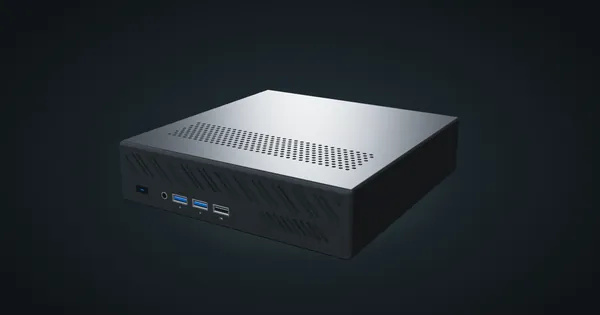
Minisforum MS-A2 in a 10-inch rack
How the Minisforum MS-A2 fits a 10-inch rack: a 16-core Ryzen 9 9955HX, two 10G SFP+ cages, two 2.5 GbE ports and 2U flat on the hex shelf.
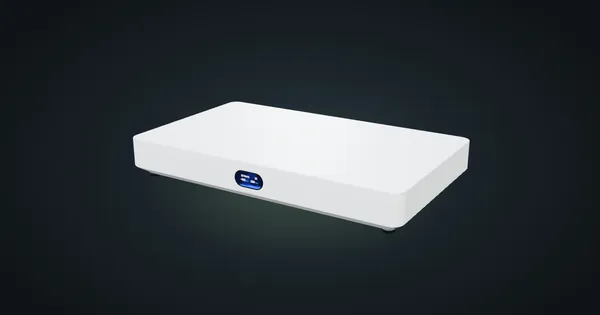
Ubiquiti UniFi Cloud Gateway Fiber in a 10-inch rack
UniFi Cloud Gateway Fiber in a 10-inch rack: 10 GbE and two SFP+ WAN/LAN options on the rear, a 1U community tray and 5 Gbps IDS/IPS.
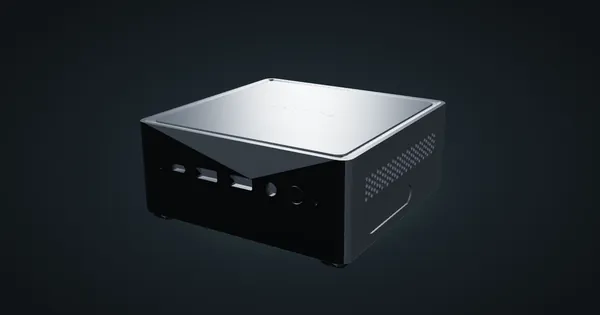
Minisforum NAB6 in a 10-inch rack
How the Minisforum NAB6 fits a 10-inch rack: a 10-core Core i7-12650H, two 2.5 GbE ports, up to 64 GB RAM, a 120 W adapter and 2U on the hex shelf.