Ubiquiti UniFi Flex Mini 2.5G in a 10-inch rack
Ubiquiti UniFi Flex Mini 2.5G in a 10-inch rack: five 2.5 GbE ports, USB-C or PoE power, 6.4 W maximum and a 94 mm deep 1U community mount.

On this page
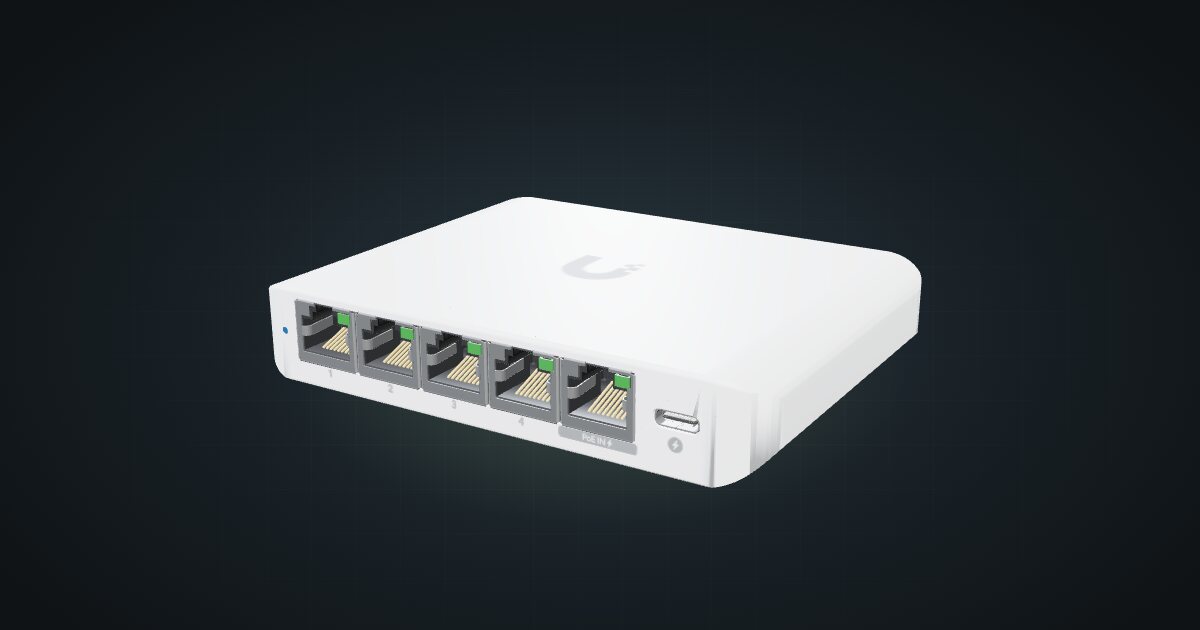
The Ubiquiti UniFi Flex Mini 2.5G is a five-port switch where every port runs at 2.5 GbE, managed from UniFi Network and powered by USB-C or PoE. It is a compact way to give a mini rack faster-than-Gigabit links in a single unit. It suits racks built around a 2.5 GbE NAS or mini PCs with 2.5 GbE ports, especially when the router is already UniFi.
At a glance
| Ports | 5 × 2.5 GbE RJ45, all on the front |
| Management | UniFi Network |
| Switching capacity | 25 Gb/s |
| Forwarding rate | 19 Mpps |
| Power input | USB-C 5 V / 1 A or PoE |
| Power consumption | 5 W max (USB-C), 6.4 W max (PoE) |
| Size and weight | 117.1 × 90 × 21.2 mm, 206 g |
Where it fits in a mini rack
2.5 GbE is the sweet spot for a small homelab: many NAS boxes and mini PCs already ship with 2.5 GbE ports, and the Flex Mini 2.5G lets them talk at that speed without stepping up to 10G hardware. Put a NAS, two or three nodes and the uplink on it, and backups and VM migrations stop crawling along at Gigabit speed. The 25 Gb/s switching capacity covers all five ports running at full speed in both directions.
Because it is managed from UniFi Network, it slots into an existing UniFi setup next to the gateway and access points. PoE input means you can feed it from a PoE switch and leave the USB-C adapter out of the rack.
What it is not: a 10G switch. There is no SFP+ cage and no faster uplink, so the rack’s connection to the rest of the network tops out at 2.5 GbE. It takes PoE in but provides no PoE output, so cameras and access points need another source. And four free ports is the limit.
How it fits a 10-inch rack
At 117.1 × 90 × 21.2 mm the switch is small for a 10-inch frame. The configurator checks each placement against every rack in the catalogue:
The community Flex Mini 2.5G mount, published on Printables, holds it in 1U at 94 mm deep. It fits every RackMate frame, from the 200 mm deep T0 and T1 to the 260 mm frames, with nothing blocked.
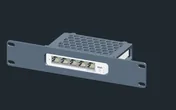
Without the mount, the 10i hex shelf takes it flat in 1U or upright in 3U, at 154 mm deep. Flat on the shelf is the practical fallback. Upright spends three units on a five-port switch, which is a hard sell in a four-unit T0.
Power
Ubiquiti publishes two maximums: 5 W with an AC/DC adapter on USB-C, and 6.4 W when the switch is powered over PoE. The catalogue plans with the larger 6.4 W figure. No idle figure is published.
The 5 V / 1 A on the USB-C input is a rating, not a measured draw. When you power the switch over PoE, its draw is part of the PoE source’s budget: count it there once, and not again as a load on the power strip. The switch does not supply PoE output, so there is no downstream budget to plan.
Powered over PoE, the switch needs no adapter and no outlet. Check that the PoE source has headroom for the 6.4 W maximum before you rely on it.
Networking and cabling
All five 2.5 GbE RJ45 ports sit on the front face, with no data ports at the rear. The cabling plan follows from that:
- Patch each port to a front-facing port on a device in the same rack with a short front cable.
- For a device whose Ethernet port faces the rear, patch the switch to a front keystone and connect the device’s rear port to the rear of that keystone, so the link passes through the panel.
- Never route a cable around the outside of the rack to reach the switch.
A 2.5 GbE port only runs at 2.5 GbE if the device and the cable can. Check the NIC on each device before you count on the faster link.
The MAC table holds 4,000 entries and jumbo frames are supported.
How it differs from the UniFi Flex Mini
The UniFi Flex Mini is the Gigabit version of the same idea:
- Ports. 5 × 1 GbE RJ45 against 5 × 2.5 GbE here, with 10 Gbps of switching capacity and 5 Gbps non-blocking throughput against 25 Gb/s.
- Power. USB-C 5 V / 1 A or PoE in on port 1, rated at 2.5 W max against 6.4 W max here.
- Size. 107 × 70 × 21 mm and 150 g, against 117.1 × 90 × 21.2 mm and 206 g. Its own tray is 74 mm deep; this switch’s mount is 94 mm.
- Temperature. The Flex Mini is rated -5 to 45 °C; the Flex Mini 2.5G -20 to 45 °C.
If every device in the rack is Gigabit, the Flex Mini does the same job on a smaller power budget. If even one link needs more, this is the one to plan.
Full specifications
Plan it
Open the UniFi Flex Mini 2.5G in the catalogue to place it with its mount or on the hex shelf, or start from a community build that already uses it:
For the Gigabit sibling, read the UniFi Flex Mini guide. For more ports and PoE output, the UniFi Flex 2.5G PoE guide covers the bigger switch.
Sources
Related guides
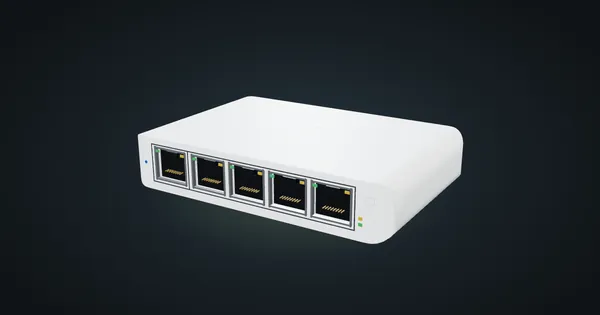
Ubiquiti UniFi Flex Mini in a 10-inch rack
Ubiquiti UniFi Flex Mini in a 10-inch rack: five Gigabit ports, USB-C or PoE power, 2.5 W maximum draw and a 74 mm deep 1U community tray.
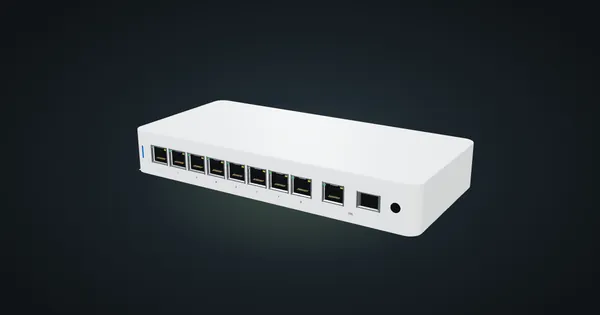
Ubiquiti UniFi Flex 2.5G PoE in a 10-inch rack
Ubiquiti UniFi Flex 2.5G PoE in a 10-inch rack: eight 2.5 GbE PoE++ ports, a shared 10G uplink, a 196 W PoE budget and an upright-only 5U fit.
Ubiquiti UniFi Switch Ultra in a 10-inch rack
Ubiquiti UniFi Switch Ultra in a 10-inch rack: seven PoE+ ports, a rear PoE++ input, a supply-dependent PoE budget and a tight 1U shelf fit.