Ubiquiti UniFi Flex 2.5G PoE in a 10-inch rack
Ubiquiti UniFi Flex 2.5G PoE in a 10-inch rack: eight 2.5 GbE PoE++ ports, a shared 10G uplink, a 196 W PoE budget and an upright-only 5U fit.

On this page
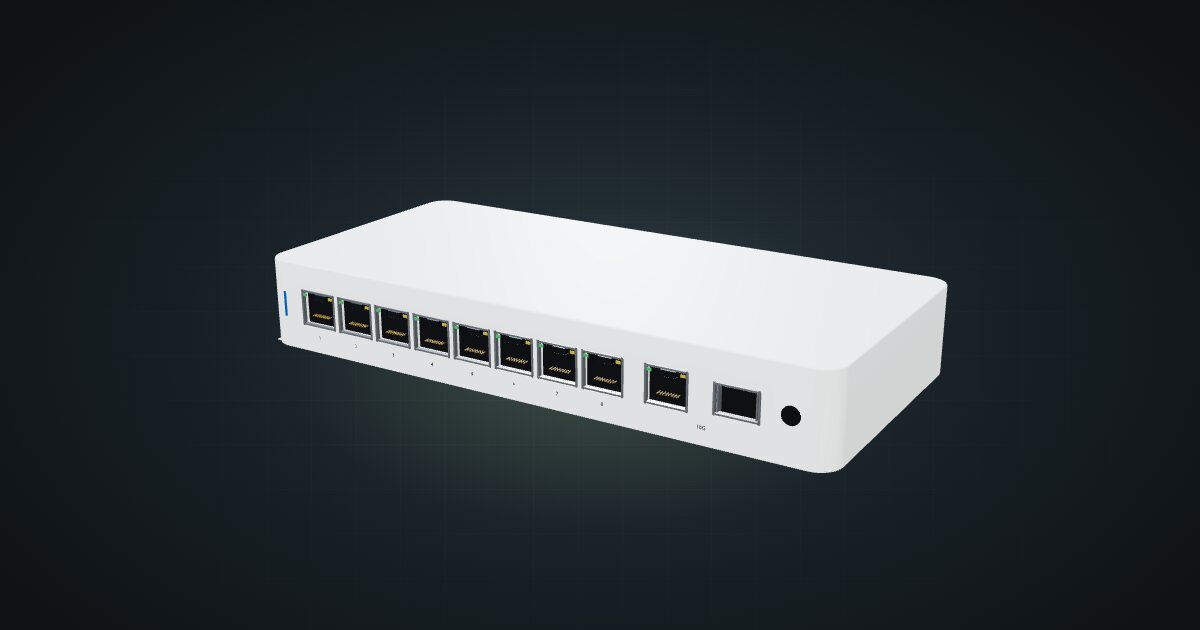
The Ubiquiti UniFi Flex 2.5G PoE is a lot of switch for a mini rack: eight 2.5 GbE ports that all supply PoE++, a 10G uplink that takes either copper or SFP+, and up to 196 W of PoE budget. It is managed from UniFi Network and suits a rack that has to power access points, cameras or PoE-fed nodes while giving them faster-than-Gigabit links. It is also wide, and that decides how it goes into a 10-inch frame.
At a glance
| Ports | 8 × 2.5 GbE RJ45 with PoE++ output, on the front |
| Uplink | 1 × 10G combo port: RJ45 or SFP+, one at a time |
| Switching capacity | 60 Gbps |
| PoE | Up to 64 W per port; 196 W budget with the 210 W adapter |
| Management | UniFi Network 9.0.114 and later |
| Power input | 50–57 V DC, or PoE+++ via the 10G RJ45 |
| Size and weight | 212.9 × 99.4 × 33.5 mm, 567 g |
Where it fits in a mini rack
This is the switch for a rack that is also a power source. Eight PoE++ ports can feed access points, cameras and PoE-powered single-board computers or small PCs, and each of them gets a 2.5 GbE link. The 10G uplink means the rack’s connection to the rest of the network is not the bottleneck, and the 60 Gbps switching capacity covers every port at full speed.
In a UniFi network it sits next to the gateway in the same controller, so PoE, ports and clients are managed in one place. A 2.5 GbE NAS and a couple of 2.5 GbE mini PCs alongside the PoE devices make good use of it.
What it is not: a small switch. At 212.9 mm wide it is too wide for the hex shelf flat, and it needs five units standing upright. If you only need a few ports, or no PoE output, a Flex Mini-class switch fits the rack far more easily.
How it fits a 10-inch rack
There is no dedicated community mount for this switch, and the width is the problem. The configurator checks each placement against every rack in the catalogue:
- Flat on the 10i hex shelf is blocked in every rack: the switch is wider than the shelf.
- Upright on the hex shelf works in 5U, counting the shelf deck, at 154 mm deep. That fits the RackMate T1/2 Plus, T1, T1 Plus and T2.
- The four-unit T0 and T0 Plus are blocked for the upright placement: there are not enough units.
In the catalogue, the four-unit T0 and T0 Plus have no placement for this switch at all. Plan for a T1/2 Plus or larger, and budget 5U for the switch alone.
The 154 mm depth sits comfortably inside both the 200 mm and the 260 mm frames, so depth is not the constraint; units are.
Power
Two figures matter, and they are not the same thing. The switch itself is rated at 17 W maximum on DC power or 14 W on PoE input, both excluding PoE output. The catalogue plans with 17 W. No idle figure is published.
The PoE budget is separate, and it depends on how the switch is powered. With the 210 W adapter the budget is 196 W, and the switch’s total maximum including PoE is 210 W. Powered over its 10G RJ45 port instead, the budget drops to 76 / 46 / 16 W with PoE+++ / PoE++ / PoE+ input. Each port can deliver up to 64 W within that budget.
For rack planning, the 196 W budget is not device draw. Count each PoE device’s draw once, either as part of the switch’s PoE output or as that device’s own load, never both. The 50–57 V DC input means a dedicated adapter rather than a USB supply, so leave an outlet for it.
Networking and cabling
Every connector is on the front face: the eight 2.5 GbE RJ45 ports, the 10G RJ45 and the SFP+ cage. Nothing faces the rear, so:
- Patch the 2.5 GbE ports to front-facing ports on devices in the same rack, or to front keystones.
- For a device whose Ethernet port faces the rear, patch the switch to a front keystone and connect the device’s rear port to the rear of that keystone.
- Never route a cable around the rack to reach the switch.
The 10G uplink is a combo: either the RJ45 or the SFP+ cage, not both at once. The SFP+ cage takes a DAC cable or an optical module, which suits a fibre run or a short DAC to a neighbouring 10G switch. If the switch is powered over PoE+++, that power arrives on the 10G RJ45, so in that setup the copper port is the uplink as well.
How it differs from the UniFi Switch Ultra
The UniFi Switch Ultra is the other compact UniFi PoE switch in the catalogue, and the trade-offs are clear:
- Speed. The Ultra has 8 × Gigabit RJ45 and 16 Gbps of switching capacity, against eight 2.5 GbE ports, a 10G uplink and 60 Gbps here.
- PoE. The Ultra’s ports 1–7 supply PoE+ at up to 30 W per port; its budget runs from 16 W on PoE+ input to 202 W with the 210 W adapter. This switch offers PoE++ at up to 64 W per port.
- Power input. Both take 50–57 V DC or PoE, but the Ultra’s PoE input is a dedicated rear port 8.
- Fit. The Ultra is 203 × 76 × 33 mm and fits the hex shelf flat in 1U; this switch needs 5U upright.
Full specifications
Plan it
Open the UniFi Flex 2.5G PoE in the catalogue to place it upright on the hex shelf. No community build uses it yet, so start with a rack of at least the T1/2 Plus size.
For a PoE switch that fits flat in 1U, read the UniFi Switch Ultra guide. For 2.5 GbE without PoE output in a much smaller box, the UniFi Flex Mini 2.5G guide covers the five-port model.
Sources
Related guides
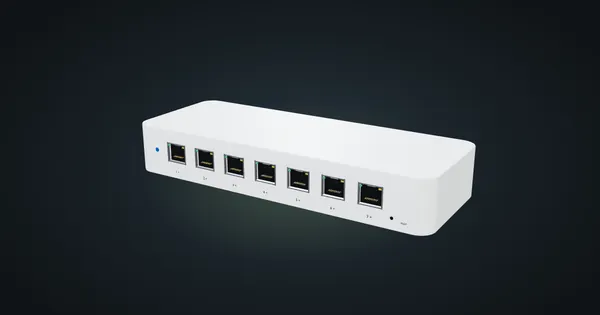
Ubiquiti UniFi Switch Ultra in a 10-inch rack
Ubiquiti UniFi Switch Ultra in a 10-inch rack: seven PoE+ ports, a rear PoE++ input, a supply-dependent PoE budget and a tight 1U shelf fit.
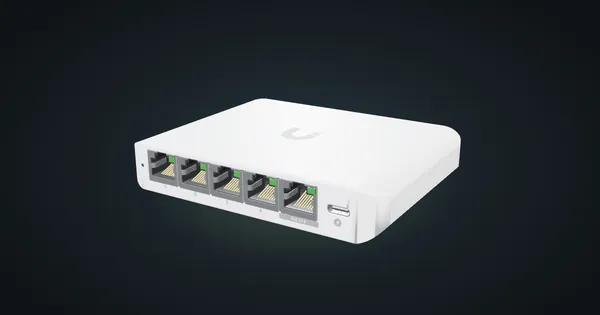
Ubiquiti UniFi Flex Mini 2.5G in a 10-inch rack
Ubiquiti UniFi Flex Mini 2.5G in a 10-inch rack: five 2.5 GbE ports, USB-C or PoE power, 6.4 W maximum and a 94 mm deep 1U community mount.
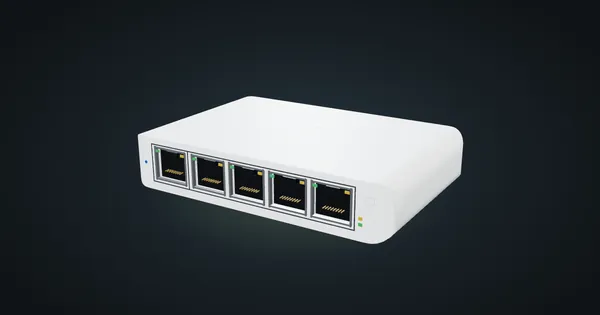
Ubiquiti UniFi Flex Mini in a 10-inch rack
Ubiquiti UniFi Flex Mini in a 10-inch rack: five Gigabit ports, USB-C or PoE power, 2.5 W maximum draw and a 74 mm deep 1U community tray.