Ubiquiti UniFi Cloud Gateway Max in a 10-inch rack
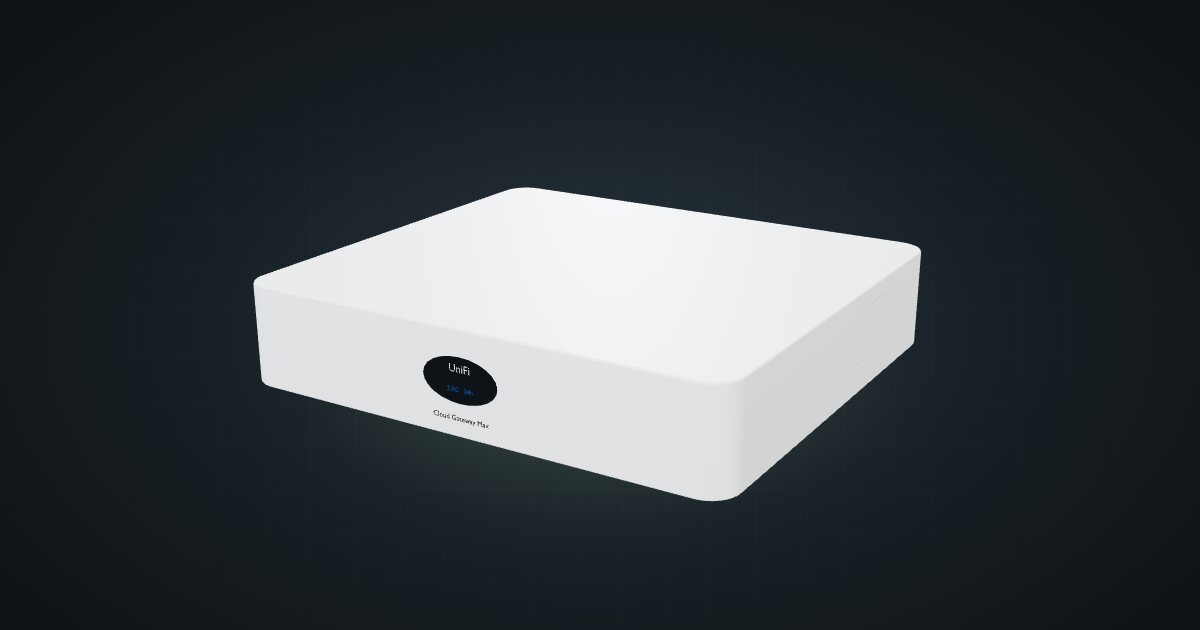
UniFi Cloud Gateway Max in a 10-inch rack: five rear 2.5 GbE ports, UniFi OS and 2.3 Gbps IDS/IPS, flat on the hex shelf in 1U.

On this page
The UniFi Cloud Gateway Max is Ubiquiti’s compact all-in-one: a router, firewall and UniFi OS console with five 2.5 GbE ports in a small desktop case. It suits racks built around a UniFi network, where one box should route the internet line and host the UniFi apps.
At a glance
| Processor | Quad-core ARM Cortex-A53, 1.5 GHz |
| Memory | 3 GB |
| Storage | Optional NVMe SSD, up to 2 TB |
| Ethernet | 5 × 2.5 GbE RJ45 on the rear, one default WAN |
| IDS/IPS throughput | 2.3 Gbps (UniFi OS 4.1 or later) |
| Power | USB-C, 5 V / 5 A; 16.1 W max |
| Size and weight | 141.8 × 127.6 × 30 mm, 460 g (519 g with SSD) |
Where it fits in a mini rack
The UCG Max is the brain of a UniFi rack. It runs UniFi OS with the UniFi Network, Protect, Access, Talk and Connect apps, so the same box routes, filters and manages your UniFi switches and access points. Management works over Ethernet or Bluetooth, which helps during first setup in a rack with no screen.
Five 2.5 GbE ports cover a multi-gig internet line and a 2.5 GbE switch uplink, with ports to spare for a NAS or a dedicated camera network. Ubiquiti quotes 2.3 Gbps IDS/IPS throughput on UniFi OS 4.1 or later, close to the line rate of a 2.5 GbE port. Add the optional NVMe SSD, up to 2 TB, and UniFi Protect can record cameras on the gateway itself.
What it is not: a 10G gateway or a mixed-vendor router. There is no SFP+ cage, and it makes the most sense when the rest of the network is UniFi too.
How it fits a 10-inch rack
At 141.8 × 127.6 × 30 mm the case is small enough for the shelf, and the catalogue confirms it:
There is no dedicated mount for the UCG Max in the catalogue. It sits on the 10i hex shelf, flat in 1U or upright in 4U, both 154 mm deep, and both fit all six RackMate frames, from the four-unit RackMate T0 to the RackMate T2. Nothing is blocked.
Flat in 1U is the obvious placement: it is the most compact, and it keeps the status display at the front of the rack with the ports facing the back. Upright costs three extra units for no real gain.
Power
Ubiquiti lists 16.1 W as the maximum, and the catalogue budgets that figure. Idle consumption is not published.
Power arrives over USB-C, and the gateway expects a 5 V / 5 A supply. Use a supply that is actually rated for 5 V / 5 A, not a spare phone charger, and plan where it lives: on the rack floor behind the shelf, or on a power strip at the back. At 16.1 W maximum, the UCG Max is a small line in the rack’s power budget.
Networking and cabling
All five 2.5 GbE ports are on the rear face: WAN, then LAN 1 to LAN 4. That is the opposite of most front-patched mini-rack gear, so plan it deliberately.
- WAN: front-port routers usually take the ISP line through a rear keystone and a short front patch. The UCG Max skips that step: the line typically arrives at the back of the rack, and the WAN port is already there.
- LAN: patch each LAN port you use to the rear socket of a keystone coupler. The keystone’s front socket then presents that link at the front, where short patches run to front-facing switch ports.
- Never loop a cable from a rear port around the frame to the front. The keystone row is the crossing point.
Four LAN ports means four rear keystones at most. If the switch is the only LAN consumer, one keystone is enough and the rest of the row stays free.
How it differs from the Cloud Gateway Fiber
The UniFi Cloud Gateway Fiber runs the same UniFi OS and apps, and also has 3 GB of memory and an optional NVMe SSD up to 2 TB. Everything else steps up. It has a quad-core Cortex-A73 at 2.2 GHz, 4 × 2.5 GbE plus a 10 GbE RJ45 port and 2 × 10G SFP+, PoE+ output on port 4, and 5 Gbps of IDS/IPS throughput. It draws more too, 29.4 W max excluding PoE output, from a 54 V adapter instead of USB-C.
The rack fit is the other big difference. The Fiber is 212.8 mm wide, too wide to lie flat on the hex shelf, so it needs its own 1U tray or 5U upright. The Max lies flat in 1U on a plain shelf. If 2.5 GbE is your ceiling, the Max is the simpler box.
Full specifications
Plan it
Open the UniFi Cloud Gateway Max in the catalogue to drop it on a hex shelf in a rack plan and lay out its rear keystones.
For the 10G sibling, read the Cloud Gateway Fiber guide. For a 2.5 GbE switch to sit beside it, see the UniFi Flex Mini 2.5G guide.
Sources
Related guides
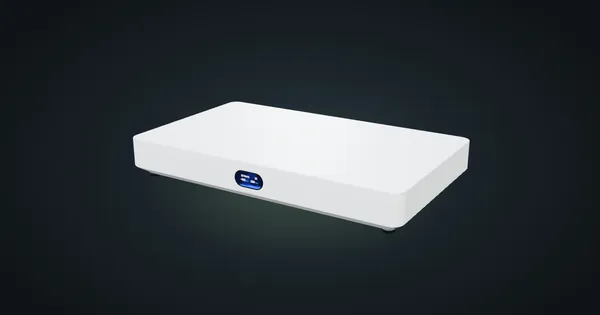
Ubiquiti UniFi Cloud Gateway Fiber in a 10-inch rack
UniFi Cloud Gateway Fiber in a 10-inch rack: 10 GbE and two SFP+ WAN/LAN options on the rear, a 1U community tray and 5 Gbps IDS/IPS.
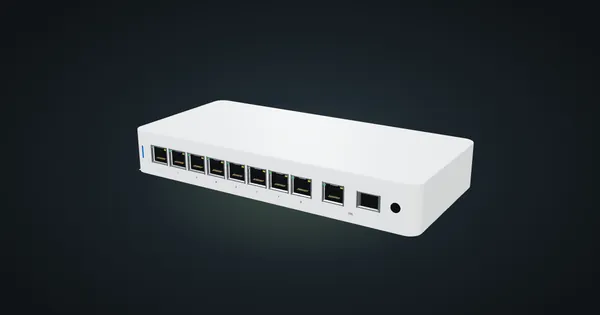
Ubiquiti UniFi Flex 2.5G PoE in a 10-inch rack
Ubiquiti UniFi Flex 2.5G PoE in a 10-inch rack: eight 2.5 GbE PoE++ ports, a shared 10G uplink, a 196 W PoE budget and an upright-only 5U fit.

Protectli Vault FW6A in a 10-inch rack
Protectli Vault FW6A in a 10-inch rack: a fanless six-port Gigabit firewall in a 2U carrier with five keystones, or flat on the hex shelf.