Ubiquiti UniFi Flex Mini in a 10-inch rack
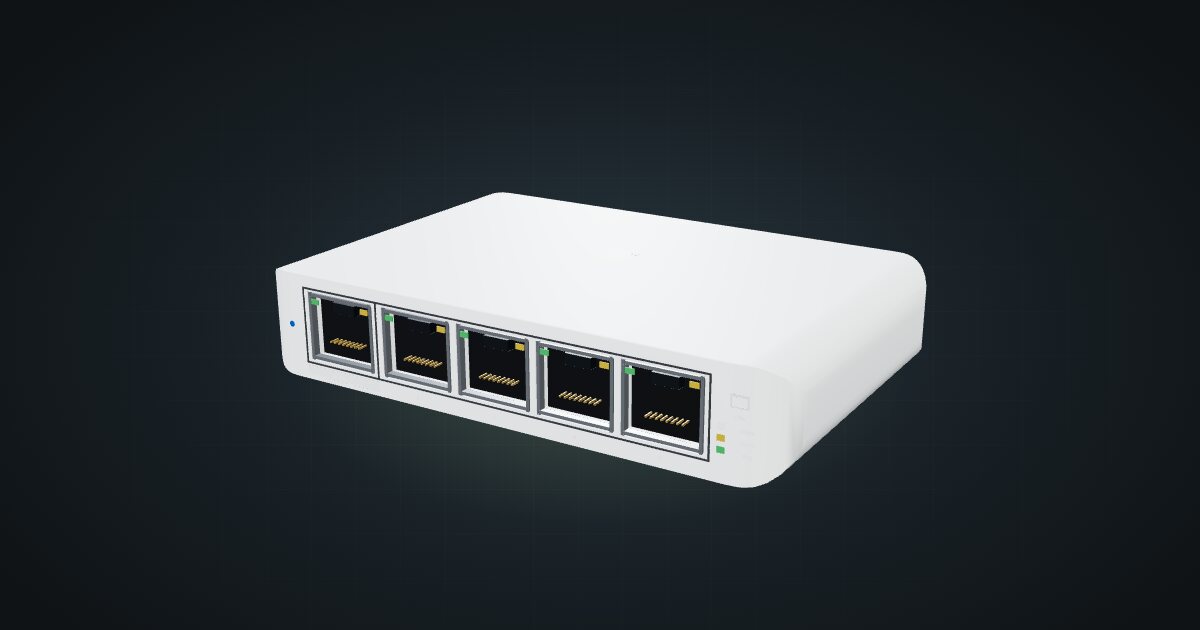
Ubiquiti UniFi Flex Mini in a 10-inch rack: five Gigabit ports, USB-C or PoE power, 2.5 W maximum draw and a 74 mm deep 1U community tray.

On this page
The Ubiquiti UniFi Flex Mini is a five-port Gigabit switch small enough for a 74 mm deep tray, managed from UniFi Network like the rest of a UniFi setup. It takes power from USB-C or from PoE on its first port, and it is rated at 2.5 W maximum. If your router and access points already live in UniFi, it is the obvious small switch for the rack.
At a glance
| Ports | 5 × 1 GbE RJ45 on the front; port 1 accepts PoE in |
| Management | UniFi Network 5.12.5 and later |
| Switching capacity | 10 Gbps, 5 Gbps non-blocking throughput |
| Power input | USB-C 5 V / 1 A, or PoE in 44–57 V on port 1 |
| Power consumption | 2.5 W max |
| Enclosure | Polycarbonate, 150 g |
| Size | 107 × 70 × 21 mm |
Where it fits in a mini rack
The Flex Mini is a managed switch for people who already run UniFi. It shows up in UniFi Network next to the gateway and access points, so ports, clients and traffic are visible in the same place as everything else. That makes it a good fit for a small rack built around a UniFi gateway, or as the switch that extends a UniFi network into a rack in another room.
PoE input is the trick. Feed port 1 from a PoE switch and the Flex Mini needs no adapter at all, which suits a rack where outlets are scarce. Five ports cover an uplink, a single-board computer or two, a KVM and a smart-home hub.
What it is not: a fast switch or a big one. Every port is Gigabit, the non-blocking throughput is 5 Gbps, and four free ports run out quickly. It has PoE in but no PoE out, so it cannot power cameras or access points. And without a UniFi controller, you lose the reason to choose it over a plain unmanaged switch.
How it fits a 10-inch rack
At 107 × 70 × 21 mm it is a tiny box, and every placement works in every rack:
The community USW-Flex-Mini 1U tray, a design by Maurício Pessoa (Mauker) published on Printables under CC BY-NC, holds it in 1U at just 74 mm deep. That fits every RackMate frame, from the 200 mm deep T0 and T1 to the 260 mm frames, and leaves the rest of the depth for cables and the USB-C lead.
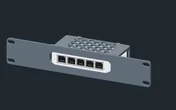
Without the tray, the 10i hex shelf takes it flat in 1U, counting the shelf deck, or upright in 3U, at 154 mm deep. Flat is the sensible fallback; upright spends three units on a switch this small.
Power
Ubiquiti rates the Flex Mini at 2.5 W maximum. Idle draw is not published, so the catalogue leaves the low figure unknown and plans with the 2.5 W maximum.
Two cautions for rack power planning. First, the 5 W rating of a USB-C adapter is not the switch’s draw; budget the 2.5 W. Second, when the Flex Mini runs on PoE, its draw comes out of the PoE source’s budget. Count it once, on that budget, and not again as a separate load on the power strip.
Powering it from PoE on port 1 removes an adapter and an outlet from the rack. The same cable carries the uplink, so one patch lead does both jobs.
Networking and cabling
The five Gigabit RJ45 ports are all on the front face; the only thing at the rear is the USB-C power input. That split shapes the cabling:
- Patch the data ports to front-facing ports on devices in the same rack, or to front keystones.
- For a device whose Ethernet port faces the rear, patch the switch to a front keystone and connect the device’s rear port to the rear of that keystone.
- If you power it over PoE, the feed arrives on port 1 at the front, so patch it from a front-facing PoE port in the same rack. Never route a cable around the rack to reach it.
- If you use USB-C instead, run that lead at the back, alongside the other power cables.
The MAC table holds 2,000 entries and jumbo frames are supported.
How it differs from the UniFi Flex Mini 2.5G
The Flex Mini 2.5G keeps the five-port, USB-C-or-PoE idea and raises the speed:
- Ports. 5 × 2.5 GbE RJ45 instead of 5 × 1 GbE, with 25 Gb/s of switching capacity against 10 Gbps here.
- Power. Also USB-C 5 V / 1 A or PoE, but rated at 5 W max on USB-C and 6.4 W max on PoE, against 2.5 W here.
- Size. 117.1 × 90 × 21.2 mm and 206 g, so it needs its own mount, 94 mm deep against this tray’s 74 mm.
- Temperature. Rated -20 to 45 °C, against -5 to 45 °C for the Flex Mini.
If nothing in the rack has a 2.5G port, the Flex Mini does the same job on a smaller power budget.
Full specifications
Plan it
Open the UniFi Flex Mini in the catalogue to place it on its tray or the hex shelf, or start from a community build that already uses it:
For more speed in the same role, read the UniFi Flex Mini 2.5G guide. For a PoE source inside the rack, the UniFi Switch Ultra guide covers a compact PoE+ switch.
Sources
Related guides
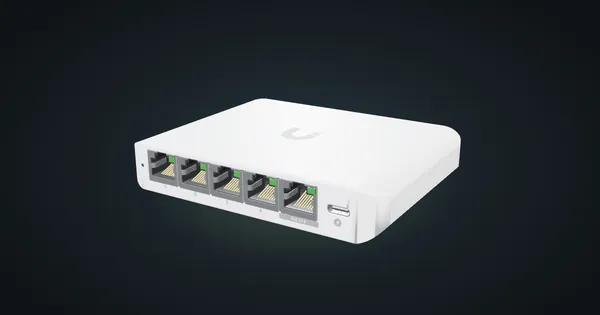
Ubiquiti UniFi Flex Mini 2.5G in a 10-inch rack
Ubiquiti UniFi Flex Mini 2.5G in a 10-inch rack: five 2.5 GbE ports, USB-C or PoE power, 6.4 W maximum and a 94 mm deep 1U community mount.
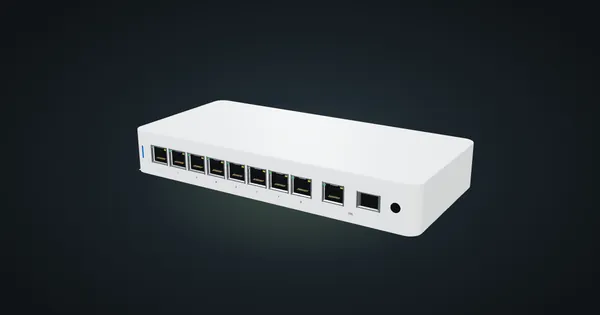
Ubiquiti UniFi Flex 2.5G PoE in a 10-inch rack
Ubiquiti UniFi Flex 2.5G PoE in a 10-inch rack: eight 2.5 GbE PoE++ ports, a shared 10G uplink, a 196 W PoE budget and an upright-only 5U fit.
Ubiquiti UniFi Switch Ultra in a 10-inch rack
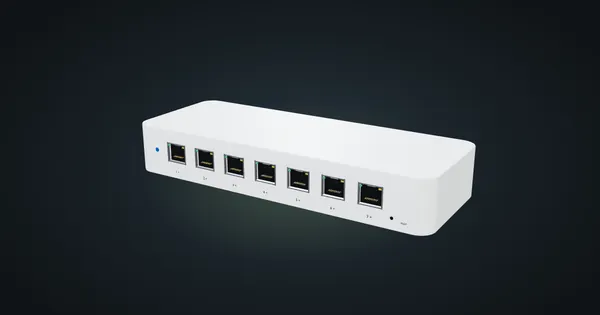
Ubiquiti UniFi Switch Ultra in a 10-inch rack: seven PoE+ ports, a rear PoE++ input, a supply-dependent PoE budget and a tight 1U shelf fit.