Nabu Casa Home Assistant Green in a 10-inch rack
Home Assistant Green in a 10-inch rack: 1U flat on the hex shelf, about 1.7 W idle, Gigabit Ethernet at the front and what the little hub is not for.

On this page
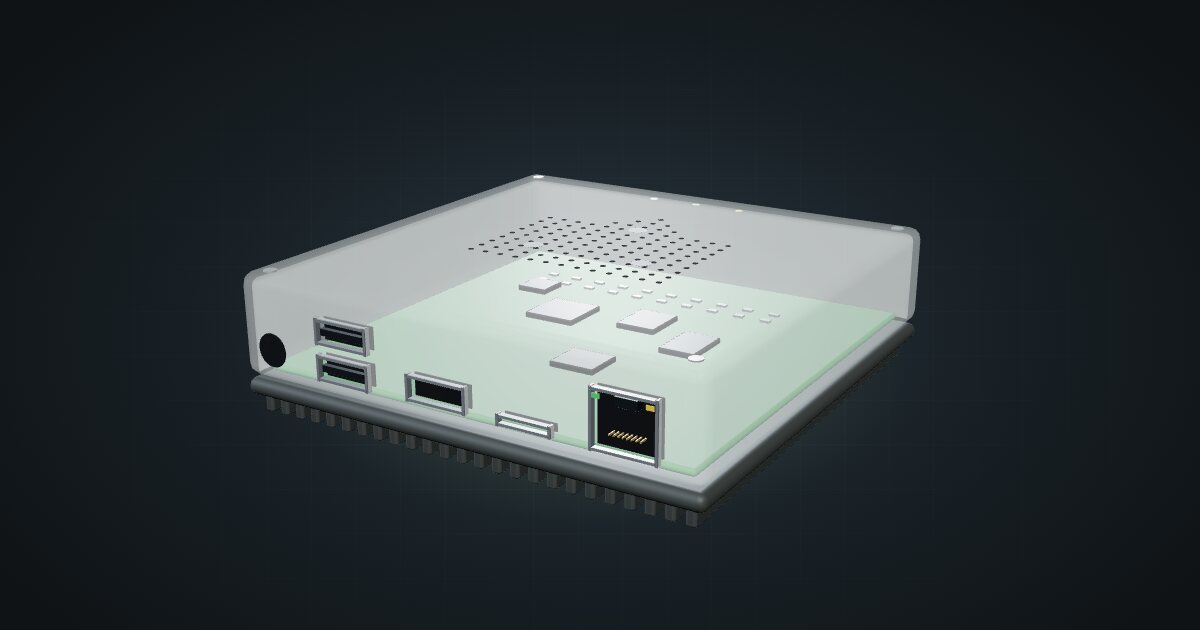
Home Assistant Green is Nabu Casa’s ready-made box for Home Assistant: a small, silent hub that runs the smart-home platform and nothing else. It suits anyone who wants home automation on dedicated hardware without building and maintaining their own server, and it draws so little power that it disappears from the rack’s power budget.
At a glance
| Processor | Rockchip RK3566, quad-core Cortex-A55 at 1.8 GHz |
| Memory and storage | 4 GB LPDDR4X, 32 GB eMMC |
| Networking | 1 × Gigabit RJ45 |
| USB | 2 × USB 2.0 Type-A |
| Power | 12 V DC / 1 A adapter; about 1.7 W idle, 3 W load |
| Cooling | Anodized-aluminium heatsink, no fan |
| Size and weight | 112 × 112 × 32 mm, 340 g |
Where it fits in a mini rack
The Green is the appliance option for Home Assistant. Automations, dashboards and integrations with everything on your network run on it, and the eMMC storage means there is no SD card to wear out under a database. Cooling is a large aluminium heatsink, so there is no fan to hear.
In a rack it is the low-effort choice next to a switch and a router: plug it in, patch it, and leave it. The spec sheet lists no Zigbee, Thread or Z-Wave radio, so those devices need a USB dongle in one of the two USB 2.0 ports or a coordinator elsewhere on the network. Radio dongles generally work better on a short USB extension cable, away from the metal of the frame and the noise of other electronics.
What it is not: a general-purpose server. With four Cortex-A55 CPU cores and 4 GB of memory, it is sized for Home Assistant, not for camera recording, media transcoding or a stack of extra containers. If you want Home Assistant alongside other services, a Raspberry Pi 5 or a mini PC is the better base. The HDMI port is for diagnostics and the microSD slot is for recovery; neither is meant for everyday use.
The operating range is 0–40 °C, indoor use only. Keep it away from the exhaust of hotter gear in a closed frame, such as a mini PC’s rear vents.
How it fits a 10-inch rack
There is no dedicated mount for the Green in the catalogue, and none ships with it. The configurator checks the generic shelf instead:
The 10i hex shelf takes it flat in 1U, deck included, or upright in 3U, both at 154 mm deep. Either way it fits every RackMate frame, from the T0 and T1 at 200 mm deep to the T2 and the Plus frames at 260 mm.
Flat is the natural choice. The Green is 112 × 112 × 32 mm, so it lies comfortably in one unit with its connector face towards the front of the rack. Upright costs three units of height, which only makes sense if the shelf is already crowded.
The finned aluminium base does the cooling, so give it some room on the deck rather than wedging it against other devices.
Power
Nabu Casa quotes about 1.7 W idle and 3 W under load, at 12 V. These are the manufacturer’s typical figures, not worst-case peaks, and USB accessories such as radio dongles add their own draw on top.
The adapter is rated 12 V / 1 A. That is the capacity of the supply, not what the Green uses, so do not budget 12 W for it. For rack planning the realistic line is the 3 W load figure plus a little for accessories.
The DC input sits on the connector face with everything else, which puts the power lead at the front of the rack. Run it back inside the frame to the power strip, along the shelf, rather than letting it hang across the front of other devices.
Networking and cabling
The Green has one Gigabit Ethernet port, on the connector face at the front of the rack. It is the only connection that needs network cabling.
- Patch it with a short cable to a front keystone or a front-facing switch port in the same rack.
- If the link has to leave the rack, it goes through the rear of a keystone, never around the rack.
The two USB 2.0 ports, the diagnostic HDMI and the recovery microSD are on the same face, so dongles and recovery access stay within reach at the front.
Full specifications
Plan it
Open the Home Assistant Green in the catalogue to place it on the hex shelf in your rack plan, or start from a community build built around it:
Weighing up a do-it-yourself host instead? The Raspberry Pi 5 guide covers the board many people run Home Assistant on, and the shielded RJ45 keystone coupler guide explains front-to-rear patching.
Sources
Related guides
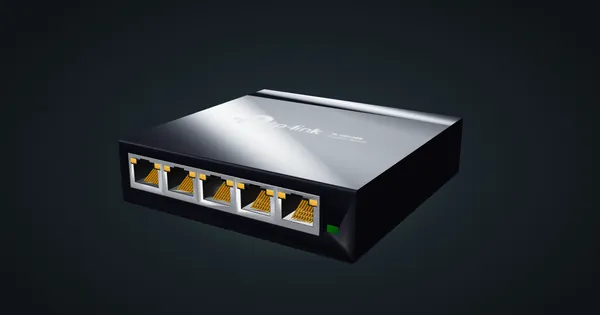
TP-Link TL-SG105E in a 10-inch rack
TP-Link TL-SG105E in a 10-inch rack: five Gigabit ports with Easy Smart management, 2.82 W maximum, a 99 mm deep 1U mount and the hex shelf.
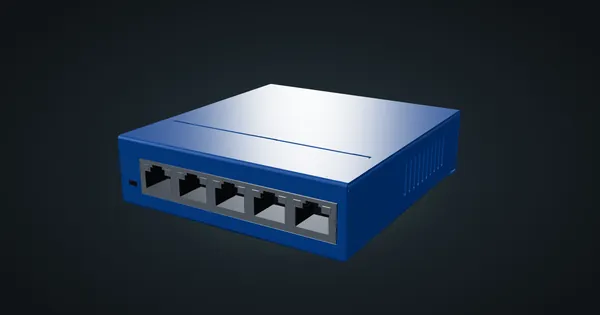
NETGEAR GS105 in a 10-inch rack
NETGEAR GS105 in a 10-inch rack: five unmanaged Gigabit ports, 2.7 W maximum on a 12 V adapter, and a choice of two 1U community mounts.
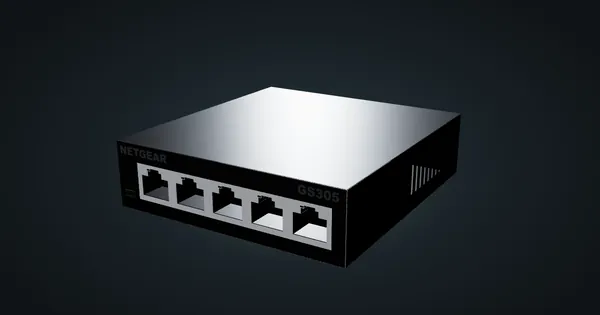
NETGEAR GS305 v3 in a 10-inch rack
NETGEAR GS305 v3 in a 10-inch rack: five unmanaged Gigabit ports, 2.15 W maximum from a 5 V adapter, a 1U community mount and the hex shelf.