Dell 85PPW 2.5-inch caddy in a 10-inch rack
The Dell 85PPW 2.5-inch drive sled in a 10-inch rack: two per printed half-unit hot-swap mount, 144 mm deep, SAS or SATA drives up to 15 mm.

On this page
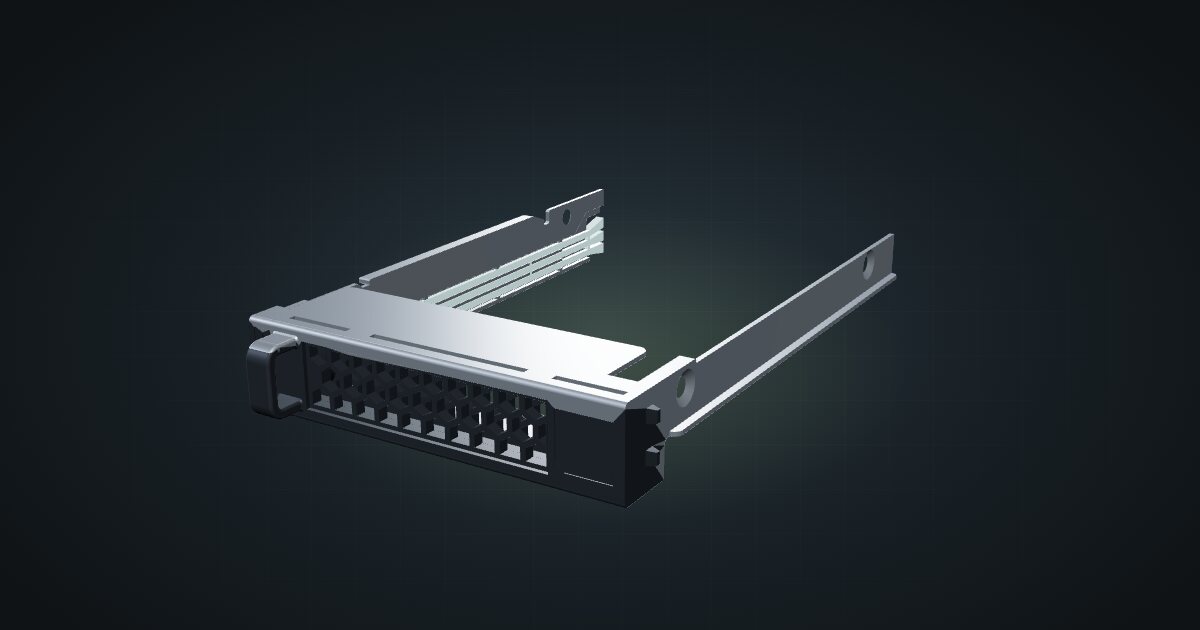
The Dell 85PPW is a 2.5-inch hot-swap drive sled from Dell’s PowerEdge line. In a mini rack it is the tray for the community’s printed dual 2.5-inch SSD mount, which puts two drives that slide out from the front into half a rack unit. The catalogue models it empty, so think of it as the tray you plan around, not as storage in itself.
At a glance
| Form factor | 2.5-inch SFF hot-swap tray (sled) for Dell PowerEdge |
| Drives | 2.5-inch SAS or SATA, up to 15 mm thick |
| Compatibility | PowerEdge MX740c, MX840c, MX750c, MX760c, XR2, XR11, XR12 (retailer listing) |
| Size | 75.1 × 117.5 × 16.5 mm empty, measured from the CAD model |
| Rack mount | Dual 2.5-inch SSD mount: 0.5U, 144 mm deep, two bays |
| Power | 0 W: passive, and no drive included |
Where it fits in a mini rack
The 85PPW is how you give a mini PC or a single-board computer a pair of front-swappable 2.5-inch drives: SSDs for boot volumes, virtual machine storage or a small fast pool, or 2.5-inch hard drives for more capacity per bay. The 15 mm thickness limit covers the usual 2.5-inch SATA SSDs with room to spare.
Density is the selling point. The dual mount needs only half a unit for two drives, which leaves the rest of a small frame for the host and the switch.
What it is not: storage on its own, or a NAS. The tray is passive, and you still need a host, SATA or SAS hardware and power for the drives. For 3.5-inch disks, see the Dell 3.5-inch caddy below.
How it fits a 10-inch rack
One placement, and it fits every frame:
The dual 2.5-inch SSD mount takes two 85PPW trays in 0.5U at 144 mm deep. That fits all six RackMate frames, from the 200 mm T0 and T1 to the 260 mm Plus frames and the T2. Even in the shallow frames it leaves usable room behind it for the rear SATA adapter and cables.
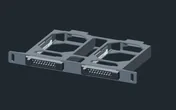
A caveat on the numbers. The tray’s 75.1 × 117.5 × 16.5 mm and the mount’s openings of about 77 × 19.3 mm were measured from CAD models, not from a Dell drawing, so treat them as planning figures. Check your caddy revision against the mount’s source page and allow for print tolerances. The drive envelope the tray has to hold is 69.85 mm wide and up to 100.45 mm long, per SFF-8201.
The Intel 520-series SSD in the catalogue is a 7 mm SATA drive, well inside the tray’s 15 mm limit. The catalogue models it separately from the Dell trays, so it is not a placement the fit check covers, but on paper the two go together.
Power
The tray is passive and modelled without a drive, so the catalogue counts it as 0 W. That is accurate for the tray itself, and it means the drive’s draw is not in the rack total unless you add it.
Take the figures from your drive’s datasheet. As a reference point, Intel specifies 0.6 W idle and 0.85 W typical active for the 520-series SSD; those are typical figures, not peaks. Hard drives in the same tray draw more, especially at spin-up. Two drives per mount means two sets of figures for whichever supply feeds them.
Networking and cabling
The tray has no network ports. Each drive connects over SAS or SATA through the rear of the mount, where the catalogue’s notes call for a rear SATA adapter, to a controller in the host. SAS drives need a SAS-capable controller; a plain SATA port will not run them.
Keep those data and power runs inside the rack, from the back of the mount to the host, and check the mount’s source page for the adapter it expects. Network traffic runs through the host’s own ports, so cable those by the host’s rules.
How it differs from the Dell 3.5-inch caddy
The Dell 3.5-inch caddy is the large-form-factor sibling:
- Contents: that model includes an unspecified 3.5-inch hard drive, and its power is left unknown rather than zero; the 85PPW is modelled empty at 0 W.
- Size: 111.3 × 190.1 × 29.7 mm with drive and handle, against 75.1 × 117.5 × 16.5 mm. Both sets were measured from CAD models.
- Mount: the dual 3.5-inch HDD mount is 1U and 198 mm deep, against 0.5U and 144 mm. Both fit all six frames, but the 3.5-inch mount leaves almost no room behind it in a 200 mm frame.
- Servers: the 3.5-inch tray lists 13th-generation PowerEdge R and T models; the 85PPW lists MX and XR models.
Pick the 85PPW for flash and density, the 3.5-inch tray for capacity per bay.
Full specifications
Plan it
Open the Dell 85PPW caddy in the catalogue and drop two into the dual 2.5-inch SSD mount. There are no community builds with it yet.
For spinning disks, read the Dell 3.5-inch caddy guide; for the drive itself, the Intel SSD 520 guide.
Sources
Related guides
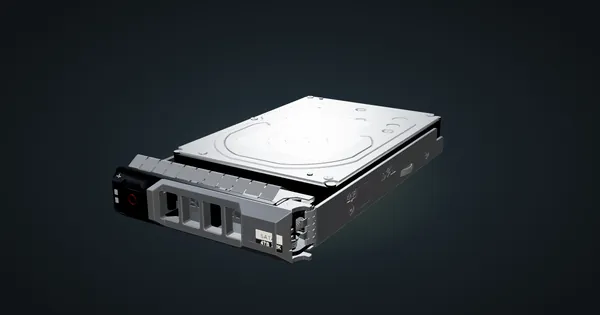
Dell 3.5-inch caddy + HDD in a 10-inch rack
The Dell PowerEdge 3.5-inch drive caddy in a 10-inch rack: two per printed 1U hot-swap mount, 198 mm deep, fits every frame. Drive specs unverified.
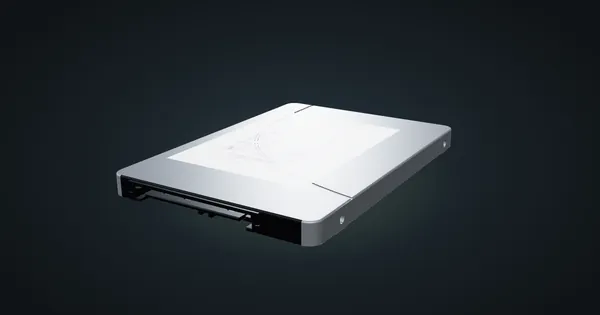
Intel 520-series 2.5″ SSD in a 10-inch rack
The Intel 520-series 7 mm SATA SSD in a 10-inch rack: storage for the printed Raspberry Pi NAS plates, 0.85 W typical active, and full specs.
Dell OptiPlex 5000 Micro in a 10-inch rack
How the Dell OptiPlex 5000 Micro fits a 10-inch rack: 12th Gen T-series CPUs, up to 64 GB RAM, an NVMe SSD and 1U flat on the hex shelf.