Intel 520-series 2.5″ SSD in a 10-inch rack
The Intel 520-series 7 mm SATA SSD in a 10-inch rack: storage for the printed Raspberry Pi NAS plates, 0.85 W typical active, and full specs.

On this page
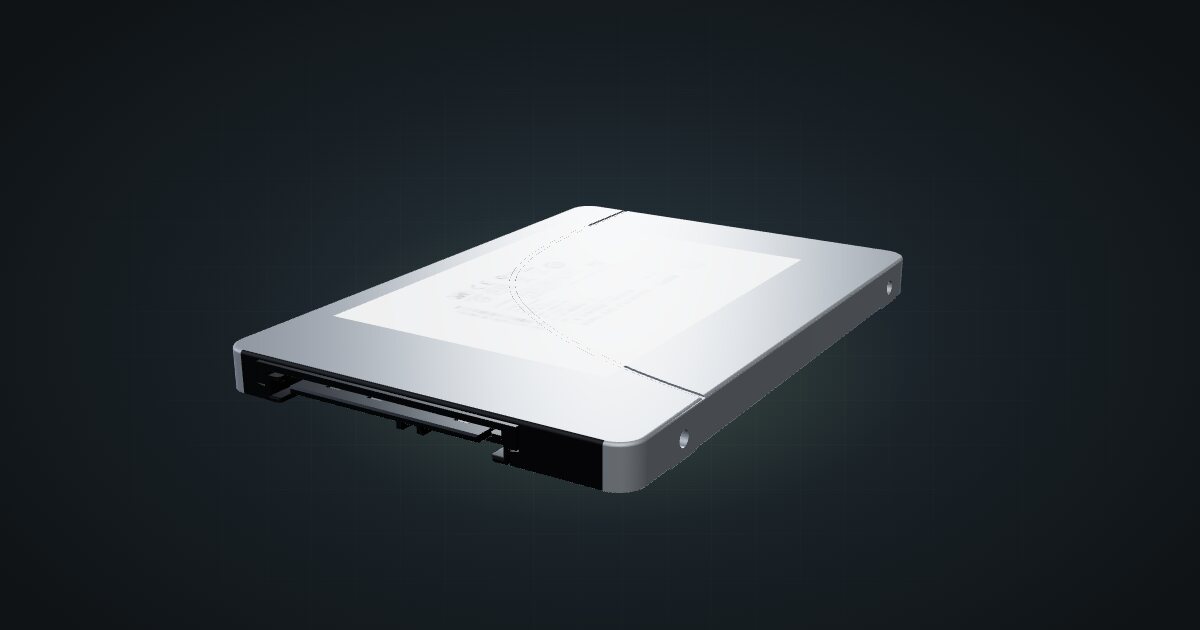
The Intel 520-series is an older 2.5-inch SATA SSD in a slim 7 mm case, built on Intel’s 25 nm MLC flash. In a mini rack it is the drive that fills the SSD bays of the printed Raspberry Pi NAS plates, where small capacity and a low power draw matter more than headline speed. It suits Pi storage builds, boot drives and small fast shares.
At a glance
| Capacity | 120, 180 or 240 GB in the 7 mm models; the series spans 60–480 GB |
| Interface | SATA 6 Gb/s (SATA Revision 3.0) |
| Sequential | Up to 550 MB/s read, 520 MB/s write |
| Random 4 KB | Up to 50,000 read / 80,000 write IOPS |
| Power | 0.6 W idle, 0.85 W typical active, from the 5 V SATA rail |
| Size | 69.85 × 100.45 × 7 mm, up to 78 g |
Where it fits in a mini rack
The natural home is a Raspberry Pi NAS plate: a Pi 4 or Pi 5 with two or five of these drives beside it, serving backups, configuration snapshots or a small shared folder. The capacities in the 7 mm models are modest, so think of it as fast, low-power storage for data that fits, not as a media library.
Speed is not the bottleneck in that role. The SSD is rated for up to 550 MB/s sequential reads, while the Pi it sits next to has a single Gigabit Ethernet port, so clients will hit the network limit long before the drive’s. The random-I/O figures and AES 256-bit encryption are useful extras for a small server volume.
What it is not: bulk storage. If you need terabytes, 3.5-inch drives or a dedicated NAS are the better route.
How it fits a 10-inch rack
The drive itself is a 2.5-inch, 7 mm brick; what matters is the carrier it rides in. The fit check lists three:
All three are printed Raspberry Pi NAS plates, all 102 mm deep, and all fit every RackMate frame, from the 200 mm T0 and T1 to the 260 mm Plus frames and the T2:
- Raspberry Pi 4 NAS, 2 SSDs: a Pi 4 and two drives in 1U.
- Raspberry Pi 5 NAS, 2 SSDs: the same idea for the Pi 5, also 1U.
- Raspberry Pi 5 NAS, 5 SSDs: a Pi 5 and five drives in 2U.
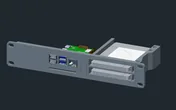
Rack height: 1U · Depth: 101.8 mm · Mounting: 3D-printed 1U NAS carrier
Details & sources →
Rack height: 1U · Depth: 101.8 mm · Mounting: 3D-printed 1U NAS carrier
Details & sources →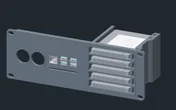
Rack height: 2U · Depth: 101.8 mm · Mounting: 3D-printed 2U NAS carrier
Details & sources →The plates hold the drives in place; how they connect to the Pi depends on the SATA adapters and cables called for on each plate’s source page, so check those before you print.
The other route is the dual 2.5-inch SSD mount, which carries Dell 85PPW trays. That tray accepts 2.5-inch SAS or SATA drives up to 15 mm thick, so a 7 mm 520 is well within its limits on paper. The catalogue models the SSD separately from the Dell caddies, though, so this pairing is not something the fit check covers.
The 5-SSD plate is the densest option in the catalogue for this drive: a Pi 5 plus five drives in 2U, only 102 mm deep, which still fits the shallowest frame.
Power
Intel specifies 0.6 W idle and 0.85 W typical active, measured in MobileMark 2007 with link power management enabled. Neither is a peak or worst-case transfer figure, so treat them as typical draw and leave headroom above them.
For rack planning these are small numbers: even a full 5-SSD plate adds only a few watts at the typical figure. The drives run from a 5 V SATA supply rail, though, so whichever 5 V supply feeds them needs headroom for every drive in the plate.
Networking and cabling
The SSD has no network ports. It has a SATA 6 Gb/s data connector and a SATA power connector, both of which stay inside the mount, running to the adapters that link the drives to the host.
Network traffic goes through the host. On the Pi NAS plates that is the Pi’s single Gigabit Ethernet port, which faces the front of the rack, so patch it to a front keystone or a front-facing switch port in the same rack. Never route it around the side of the frame.
Full specifications
Plan it
Open the Intel 520-series SSD in the catalogue and add it to one of the Pi NAS plates above, or start from a community build that already uses it:
For the board side of the plates, read the Raspberry Pi 5 guide or the Raspberry Pi 4 guide; for front-swappable trays, the Dell 2.5-inch caddy guide.
Sources
Related guides
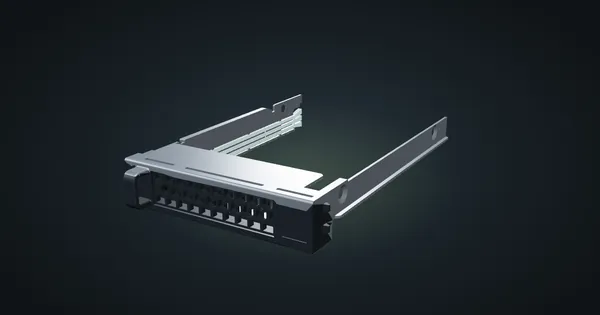
Dell 85PPW 2.5-inch caddy in a 10-inch rack
The Dell 85PPW 2.5-inch drive sled in a 10-inch rack: two per printed half-unit hot-swap mount, 144 mm deep, SAS or SATA drives up to 15 mm.
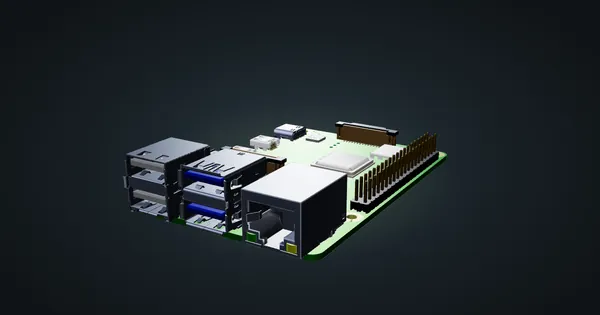
Raspberry Pi 4 Model B in a 10-inch rack
Racking the Raspberry Pi 4 Model B: three printable mounts including a 2-SSD NAS plate, a 5 V / 3 A USB-C supply and one front Gigabit port.
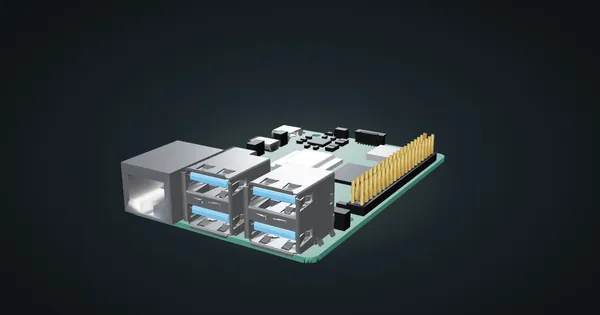
Raspberry Pi 5 in a 10-inch rack
How the Raspberry Pi 5 fits a 10-inch rack: four printable mounts, a 5 V / 5 A USB-C supply, front-facing Ethernet and the full spec sheet.