UGREEN NASync DXP4800 in a 10-inch rack
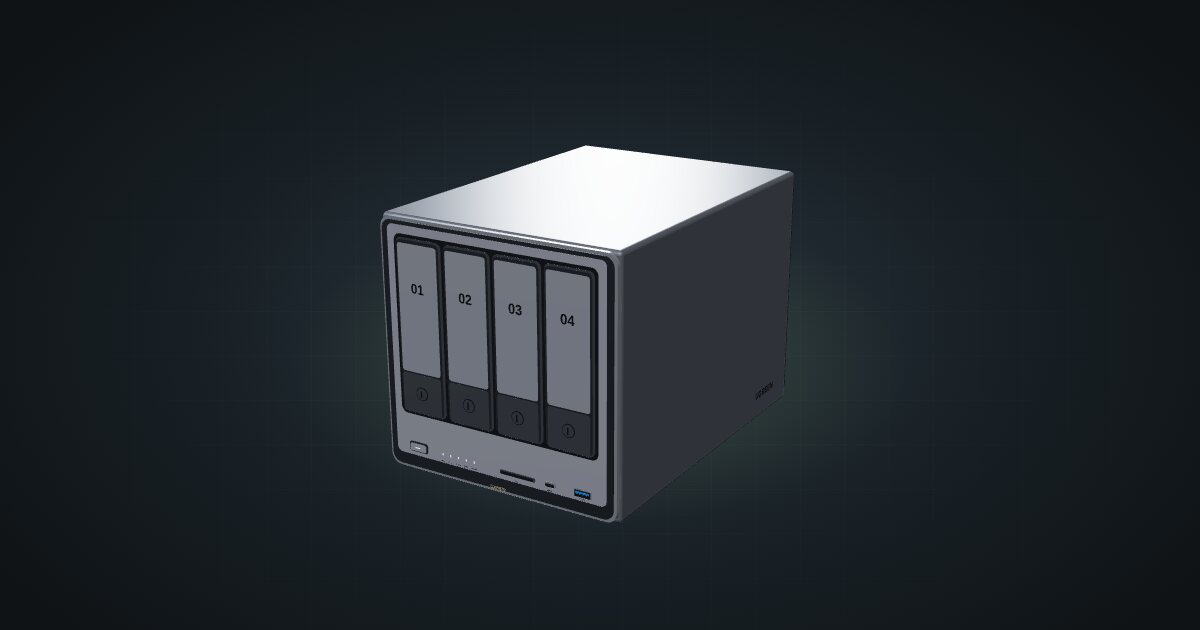
The four-bay UGREEN DXP4800 in a 10-inch rack: 4U on the floor or a 5U printed carrier, 260 mm frames only, two rear 2.5GbE ports.

On this page
The UGREEN NASync DXP4800 is a four-bay NAS built around Intel’s N100, with two 2.5GbE ports and two NVMe slots on top of the drive bays. At 178 mm wide, 178 mm tall and 257.5 mm deep it is a big box by mini-rack standards, so it suits planners who want real bulk storage in the frame and are happy to build the rest of the rack around it.
At a glance
| Processor | Intel N100, 4 cores, up to 3.4 GHz |
| Memory | 8 GB DDR5 in 1 slot, up to 16 GB |
| Storage | Four 2.5/3.5-inch SATA bays, two M.2 2280 NVMe slots, 32 GB eMMC for the system |
| Networking | 2 × 2.5GbE RJ45, both at the rear |
| Power | 12 V DC input; 15.43 W in drive hibernation, 35.18 W during drive access |
| Rack fit | 4U on the rack floor or a 5U printed carrier, 260 mm frames only |
Where it fits in a mini rack
The DXP4800 is the storage anchor of a rack: file shares and backup targets for the mini PCs above it, a media library, a photo archive. Four SATA bays give you the full menu of array layouts UGREEN lists (JBOD, Basic, RAID 0/1/5/6/10), so you can trade capacity for redundancy instead of settling for a mirror. The two NVMe slots add room for flash next to the spinning disks, and UGOS Pro runs the show.
The N100 and 8 GB of DDR5 are sized for NAS duty with some headroom for light services, and the two 2.5GbE ports let it outrun a Gigabit network if the switch keeps up.
What it is not: a virtualization host. One memory slot that tops out at 16 GB says storage first. It is also not a device for a shallow frame, as the next section makes very clear.
How it fits a 10-inch rack
At 257.5 mm deep, the DXP4800 picks your frame for you. The configurator checks each placement against every rack in the catalogue:
Both 200 mm frames, the RackMate T0 and T1, are blocked as too deep for every placement. That leaves the 260 mm frames, and two ways in:
- Standing on the rack floor at U1. The NAS sits on its own feet and takes 4U, planned at 258 mm deep. That works in the T0 Plus, T1/2 Plus, T1 Plus and T2. In the four-unit T0 Plus it fills the whole frame; the six-unit T1/2 Plus leaves two units above it.
- The printed DXP4800 Plus carrier. A community 5U carrier, 267 mm deep, that fits the T1/2 Plus, T1 Plus and T2. The four-unit T0 and T0 Plus are blocked for lack of units, the T1 for depth.
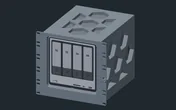
Two things to know about the carrier. At 267 mm it is deeper than the 260 mm frames that the configurator still accepts it in, so expect it to sit slightly proud at the back and keep rear clearance for the cables. And it is named for the DXP4800 Plus: the catalogue places the standard DXP4800 in it for planning, so check the source page against your exact model before you commit to a long print.
The catalogue note reads “rack floor at U1 or a suitable shelf”, and the 10i hex shelf is not that shelf. At 154 mm deep it is blocked in every frame, flat or upright, as too deep for the shelf.
The floor placement lives at U1, the bottom of the frame. Put the NAS into the plan first and stack everything else above it.
Power
UGREEN’s reference figures for the N100 DXP4800 are 15.43 W with the drives in hibernation and 35.18 W during drive access, both including the manufacturer’s drive test load. The high figure is drive-access draw, not a worst-case maximum: disk model and count, spin-up and CPU load all move it. If you rack the DXP4800 Plus or Pro in that carrier instead, these numbers do not apply; those models need their own figures.
The NAS takes a 12 V DC input rated at 10 A. Treat that as the input rating, not as consumption. For a rack power budget, start from the drive-access figure, leave headroom for spin-up with a full set of disks, and plan a place for the DC supply behind the frame.
Networking and cabling
Both 2.5GbE ports, LAN 1 and LAN 2, are RJ45 and face the rear. Patch each one to a rear keystone and carry on from there; never loop a cable around the side of the rack to reach a front switch port. The second port is there for a second link, for example to a separate storage network. To see more than Gigabit, the switch on the other end needs 2.5GbE ports too.
For local I/O there is one USB-C and one USB-A port at 10 Gbps, one USB-A at 5 Gbps, two USB 2.0 ports, HDMI up to 4K and an SD 3.0 card reader.
With both network ports at the back, a rear keystone panel belongs in the plan from the start, not as an afterthought.
How it differs from the DXP2800
The DXP2800 is the two-bay sibling. It shares the Intel N100, the 8 GB of DDR5 expandable to 16 GB, the 32 GB eMMC and the two NVMe slots. The differences are the ones that matter in a rack:
- Bays and ports: two drive bays instead of four, and a single 2.5 GbE port instead of two.
- Size: 109.4 × 231.8 × 178.4 mm (W × D × H) per UGREEN, against 178 × 257.5 × 178 mm. Narrower and shallower, but just as tall.
- Placement: the DXP2800 also stands on the floor at U1 in 4U, in the same 260 mm frames, but the catalogue has no printed carrier for it.
- Power: 5.24 W in drive hibernation and 16.38 W during drive access, against 15.43 W and 35.18 W. Each set includes UGREEN’s own drive test load, so compare them as rough guides, not a like-for-like efficiency score.
Pick the DXP4800 when you need four disks or two network links; the DXP2800 when two disks cover it.
Full specifications
Plan it
Open the UGREEN DXP4800 in the catalogue to drop it into a 260 mm frame, on the floor or in the printed carrier, or start from a community build that already uses it:
Need fewer bays? The UGREEN DXP2800 guide covers the two-bay model, and the Synology DS225+ guide covers its closest rival from another brand.
Sources
Related guides
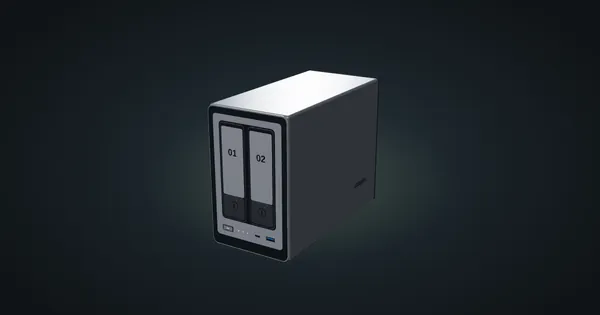
UGREEN NASync DXP2800 in a 10-inch rack
The two-bay UGREEN DXP2800 in a 10-inch rack: 4U on the rack floor of a 260 mm frame, one rear 2.5GbE port, two NVMe slots and an N100.
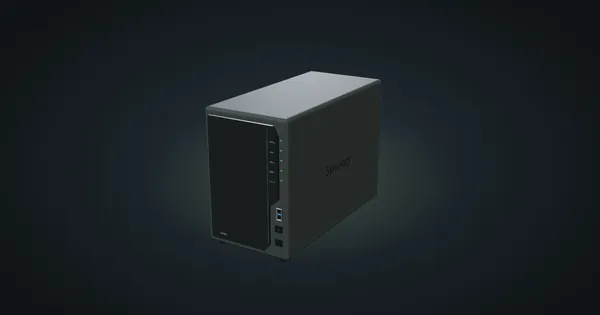
Synology DiskStation DS225+ in a 10-inch rack
The Synology DS225+ in a 10-inch rack: standing on the rack floor in 260 mm frames, its rear 1GbE and 2.5GbE ports and the full spec sheet.
Gigabyte X870I AORUS PRO ICE in a 10-inch rack
Gigabyte's X870I AORUS PRO ICE Mini-ITX board in a 10-inch rack: AM5, dual-channel DDR5, 2.5 GbE, Wi-Fi 7, shelf options and power planning.