GL.iNet Brume 3 (GL-MT5000) in a 10-inch rack
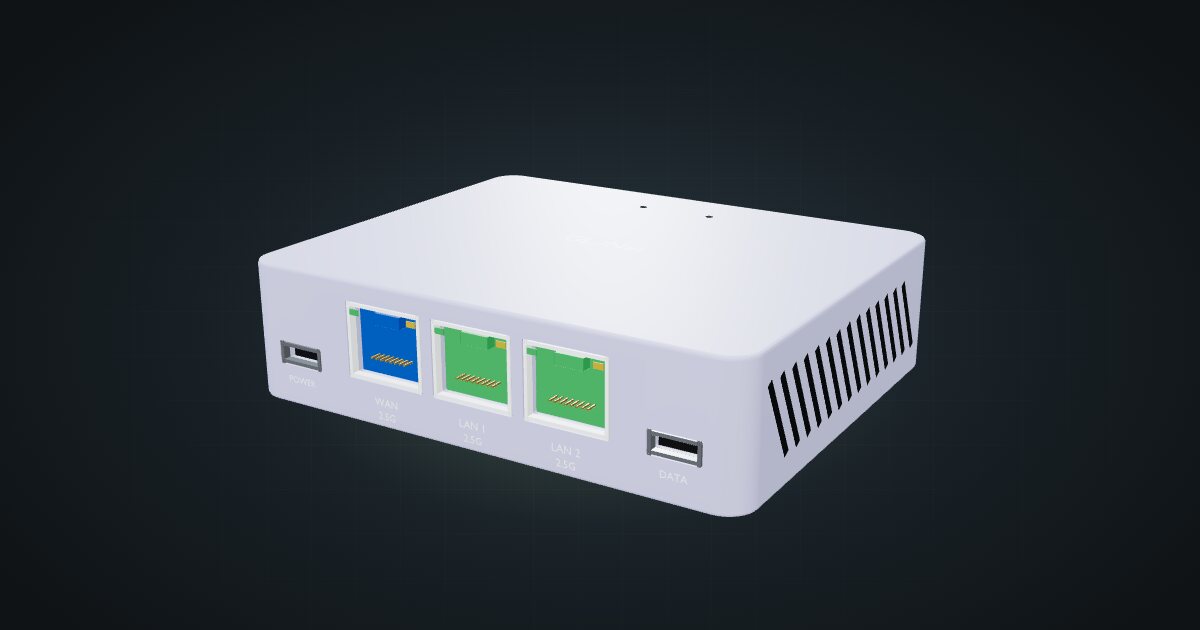
GL.iNet Brume 3 in a 10-inch rack: three 2.5 GbE ports, WireGuard up to 1,100 Mbps and under 5 W, flat on the hex shelf in 1U.

On this page
The Brume 3 is GL.iNet’s multi-gig VPN gateway: a quad-core MediaTek box with three 2.5 GbE ports and VPN figures close to Gigabit. It suits racks that want a fast, dedicated WireGuard endpoint or a compact gateway for a travel case, at a few watts.
At a glance
| Processor | MediaTek quad-core, 2.0 GHz |
| Memory and storage | 1 GB DDR4, 8 GB eMMC |
| Ethernet | 3 × 2.5 GbE RJ45: WAN, LAN 1, LAN 2, front-facing |
| VPN throughput | WireGuard up to 1,100 Mbps; OpenVPN-DCO up to 1,000 Mbps |
| Software | GL.iNet firmware based on OpenWrt 21.02, Linux kernel 5.4.281 |
| Power | USB-C, 5 V / 3 A; under 5 W |
| Size and weight | 92 × 75 × 25 mm, 148 g |
Where it fits in a mini rack
The Brume 3 is a VPN gateway that no longer has to apologise for its speed. GL.iNet quotes WireGuard up to 1,100 Mbps and OpenVPN-DCO up to 1,000 Mbps, which is in the range of a Gigabit home line. Useful roles in a rack:
- Remote access: a WireGuard server for reaching the homelab from outside.
- VPN client gateway: route everything on a LAN segment through a commercial or self-hosted VPN.
- Travel router: the core of a portable rack case, sitting between a hotel or venue network and your own kit.
Two LAN ports at 2.5 GbE let it front a small lab segment directly, for example a NAS on one port and a switch on the other. Management is through the Web Admin Panel, with GoodCloud and AstroWarp for remote management.
What it is not: a full-scale home router with Wi-Fi or many ports. It has three Ethernet ports, no radio in its spec sheet, and firmware built around VPN rather than running a large network.
How it fits a 10-inch rack
At 92 × 75 × 25 mm the Brume 3 fits on a shelf with room to spare:
There is no dedicated mount for the Brume 3 in the catalogue. It sits on the 10i hex shelf, flat in 1U including the deck or upright in 3U, both 154 mm deep, and both fit all six RackMate frames, including the four-unit RackMate T0. Nothing is blocked.
Flat is the natural placement. The case uses a fraction of the shelf, so the same 1U can carry a second small device, which helps a compact travel build stay within four units.
Power
GL.iNet states consumption below 5 W, and the catalogue budgets 5 W as an upper bound. A separate idle figure is not published, and USB peripherals are not included.
Power comes over USB-C at 5 V / 3 A. That is the supply’s rating, not the device’s draw. In a rack power plan the Brume 3 is a rounding error, but its adapter still needs a socket on the strip.
The Brume 3 has two USB-C sockets: one for power and a separate USB 3.0 Type-C data port. Label the power cable so nobody plugs the adapter into the data socket during a rebuild.
Networking and cabling
All three 2.5 GbE ports face the rack front: the blue WAN socket and the green LAN 1 and LAN 2 sockets.
- WAN: as the edge device, the ISP line typically enters through a rear keystone, and a short patch from that keystone’s front socket reaches the WAN port. Behind a main router, patch WAN to a front-facing switch port instead.
- LAN: patch LAN 1 and LAN 2 to front keystones or straight to front-facing switch ports. A 2.5 GbE switch keeps the extra speed useful.
Short front patches are all it needs. Nothing on the Brume 3 faces the rear, so no cable has a reason to leave the front of the rack.
How it differs from the Brume 2
The Brume 2 (GL-MT2500) is smaller and lighter: 70 × 70 × 22 mm and 60 g. It uses a dual-core MT7981B at 1.3 GHz with the same 1 GB DDR4 and 8 GB eMMC, but has only one 2.5 GbE WAN and one Gigabit LAN port. Its quoted VPN figures are WireGuard up to 355 Mbps and OpenVPN up to 150 Mbps (client mode). It draws under 2.6 W from a 5 V / 2 A supply and has a USB 3.0 Type-A port.
Both lie flat on the hex shelf in 1U. Choose the Brume 2 for a slow line and the lowest draw; choose the Brume 3 when the VPN has to keep up with a Gigabit connection or you need two multi-gig LAN ports.
Full specifications
Plan it
Open the GL.iNet Brume 3 in the catalogue to place it on a hex shelf in a rack plan, or start from a community build that already uses one:
For the smaller sibling, read the Brume 2 guide. For the Wi-Fi piece of that road case, see the MikroTik mAP lite guide.
Sources
Related guides
GL.iNet Brume 2 (GL-MT2500) in a 10-inch rack
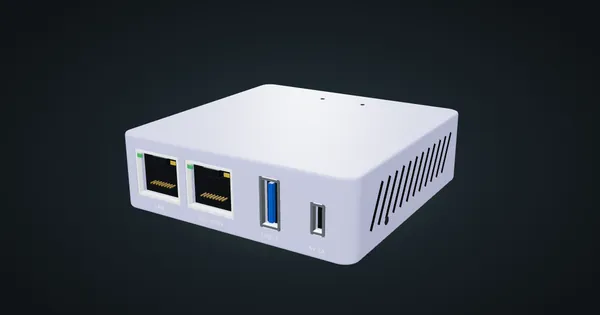
GL.iNet Brume 2 in a 10-inch rack: a pocket VPN gateway with a 2.5 GbE WAN and Gigabit LAN, under 2.6 W, flat on the hex shelf in 1U.
TP-Link Omada ER605 v2 in a 10-inch rack
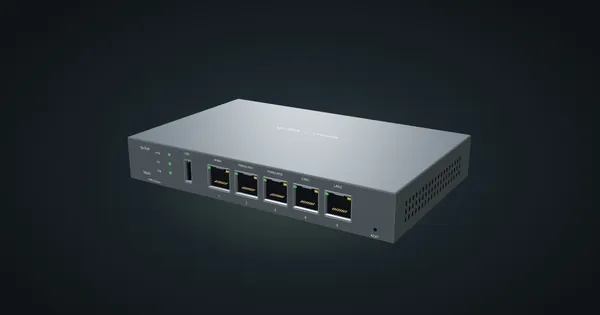
TP-Link ER605 v2 in a 10-inch rack: five front Gigabit ports with up to three WANs, Omada SDN support and 7.94 W max, flat in 1U.
Ubiquiti UniFi Cloud Gateway Max in a 10-inch rack
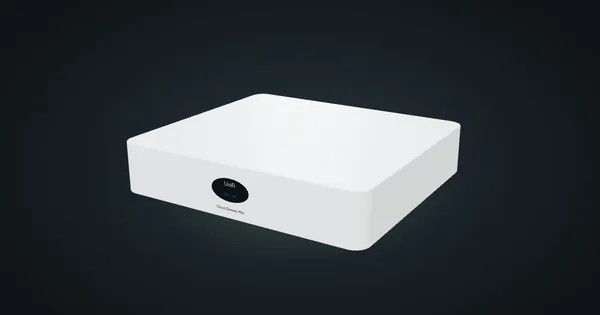
UniFi Cloud Gateway Max in a 10-inch rack: five rear 2.5 GbE ports, UniFi OS and 2.3 Gbps IDS/IPS, flat on the hex shelf in 1U.