TP-Link Omada ER605 v2 in a 10-inch rack
TP-Link ER605 v2 in a 10-inch rack: five front Gigabit ports with up to three WANs, Omada SDN support and 7.94 W max, flat in 1U.
 Mira Voss@nullroute4 min read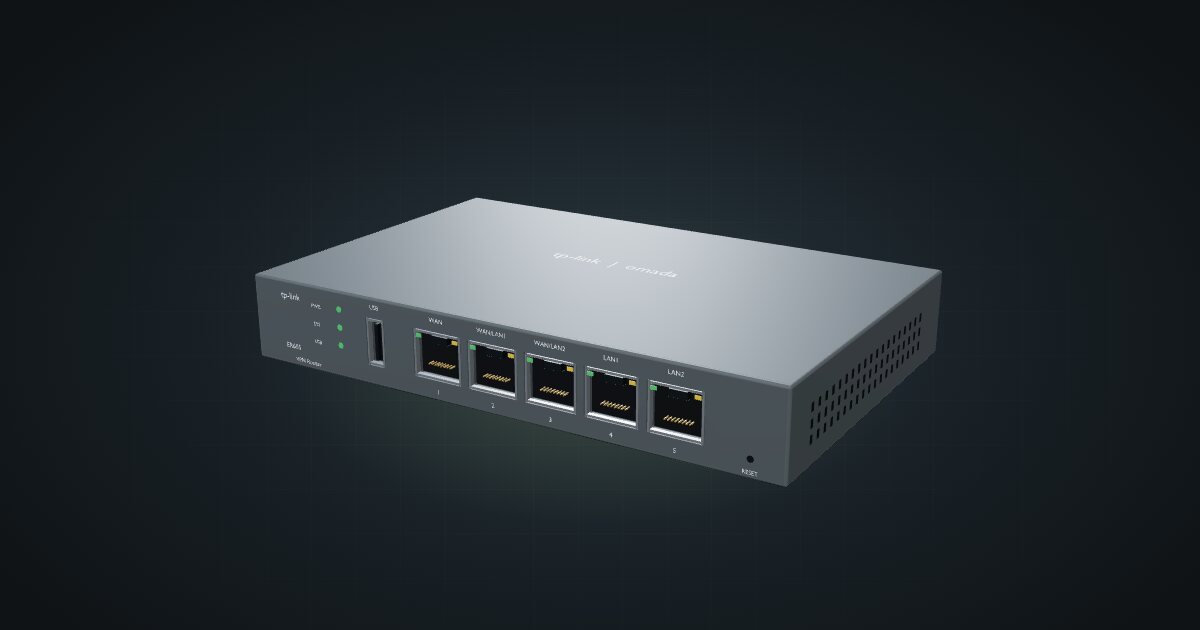
On this page
The ER605 v2 is TP-Link’s small Omada VPN router: five Gigabit ports, up to three of them usable as WAN, in a fanless steel case. It suits racks built around TP-Link’s Omada ecosystem, and anyone who wants multiple internet uplinks on a compact, low-power box.
At a glance
| CPU | MediaTek MT7621 (MIPS 1004Kc), 880 MHz |
| Memory and storage | 256 MB DDR, 128 MB NAND |
| Ethernet | 5 × Gigabit RJ45: 1 WAN, 2 WAN/LAN, 2 LAN, front-facing |
| VPN throughput | IPsec up to 248.04 Mbps; WireGuard 123.4 Mbps; OpenVPN 21.70 Mbps |
| USB | 1 × USB 2.0 for cellular WAN backup |
| Management | Standalone or Omada SDN |
| Power | 12 V DC / 1 A adapter; 7.94 W max |
The CPU row comes from the OpenWrt hardware wiki rather than TP-Link’s own specification page; the other rows are TP-Link’s.
Where it fits in a mini rack
The ER605’s party trick is WAN flexibility. Hardware V2 has one fixed WAN port, two ports that can be set as WAN or LAN, and two fixed LAN ports. That gives you up to three wired uplinks, for example a fibre line plus a cable or DSL backup, and the USB 2.0 port adds a cellular modem as one more fallback.
It is also the natural gateway for an Omada network. Run it standalone with its own web interface, or adopt it into Omada SDN so the router, switches and access points share one management plane.
What it is not: a fast VPN box or a multi-gig router. TP-Link’s own figures are IPsec up to 248.04 Mbps, WireGuard 123.4 Mbps and OpenVPN 21.70 Mbps, and every port is Gigabit. Use it for site-to-site links and remote admin access, not for pushing a whole Gigabit line through a tunnel.
How it fits a 10-inch rack
At 158 × 101 × 25 mm the ER605 is a classic desktop router footprint, and the shelf takes it easily:
There is no dedicated mount for the ER605 in the catalogue. It sits on the 10i hex shelf, flat in 1U including the deck or upright in 4U, both 154 mm deep, and both fit all six RackMate frames from the four-unit RackMate T0 to the RackMate T2. Nothing is blocked.
Flat in 1U is the obvious choice: the five ports face the front and the case leaves some of the shelf deck free beside it. Upright costs three extra units for nothing.
Power
TP-Link lists 7.94 W as the V2 maximum, and the catalogue budgets that figure. Idle is not published. The 12 V / 1 A adapter rating describes the supply, not what the router draws.
The DC input sits on the rear, along with the lock slot, so leave room behind the shelf for the adapter plug and route its cable to a power strip at the back. If you add a cellular modem on the USB port, leave some headroom: the published figure does not break out USB loads.
Networking and cabling
All five Gigabit ports face the front of the rack, labelled WAN, WAN/LAN1, WAN/LAN2, LAN1 and LAN2. That makes the cabling plan simple:
- Primary WAN: the ISP line typically enters through a rear keystone. A short patch from that keystone’s front socket reaches the WAN port.
- Extra WANs: a second or third line follows the same path through its own rear keystone into WAN/LAN1 or WAN/LAN2, set to WAN mode.
- LAN: patch LAN1 and LAN2, plus any WAN/LAN port left in LAN mode, to front keystones or straight to front-facing switch ports.
Label the WAN/LAN ports by the role you configured, not by the case print. Six months on, “WAN/LAN1” says nothing about which ISP is plugged in.
Pairing it with an Omada controller
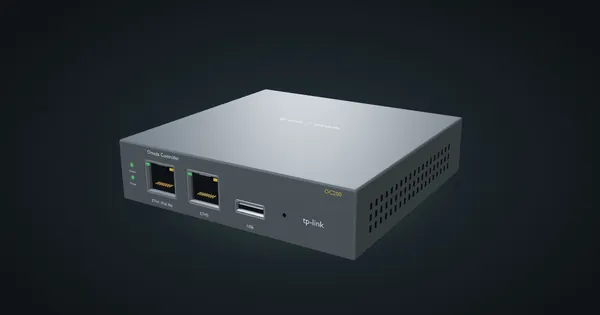
The TP-Link Omada OC200 V1 is a hardware Omada controller that manages up to 10 Omada routers, alongside access points and JetStream switches. It also sits flat on the hex shelf in 1U, and its two 10/100 Mbps ports face the front too, so it patches into the same switch as the ER605’s LAN side. With both in the rack, the router moves from standalone mode into Omada SDN and is managed from the controller.
Full specifications
Plan it
Open the TP-Link ER605 v2 in the catalogue to place it on a hex shelf in a rack plan, or start from a community build that already uses it:
For the controller, read the TP-Link OC200 guide. For the PoE switch in the same build, see the NETGEAR GS308EP guide.
Sources
Related guides
TP-Link Omada OC200 V1 in a 10-inch rack
TP-Link's Omada OC200 V1 hardware controller in a 10-inch rack: hex-shelf placement, PoE or Micro-USB power, Fast Ethernet ports and V1 caveats.
GL.iNet Brume 3 (GL-MT5000) in a 10-inch rack
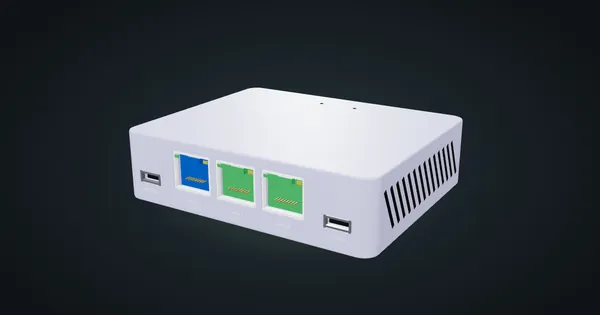
GL.iNet Brume 3 in a 10-inch rack: three 2.5 GbE ports, WireGuard up to 1,100 Mbps and under 5 W, flat on the hex shelf in 1U.
GL.iNet Brume 2 (GL-MT2500) in a 10-inch rack
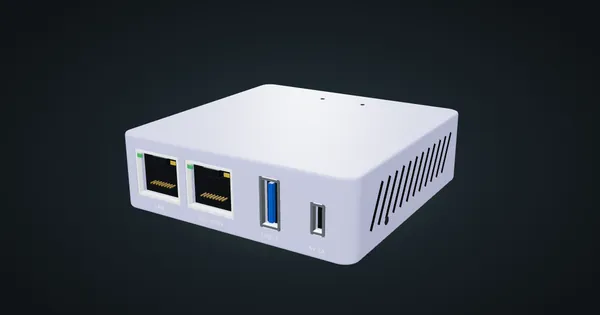
GL.iNet Brume 2 in a 10-inch rack: a pocket VPN gateway with a 2.5 GbE WAN and Gigabit LAN, under 2.6 W, flat on the hex shelf in 1U.