Lenovo ThinkCentre M70q Gen 6 in a 10-inch rack
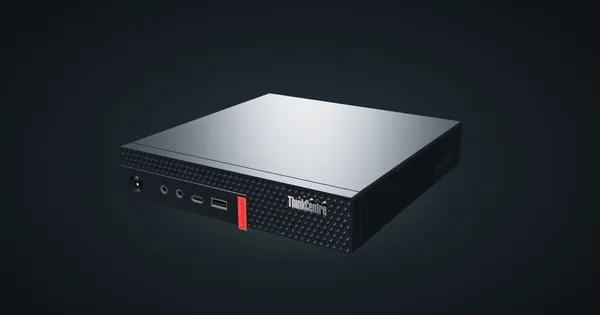
Lenovo's current ThinkCentre Tiny in a 10-inch rack: Core Ultra Series 2, up to 64 GB DDR5, two NVMe slots, rear GbE and 1U flat on the hex shelf.
 Mica Voss@micavoss4 min read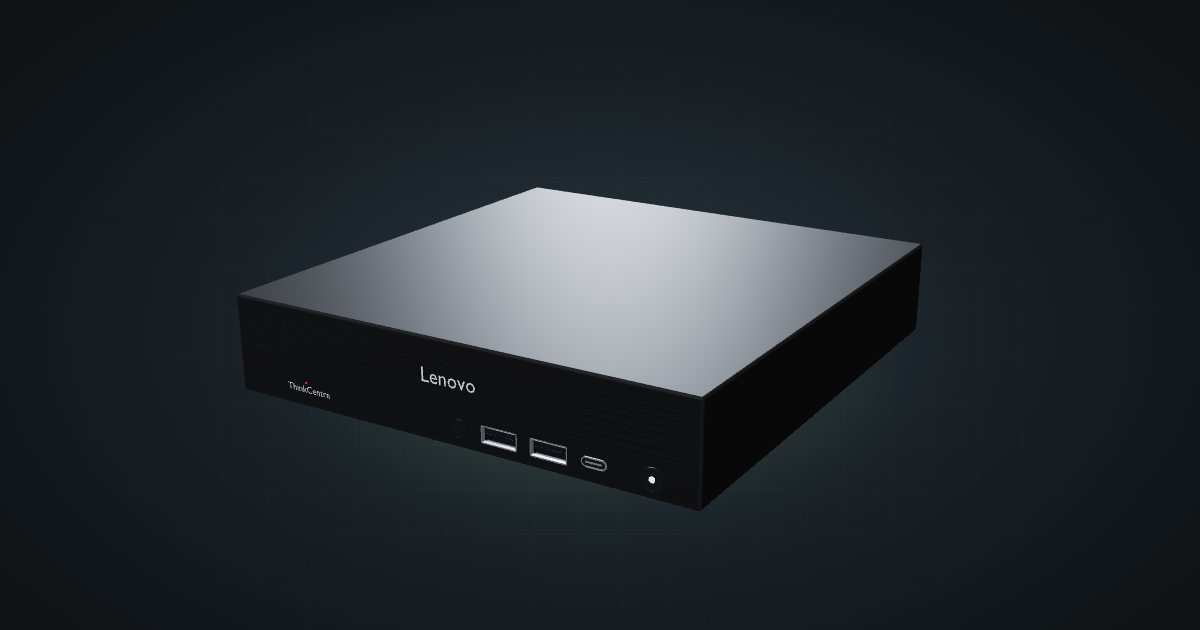
On this page
The ThinkCentre M70q Gen 6 is the current generation of Lenovo’s one-litre Tiny business PC, built around Intel Core Ultra (Series 2) processors. It keeps the familiar Tiny footprint, adds DDR5 and two PCIe 4.0 NVMe slots, and puts its Gigabit port at the rear. For a 10-inch rack it is a modern alternative to the used M920q units that fill so many homelabs.
At a glance
| Processor | Intel Core Ultra 3, 5 or 7 (Series 2); Intel B860 or Q870 chipset |
| Memory | 2 × DDR5-5600 SO-DIMM, up to 64 GB |
| Storage | 2 × M.2 2280 PCIe 4.0 x4 NVMe, up to 2 TB each |
| Networking | One GbE RJ45 at the rear; optional 2.5GbE in a punch-out port |
| Power | External 65 W, 90 W or 135 W adapter |
| Size and weight | 179 × 182.9 × 36.5 mm, about 1.18 kg |
| Operating temperature | 5 to 35 °C |
Where it fits in a mini rack
This is a Proxmox or container host first. Two NVMe slots let you keep the hypervisor apart from VM storage or mirror the boot disk, and two DDR5 SO-DIMM slots take up to 64 GB. Lenovo lists Core Ultra 3 205, Core Ultra 5 225, 235 and 245T and Core Ultra 7 265 parts, with T variants; the full-power chips run in a 35 W power mode in this chassis. The integrated Intel AI Boost NPU, up to 13 TOPS, is there if a workload can use it.
The punch-out ports are worth checking on any unit you buy. Two optional rear positions can carry, among others, VGA, HDMI 2.1, DisplayPort 1.4a, serial, a 2.5GbE RJ45 or Thunderbolt 4. They are factory options, so a used machine has whatever it was ordered with.
What it is not: a storage box. There is no 2.5-inch bay, and the two M.2 slots are the whole storage story. It also has no PCIe slot of the kind the older M920q riser offered.
How it fits a 10-inch rack
The configurator checks each placement against every rack in the catalogue:
The 10i hex shelf takes it flat in 1U at 187 mm deep, in every RackMate frame. Upright it needs 5U, which the four-unit T0 and T0 Plus cannot give. Flat is the sensible choice: the front ports stay reachable and the rear stays free for cables.
The chassis has the same 179 × 182.9 mm footprint as earlier Tiny generations, but Lenovo lists it at 36.5 mm tall, where the M920q is listed at 34.5 mm. The community M920q mounts are therefore not listed as compatible in the catalogue. They may well take it; check a print against your machine before you plan around one.
In the 200 mm-deep T0 and T1 the 187 mm shelf depth leaves little room behind the chassis for the rear power and network plugs, so the 260 mm frames are the more comfortable home.
Power
Lenovo ships the M70q Gen 6 with a 65 W, 90 W or 135 W adapter, 89 to 90% efficient. Those are adapter ratings, not consumption. PSREF publishes no idle or load figure for this generation, so the catalogue lists the low end as unknown and uses the 135 W adapter as the high allowance.
For rack planning, that means two things. Budget per machine from the adapter you actually have until you have measured it, and find a place for each external adapter: behind the shelf or on the rack floor, on the side away from the data rail.
Lenovo rates the M70q Gen 6 for 5 to 35 °C. Several Tiny PCs stacked in a closed frame warm each other up, so keep their rear vents clear of adapters and cable bundles.
Networking and cabling
The onboard port is a single GbE RJ45, an Intel I219-LM or a Realtek RTL8111K depending on the model, and it faces the rear. Patch it to a rear keystone in the same rack rather than routing the cable around the frame to the front. An optional 2.5GbE port (Realtek RTL8125BGS) sits in a punch-out position, also at the rear.
At the front you get a USB-C 10Gbps port, two USB-A 10Gbps ports and a combo audio jack, which keeps boot media and console work within reach. HDMI 2.1 and DisplayPort 1.4a are at the rear. Wi-Fi is an optional M.2 card.
How it compares to the M920q
| ThinkCentre M70q Gen 6 | ThinkCentre M920q | |
|---|---|---|
| CPU | Core Ultra (Series 2) | 8th/9th Gen Core T-series |
| Memory | 2 × DDR5-5600, up to 64 GB | 2 × DDR4-2666 |
| Storage | 2 × M.2 2280 NVMe | One M.2 NVMe plus a 2.5-inch bay |
| Ethernet | GbE, optional 2.5GbE punch-out | GbE, optional 4-port PCIe card |
| Height (Lenovo) | 36.5 mm | 34.5 mm |
| Adapters | 65, 90 or 135 W | 65, 90 or 135 W |
The M920q’s PCIe riser is what makes it a favourite for 10G NICs; the M70q Gen 6 trades that for DDR5, a second NVMe slot and a much newer CPU.
Full specifications
Plan it
Open the ThinkCentre M70q Gen 6 in the catalogue to add it to a rack plan on the hex shelf. The ThinkCentre M920q guide covers the older Tiny it is compared with above.
Sources
Related guides
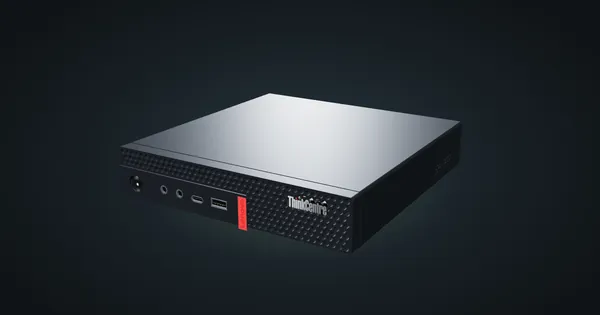
Lenovo ThinkCentre M910q Tiny in a 10-inch rack
How the ThinkCentre M910q Tiny fits a 10-inch rack: 6th/7th Gen Intel on Q270, vPro on some models, no PCIe slot, a rear Gigabit port and two 1U mounts.
Lenovo ThinkCentre M720q Tiny in a 10-inch rack
How the ThinkCentre M720q Tiny fits a 10-inch rack: the M920q chassis on B360, a PCIe 3.0 x8 slot, a rear Gigabit port and two 1U mounts.
Lenovo ThinkCentre M920q / M920x in a 10-inch rack
How the ThinkCentre M920q and M920x fit a 10-inch rack: two 1U mounts, a rear Gigabit port, up to 32 GB RAM and 65 W to 135 W adapters.