Ubiquiti UniFi Express 7 in a 10-inch rack
UniFi Express 7 in a 10-inch rack: a Wi-Fi 7 gateway with a rear 10 GbE WAN and 2.5 GbE LAN, 22 W max, flat on the hex shelf in 2U.
 Mira Voss@nullroute5 min read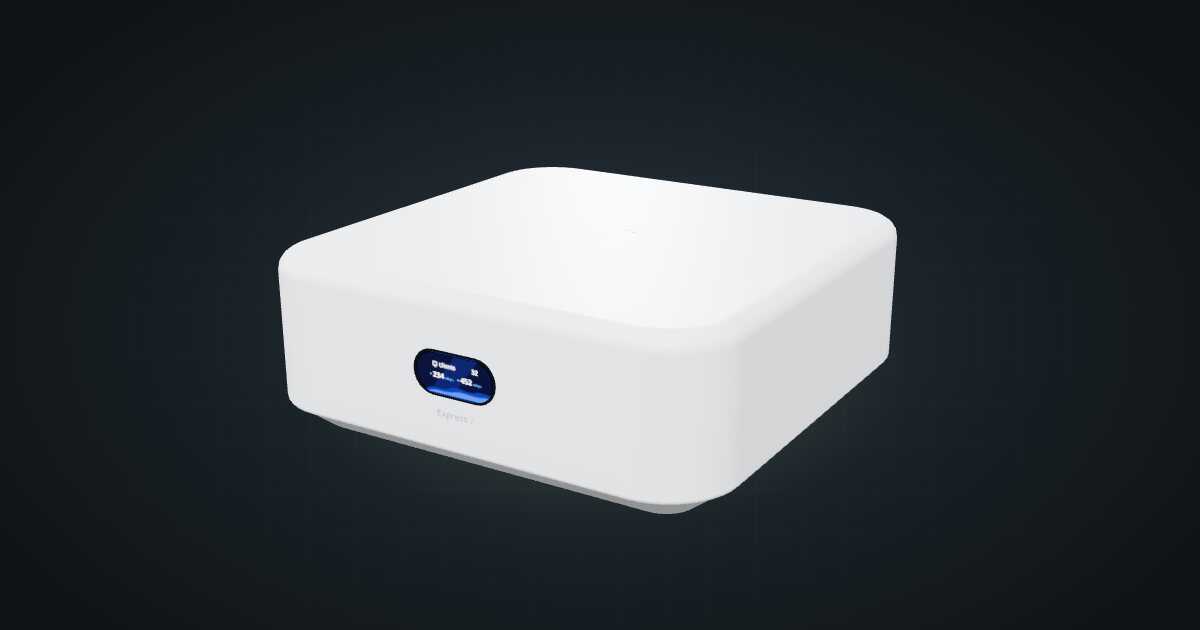
On this page
The UniFi Express 7 is Ubiquiti’s compact cloud gateway with a radio inside: router, firewall, UniFi console and Wi-Fi 7 access point in one 117 × 117 × 42.5 mm box. It suits a small, all-UniFi network where one device should route the internet line and run the UniFi Network application, and its 10 GbE WAN port leaves headroom for a fast fibre line.
At a glance
| Processor | Quad-core Arm Cortex-A53, 1.5 GHz |
| Memory | 3 GB |
| Ethernet | 1 × 10 GbE RJ45 WAN and 1 × 2.5 GbE RJ45 LAN, both on the rear |
| Wi-Fi | Wi-Fi 7 tri-band, 2 × 2 MU-MIMO, 160 m² coverage |
| IDS/IPS throughput | 2.3 Gbps |
| Power | USB-C, 5 V / 5 A adapter included; 22 W max |
| Size and weight | 117 × 117 × 42.5 mm, 443 g |
Where it fits in a mini rack
The Express 7 is the gateway for a small UniFi setup: a home office, a lab bench or a flat. It runs the UniFi Network application and handles 30+ managed UniFi devices and 300+ clients, so it can adopt the switches and access points around the house as well as the ones in the rack. Management works over Ethernet or Bluetooth.
The port pair is the interesting part. The WAN port is 10 GbE RJ45 and negotiates 10G, 5G, 2.5G, 1G or 100M, so it takes almost any modem or ONT. The LAN side is a single 2.5 GbE port, which in a rack means one uplink to a switch. Ubiquiti quotes 2.3 Gbps of IDS/IPS throughput, so with threat inspection on, the gateway rather than the 10 GbE port sets the ceiling.
The Wi-Fi 7 radio covers the 6 GHz band at up to 5.7 Gbps, 5 GHz at 4.3 Gbps and 2.4 GHz at 688 Mbps. A rack is a poor place for an access point, though: metal frames and neighbouring gear shadow the signal. Either give the Express 7 an open spot near the top of the rack, or treat the radio as a bonus and let separate access points do the coverage.
What it is not: a multi-port router or a full UniFi OS console. Everything else in the rack hangs off a switch, and the spec sheet lists no storage and only the Network application, so camera recording with UniFi Protect belongs on another box.
How it fits a 10-inch rack
The case is square and fairly tall:
There is no dedicated mount for the Express 7 in the catalogue. The 10i hex shelf carries it two ways, both 154 mm deep, and both fit all six RackMate frames, from the 200 mm deep RackMate T0 to the 260 mm RackMate T2. Nothing is blocked.
- Flat in 2U. Add the shelf deck to the 42.5 mm case and the stack is just taller than one unit, so the configurator reserves two.
- Upright in 3U. A square box gains nothing from standing on its side.
Flat is the sensible choice. The status display faces the front of the rack and both RJ45 ports face the back, where the cabling plan below wants them. At 117 mm deep the case sits well inside the shelf, and even the 200 mm frames leave room behind it for the USB-C plug and rear patch cables.
A community mount also exists: the UniFi Express 7 1U rack mount with keystones on MakerWorld. As its title says, it is a 1U bracket with keystone slots. It is not in the configurator yet, so the fit check above does not cover it.
Plan the rack with the 2U shelf placement, which the configurator can check. If you print the community bracket, you get the second unit back at build time.
Power
Ubiquiti lists 22 W as the maximum, and the catalogue budgets that figure. Idle consumption is not published, so the low end is left unknown rather than guessed. The included USB-C adapter is rated 5 V / 5 A on a 100–240 V AC input. That is the supply’s rating, not the gateway’s draw.
For rack planning, that means 22 W in the budget and one more adapter on the strip behind the rack. Use the supplied adapter or another one genuinely rated 5 V / 5 A, not a spare phone charger.
Networking and cabling
Both RJ45 ports sit on the rear face. Seen from behind, left to right: a reset pinhole, the USB-C power input, the 2.5 GbE LAN port and the 10 GbE WAN port, marked with a globe.
- WAN: the ISP line usually arrives at the back of the rack, so the WAN port meets it there with no detour to the front.
- LAN: patch the 2.5 GbE port to the rear socket of a keystone coupler. Its front socket presents the link at the front, where a short patch runs to a front-facing switch port.
- Never loop a cable from the rear ports around the frame to the front. The keystone row is the crossing point.
One LAN port means one rear keystone and one uplink. Give that uplink a 2.5 GbE switch port, or the whole rack shares a Gigabit link to the gateway.
How it differs from the Cloud Gateway Max
The UniFi Cloud Gateway Max shares the core: a quad-core Cortex-A53 at 1.5 GHz, 3 GB of memory, 2.3 Gbps of IDS/IPS throughput and a 0.96-inch status display. The rest differs:
- Ports. The Max has 5 × 2.5 GbE on the rear. The Express 7 trades them for one 10 GbE WAN and one 2.5 GbE LAN.
- Wi-Fi. The Express 7 has a Wi-Fi 7 radio built in; the Max’s spec sheet lists none.
- Apps and storage. The Max runs Network, Protect, Access, Talk and Connect, and takes an optional NVMe SSD up to 2 TB. The Express 7 lists the Network application only.
- Rack fit. The Max is 141.8 × 127.6 × 30 mm and lies flat on the hex shelf in 1U; the taller Express 7 needs 2U.
- Power. 16.1 W max for the Max against 22 W here, both from a 5 V / 5 A USB-C supply.
Full specifications
Plan it
Open the UniFi Express 7 in the catalogue to place it on a hex shelf and lay out its rear keystone. No community build uses it yet.
For the wired-only gateway with more ports, read the Cloud Gateway Max guide. For a 2.5 GbE switch to take the LAN uplink, see the UniFi Flex Mini 2.5G guide.
Sources
Related guides
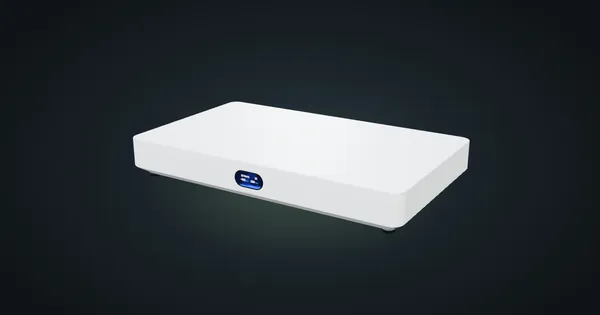
Ubiquiti UniFi Cloud Gateway Fiber in a 10-inch rack
UniFi Cloud Gateway Fiber in a 10-inch rack: 10 GbE and two SFP+ WAN/LAN options on the rear, a 1U community tray and 5 Gbps IDS/IPS.
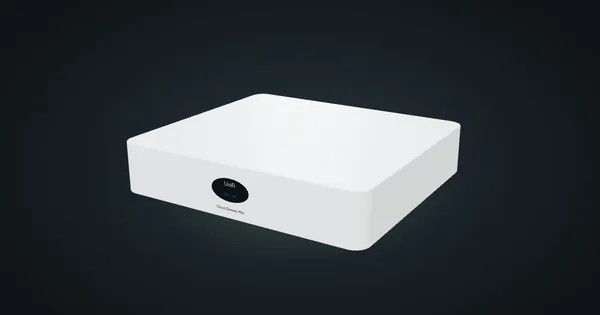
Ubiquiti UniFi Cloud Gateway Max in a 10-inch rack
UniFi Cloud Gateway Max in a 10-inch rack: five rear 2.5 GbE ports, UniFi OS and 2.3 Gbps IDS/IPS, flat on the hex shelf in 1U.
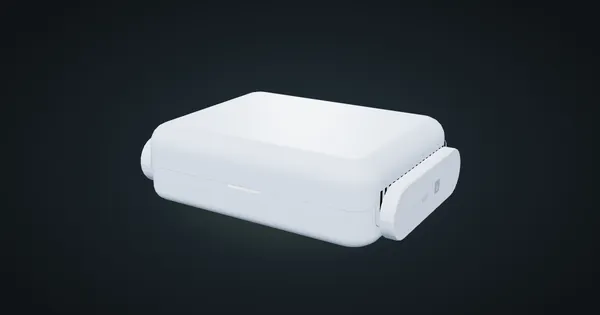
GL.iNet Beryl AX (GL-MT3000) in a 10-inch rack
GL.iNet Beryl AX in a 10-inch rack: a Wi-Fi 6 travel router with a rear 2.5 GbE WAN and Gigabit LAN, 2.6 W idle, flat on the hex shelf in 1U.