GL.iNet Beryl AX (GL-MT3000) in a 10-inch rack
GL.iNet Beryl AX in a 10-inch rack: a Wi-Fi 6 travel router with a rear 2.5 GbE WAN and Gigabit LAN, 2.6 W idle, flat on the hex shelf in 1U.
 Mira Voss@nullroute5 min read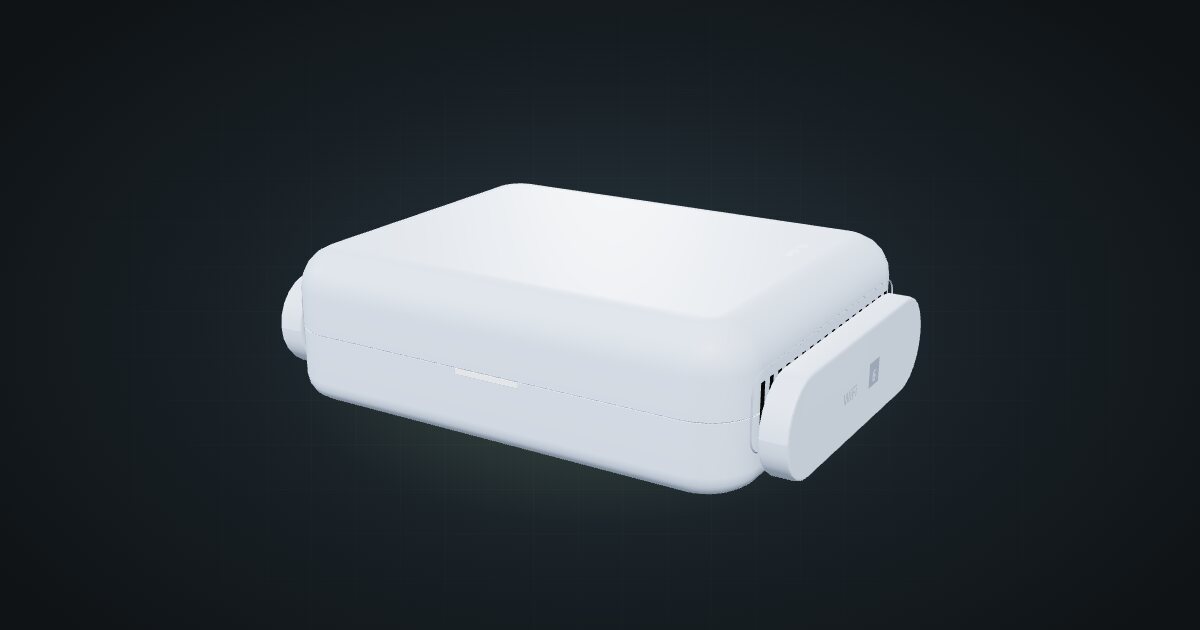
On this page
The Beryl AX is GL.iNet’s Wi-Fi 6 travel router: a dual-core MediaTek box with a 2.5 GbE WAN port, a Gigabit LAN port, USB 3.0 and OpenWrt-based firmware, all running from USB-C. In a mini rack it suits anyone who wants a small second router: an isolated lab network, a separate Wi-Fi segment for gadgets, or a router that also travels.
At a glance
| Processor | MT7981B dual-core, 1.3 GHz |
| Memory and storage | 512 MB DDR4, 256 MB NAND flash |
| Ethernet | 1 × 2.5 GbE WAN and 1 × 1 GbE LAN, both on the rear |
| Wi-Fi | Wi-Fi 6, 574 Mbps (2.4 GHz) + 2402 Mbps (5 GHz), two retractable antennas |
| USB | 1 × USB 3.0 Type-A |
| Power | USB-C, 5 V / 3 A; 2.6 W measured idle, under 8 W rated |
| Size and weight | 120 × 83 × 34 mm with antennas folded, 196 g |
Where it fits in a mini rack
The Beryl AX runs GL.iNet firmware 4.9.0 on OpenWrt, with a web admin panel and GoodCloud or AstroWarp for remote management. In a rack that makes it a capable secondary router. Put it behind the main router to carve out a lab network that cannot reach the rest of the house, or let its Wi-Fi 6 radio carry a separate network for smart-home gear. Because it is a travel router, it can also leave the rack for a trip and come back without a rebuild.
The 2.5 GbE WAN port takes a multi-gig uplink, but the LAN side is a single Gigabit port, so a wired client behind the Beryl tops out at Gigabit. The USB 3.0 port takes storage or other peripherals; keep in mind that their draw is not included in the power figures below.
What it is not: the main router for a busy rack. One LAN port means a switch for everything else, and with 512 MB of memory it is a lean OpenWrt box, not a firewall appliance for heavy inspection.
How it fits a 10-inch rack
The Beryl AX is small and low, and the configurator checks it against every rack:
There is no dedicated mount for the Beryl AX in the catalogue. The 10i hex shelf takes it flat in 1U, deck included, or upright in 3U, both at 154 mm deep. Both placements fit all six RackMate frames, from the 200 mm deep T0 and T1 to the 260 mm Plus frames and the T2. Nothing is blocked.
Flat in 1U is the obvious choice. The front carries only the status light, and the ports face the back of the rack. The catalogue models the router with both antennas folded rearward along the sides, which is how the 120 mm width is measured. Raised, they need headroom that a 1U placement does not give, so leave them folded or give the shelf a free unit above.
A community mount also exists, and it is a neat pairing: the 10-inch rack mount for Raspberry Pi 4 and a Beryl on Printables holds a Raspberry Pi 4 and a Beryl AX together. The Pi runs the services and the Beryl routes them. It is not in the configurator yet, so the fit check above does not cover it; plan with the shelf placement until it is.
Power
Two figures frame the budget. ServeTheHome measured 2.6 W at idle with no clients and 3.3 W with one 2.5GbE link active. GL.iNet states consumption below 8 W, and the catalogue plans with that upper bound. The 5 V / 3 A USB-C rating describes the adapter, not the router’s draw, and USB peripherals are excluded from all of these numbers.
For rack planning, budget 8 W plus whatever hangs off the USB port, and one USB-C supply on the strip behind the rack. There is an internal fan; ServeTheHome’s review notes it is not audible at 1 m at low load.
Networking and cabling
Both RJ45 ports are on the rear, next to the USB-C power input and the USB 3.0 port. Seen from behind, left to right: power, the 2.5 GbE WAN, the 1 GbE LAN, then USB. Both go to rear keystones:
- WAN: patch it to the rear socket of a keystone coupler. Behind a main router, a short front patch then joins that keystone to a front-facing switch port on the upstream network. As the edge router, it meets the ISP line at the back of the rack, where that line usually arrives.
- LAN: a second rear keystone, then a front patch to the switch that serves the network behind the Beryl.
- Never run a cable around the side of the rack from a rear port to the front.
From the front, the WAN and LAN keystones look identical. Label them when you patch, or the lab network ends up on the wrong side of the router.
The Wi-Fi 6 radio needs no cabling, but a rack frame and its neighbours will shadow it. If the Beryl is meant to serve wireless clients, place it near the top of an open frame.
Full specifications
Plan it
Open the GL.iNet Beryl AX in the catalogue to drop it on a hex shelf and lay out its two rear keystones. No community build uses it yet.
The Raspberry Pi 4 guide covers the board that shares the community mount. For GL.iNet’s wired-only VPN gateway, read the Brume 2 guide, and for a remote console from the same maker, the Comet Pro guide.
Sources
Related guides
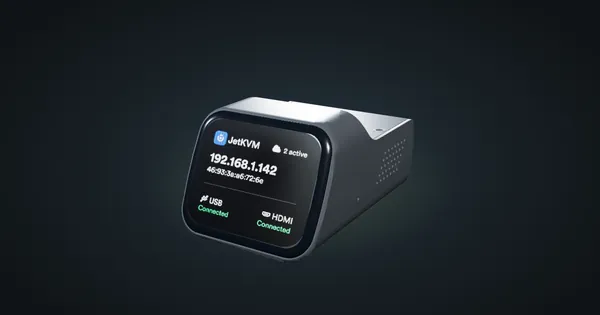
JetKVM in a 10-inch rack
JetKVM in a 10-inch rack: KVM-over-IP for the machine beside it, three printable combo mounts, a rear 100 Mbps port and a tiny power budget.
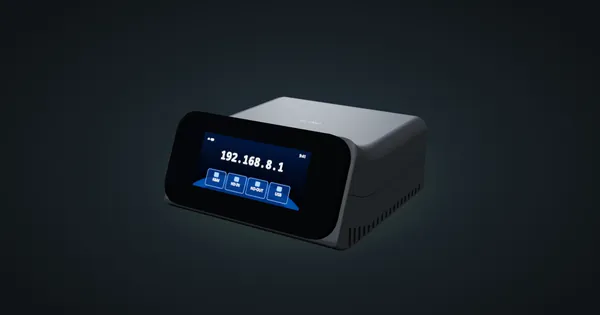
GL.iNet Comet Pro (GL-RM10) in a 10-inch rack
GL.iNet Comet Pro in a 10-inch rack: 4K30 KVM over IP with HDMI loop-out, a rear Gigabit port, under 8 W, and 2U flat on the hex shelf.
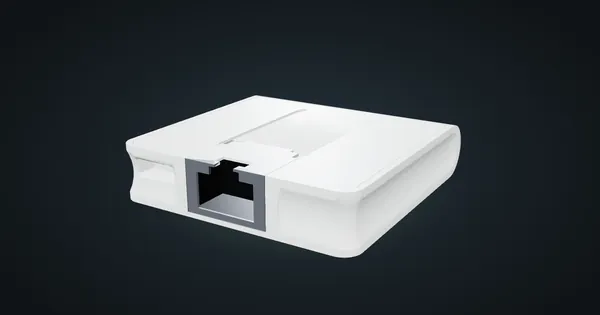
MikroTik mAP lite in a 10-inch rack
MikroTik mAP lite in a 10-inch rack: a 2.4 GHz RouterOS access point on the hex shelf, one front 100 Mbps port and a 3.5 W maximum.