YuanLey YS25-0802T in a 10-inch rack
YuanLey YS25-0802T in a 10-inch rack: eight 2.5GbE and two 10G RJ45 ports, fanless, front 12 V input, a 6U upright shelf fit and a 1U community cage.
 Mira Voss@nullroute5 min read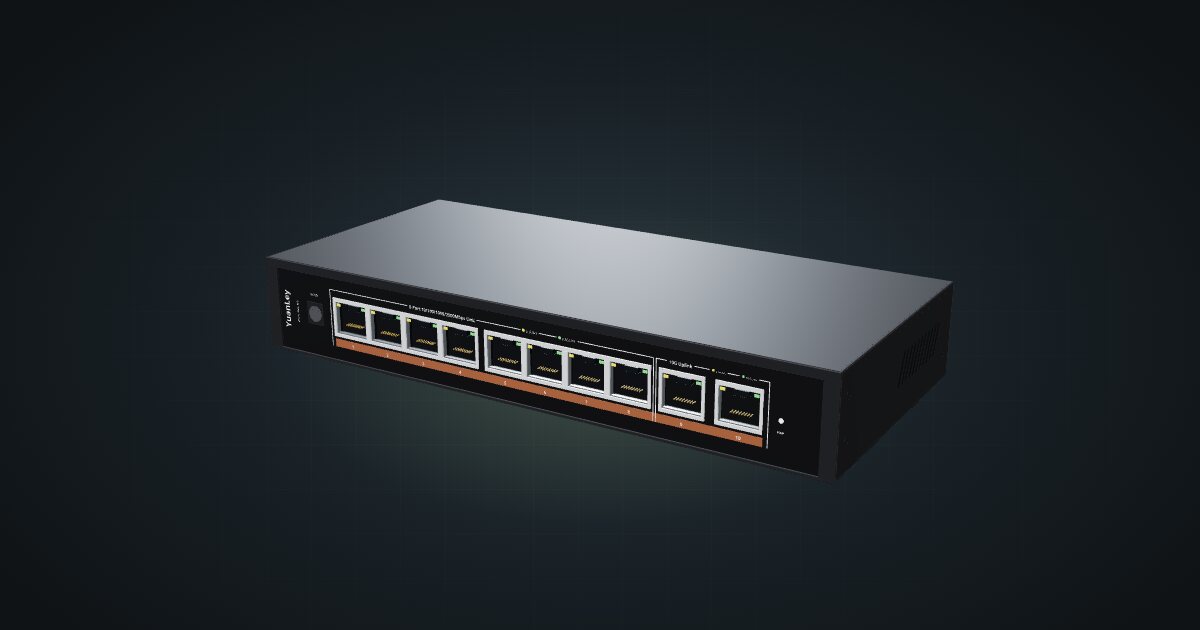
On this page
The YuanLey YS25-0802T is an unmanaged, fanless switch with eight 2.5GbE ports and two 10G uplinks, and every one of them is a copper RJ45 jack on the front. It suits a rack of multi-gig mini PCs with a NAS or workstation that wants a 10G link, without SFP+ modules or a switch interface to learn. In a 10-inch rack the hard part is its width.
At a glance
| Ethernet | 8 × 2.5GBASE-T RJ45, ports 1–8 |
| Uplinks | 2 × 10GBASE-T RJ45, ports 9–10 |
| Switching capacity | 80 Gbps non-blocking |
| Management | Unmanaged, plug and play |
| Power | Front DC jack, 12 V / 1.5 A external adapter |
| Cooling | Fanless, passive metal housing with side vents |
| Size and weight | 225 × 103 × 35 mm, 0.52 kg gross |
Where it fits in a mini rack
The two 10G uplinks are the reason to pick this switch. They are RJ45, not SFP+ cages, so a NAS or workstation with a 10GBASE-T card plugs in with an ordinary patch cable, and the second uplink carries the rack to the rest of the house. The eight 2.5G ports take a row of mini PCs, a second NAS or anything else that has outgrown Gigabit. YuanLey rates the fabric at 80 Gbps non-blocking, which is what all ten ports at full speed in both directions add up to, so the switch itself shouldn’t be the bottleneck.
Unmanaged is the whole personality. There is nothing to configure: no VLANs, no port settings, no monitoring. If your rack separates lab, IoT and home traffic, this switch can only live inside one of those networks, with a managed switch or router doing the separating upstream. It also has no cages at all, so if you want DAC cables or fibre, it is the wrong switch.
Check the model before you buy or plan. The catalogue entry is the YS25-0802T with copper uplinks, not the YS25-0802, which has SFP+ cages instead.
How it fits a 10-inch rack
There is no dedicated mount for the YS25-0802T in the catalogue yet, and the width decides everything. The configurator checks each placement against every rack:
- Flat on the 10i hex shelf is blocked in every frame: at 225 mm wide, the switch is wider than the shelf.
- Upright on the hex shelf works, but it takes 6U at 154 mm deep. That fits the RackMate T1/2 Plus, T1, T1 Plus and T2.
- The four-unit T0 and T0 Plus have no catalogue placement at all: there are not enough units for the upright option.
Depth is never the problem. The body is 103 mm deep and sits well inside the 154 mm shelf, in both the 200 mm and the 260 mm frames.
Upright, the switch needs 6U, and the RackMate T1/2 Plus has exactly 6U. In that frame the switch takes the whole rack, so plan for a T1 or larger if anything else has to fit.
There is a better answer outside the catalogue. The community 10 Inch - 1U - Switch YS25-0802T on MakerWorld is a 1U cage designed for this exact model. It is not in the configurator yet, so the fit check above can’t place it. If you print it, plan that 1U by hand.
Power
YuanLey publishes very little here. The product page claims less than 2 W in standby, with no links up, and there is no idle-with-links or maximum figure. The catalogue therefore has no low figure and plans with 18 W, the rating of the 12 V / 1.5 A adapter. That is a planning allowance, not measured consumption. Expect the two 10GBASE-T ports to draw noticeably more under load than the standby claim suggests.
Budget 18 W on the power strip or UPS and find a home for the adapter. The DC jack is on the front, so the power lead leaves the switch on the same face as the network cables. Give it a path inside the frame to wherever the adapter lives, for example down the side of the shelf to the rack floor, and never route it around the outside of the rack.
The case is passive and rated for 0 to 45 °C. Keep it away from the hottest mini PCs and leave its side vents clear.
Networking and cabling
All ten network ports face the front. Ports 1 to 8 are 2.5GBASE-T jacks rated 10/100/1000/2500 Mbps; ports 9 and 10 are the 10G uplinks. Patch them to front keystones or straight to front-facing ports on the hosts in the same rack.
The manual’s cabling limits are generous for a rack: Cat 5e or Cat 6 up to 100 m on the 2.5G ports, and Cat 6 up to 55 m or Cat 7 STP up to 100 m on the 10G ports. Short patch cables are well inside either, but use Cat 6 or better on the uplinks.
Each jack has a yellow link/activity LED and a green LED that lights for a 2.5G link on ports 1–8 or a 10G link on ports 9–10. A port that shows yellow but not green has negotiated a lower speed, which usually points at the cable or the host.
How it differs from the QNAP and UniFi Flex switches
The QNAP QSW-2104-2S and the Ubiquiti UniFi Flex 2.5G PoE are the closest catalogue alternatives:
| YS25-0802T | QSW-2104-2S | UniFi Flex 2.5G PoE | |
|---|---|---|---|
| 2.5GbE ports | Eight | Four | Eight, with PoE++ output |
| 10G uplinks | Two RJ45 | Two SFP+ | One combo, RJ45 or SFP+ |
| Switching capacity | 80 Gbps | 60 Gbps | 60 Gbps |
| Management | Unmanaged | Unmanaged | UniFi Network |
| Power figure | 18 W adapter allowance | 12 W max | 17 W max, excluding PoE output |
| Hex shelf | Upright only, 6U | Flat, 1U | Upright only, 5U |
The QNAP is the one that lies flat in 1U on the shelf, at the cost of half the copper ports and uplinks that need modules or DAC cables. The UniFi Flex adds management and powers devices over PoE++, but it is also too wide to lie flat and still needs 5U upright. The YuanLey has the most copper and the only all-RJ45 10G pair, and the tallest catalogue placement.
Full specifications
Plan it
Open the YuanLey YS25-0802T in the catalogue to place it upright on the hex shelf in your rack plan.
Comparing switches? The QNAP QSW-2104-2S guide covers the flat 1U option with SFP+ cages, and the UniFi Flex 2.5G PoE guide covers the managed PoE alternative. For a host with two 2.5GbE ports to plug into it, see the ZimaBoard 2 guide.
Sources
Related guides
QNAP QSW-2104-2S in a 10-inch rack
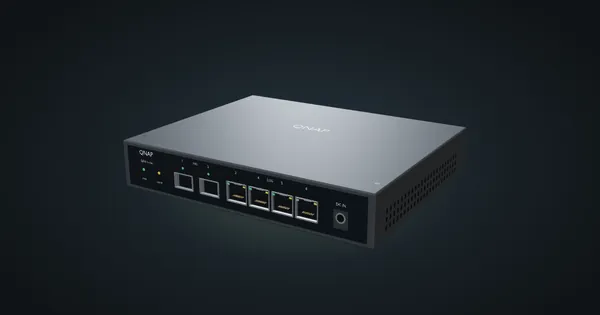
QNAP QSW-2104-2S in a 10-inch rack: unmanaged and fanless, four 2.5 GbE jacks, two 10G SFP+ cages, front DC input and a 1U hex shelf fit.
IceWhale ZimaBoard 2 in a 10-inch rack
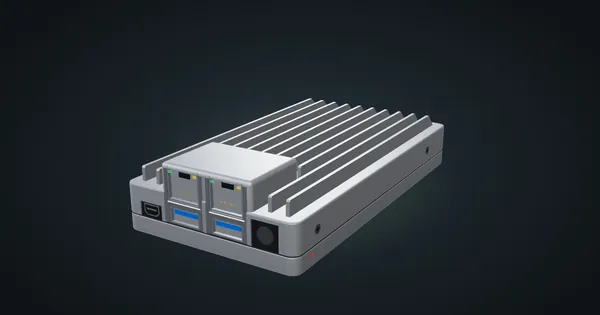
IceWhale ZimaBoard 2 in a 10-inch rack: fanless Intel N150, two 2.5GbE ports, PCIe 3.0 x4 and two SATA, 1U flat on the hex shelf, plus two community panels.
Ubiquiti UniFi Flex 2.5G PoE in a 10-inch rack
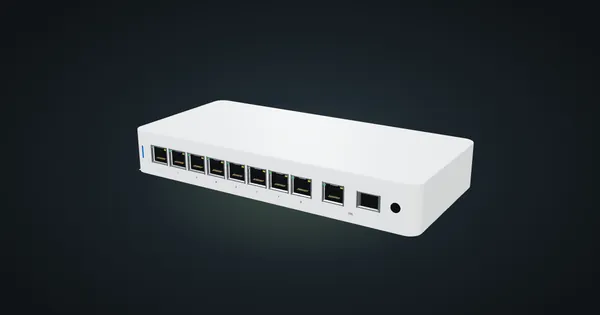
Ubiquiti UniFi Flex 2.5G PoE in a 10-inch rack: eight 2.5 GbE PoE++ ports, a shared 10G uplink, a 196 W PoE budget and an upright-only 5U fit.